AI Music for Game Developers: Loops, Stems, Middleware
Ship game music in three artifacts, not one file. A seamless loop, a stem set split into four layers, and a handoff sheet your engine can read. Most AI-generated tracks fail in a build for one reason: they are written like songs, not like systems. Below: a loop readiness contract you fill before export, a four-layer stem map for adaptive mixing, prompt patterns that produce loopable material, and a middleware handoff checklist the engine side can actually act on.
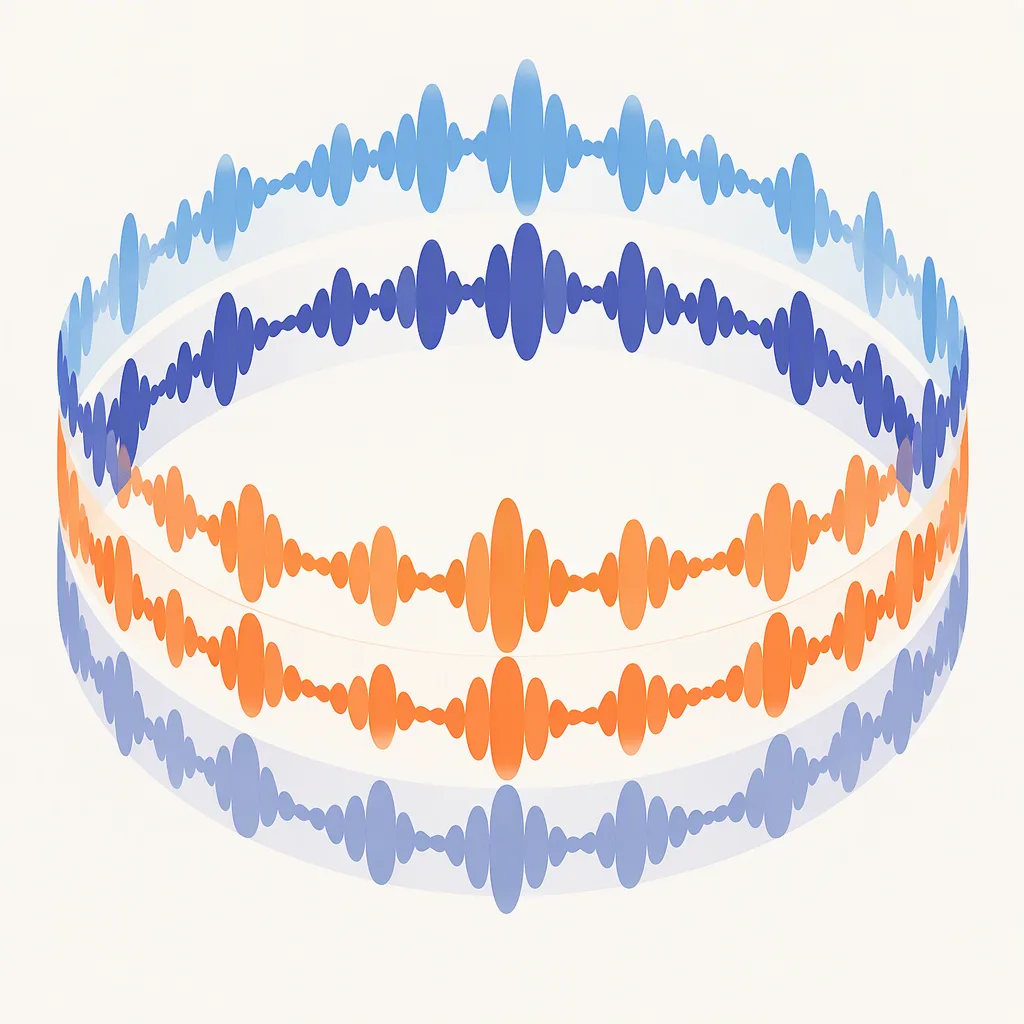
The three artifacts a build actually needs
Anything you can hand to an engine has to do three jobs. Decide the answer to each before you generate a single take, because the prompt has to satisfy all of them at once:
| Artifact | What it must contain | What breaks without it |
|---|---|---|
| Loop | Fixed bar count, fixed length, return-to-one seam, single loudness target | Player hears a click, a fade, or a restart pop after one cycle |
| Stem set | Two to four mutually exclusive layers at a matching length and sample rate | Adaptive mixing has nothing to fade between; combat and exploration sound identical |
| Handoff sheet | Format, sample rate, channel layout, loop points, loudness, license line, file names | Audio programmer rebuilds the file and asks you the same five questions again |
If you only have time to ship one, ship the loop. If you can ship two, add stems. The handoff sheet takes a few minutes and prevents weeks of back-and-forth later.
The loop readiness contract
Fill this block in plain text before you press export. It is the single piece that separates a working loop from a song fragment. Save it next to the file and hand both to the engine side.
loop_id:        unique short name (snake_case, no spaces)
length_seconds: total length, fixed, in seconds
bpm:            tempo in beats per minute (whole number)
time_signature: 4/4, 3/4, 6/8, etc.
key:            root note plus mode (A minor, C major, D dorian)
bar_count:      integer bar count
seam_policy:    return-to-one | crossfade | bar-aligned cut
tail_policy:    no-tail | loop-tail-removed | short-natural-decay
loudness_lufs:  integrated target for the full file
format:         wav | ogg | flac
sample_rate:    44100 | 48000
channels:       1 | 2
license_line:   human-readable summary of the chosen license
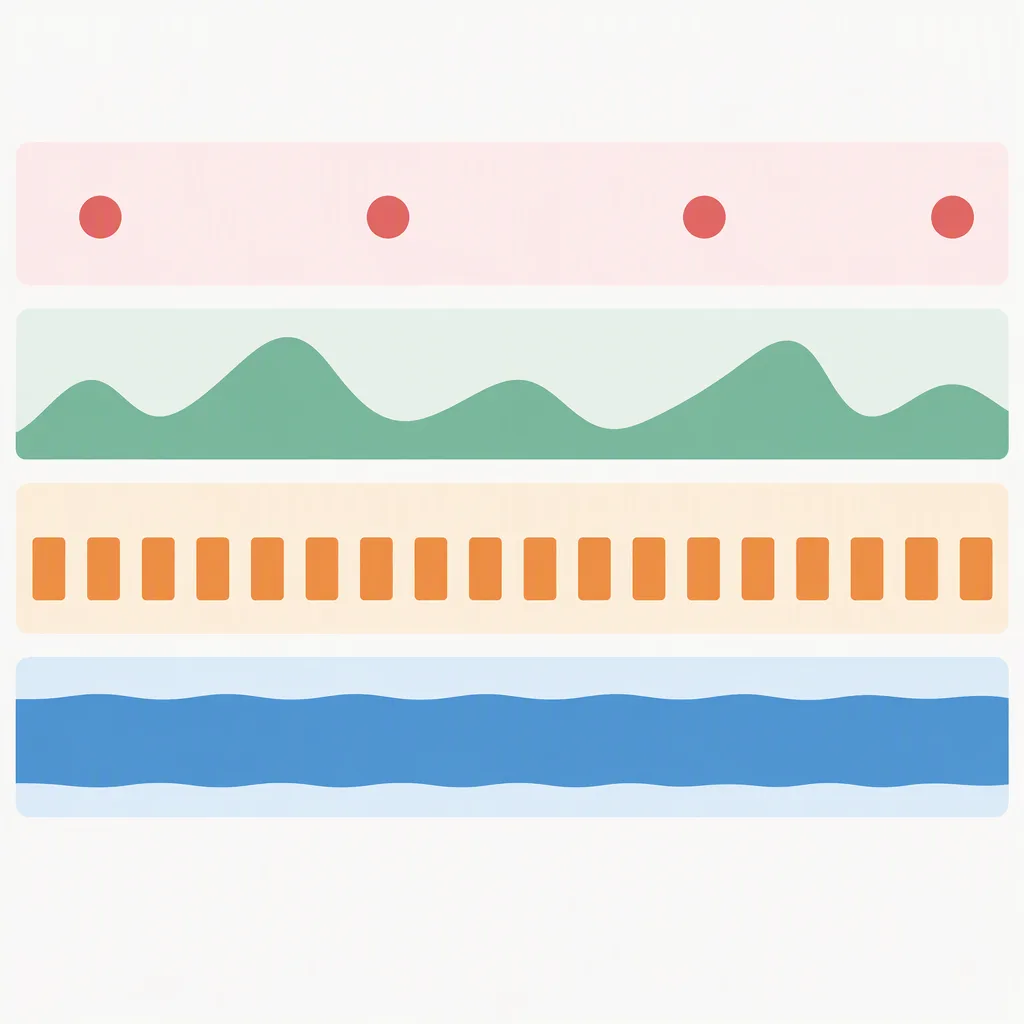
Two contract fields decide most failures. The first is seam_policy: return-to-one means the very last sample lines up with the very first sample; bar-aligned cut means the cut happens on a bar boundary and the engine snaps to it. The second is tail_policy: a long natural reverb tail at the end of a loop is the most common cause of a fade-in-fade-out pop that nobody can hear until the build runs for a minute.
How to check a seam without guessing
A seam test is a method, not a verdict. Use the same method every time so a result is comparable across takes and across tools. The method below needs no plugin, no meter, and no special build.
- Render the loop to its target length, not the source length.
- Make a second copy and reverse-trim it so the last two seconds of copy A and the first two seconds of copy B sit side by side.
- Listen at the boundary three times: first at conversation volume, second at low volume, third at high volume.
- Cross-fade the two copies at five crossover points (0 percent, 25 percent, 50 percent, 75 percent, 100 percent of the bar) and listen at each one.
- Open the file in any free editor and check that the very last sample and the very first sample sit close to zero.
What you are listening for is a transient at the join, a sudden dynamic change, or a tail that re-enters under the next bar. A clean seam is the same mood, the same density, and the same envelope shape on both sides of the cut.
The four-layer stem map
Most adaptive game music only needs four layers, each with one job. The same prompt can produce all four if you tell the tool to keep them mutually exclusive in frequency and rhythm.
| Layer | Role in the build | What to keep | What to cut |
|---|---|---|---|
| Bed | Always-on atmosphere, sets key and tempo | Sustained pads, drones, slow harmonic motion | Transients, melodic hooks, drum hits |
| Rhythm | Pulse for movement and traversal | Kick, hat, percussion at the chosen BPM | Melodic content, sustained pads, reverb tails |
| Melody | Theme and identity | Lead line, hook, signature phrase | Sub-bass, sustained pads, percussion |
| Accent | Stingers, transitions, danger moments | Short risers, hits, sweeps, single-bar stabs | Looped patterns, sustained material, long decay |
The rule that makes adaptive mixing work is simple: at any moment, only one layer owns the foreground. If the bed and the melody are both loud in the same frequency range, the engine cannot crossfade them without a ducking artifact. The four layers only sound right when they each own a different band of the mix.
Prompt patterns for loopable material
Each prompt below is shaped to produce a single bar pattern that repeats cleanly. The exclusion lines are the part that does the most work: they tell the tool what to leave out, which is what most tools get wrong on the first try.
Calm exploration loop, fantasy overworld, 92 BPM, no vocals,
warm pad + light harp + soft kick on beats 1 and 3,
structure: 4-bar loop that returns to its starting chord,
exclude: melody, exclude: drums in verse, exclude: reverb tail
Tense stealth loop, sci-fi interior, 78 BPM, no vocals,
sub drone + clock-tick percussion + muted bass,
structure: 2-bar pattern with one bar of motion and one bar of stillness,
exclude: melodic hooks, exclude: drum fills, exclude: bright highs
Combat loop, action boss fight, 132 BPM, no vocals,
punchy kick + driving hats + distorted bass,
structure: 4-bar pattern with a half-bar fill every two cycles,
exclude: sustained pads, exclude: clean guitars, exclude: vocal chops
Menu or hub loop, soft and neutral, 84 BPM, no vocals,
pluck synth + light brushed drums + airy pad,
structure: 8-bar loop with no peak, no hook,
exclude: sudden dynamic changes, exclude: drop, exclude: key change
Victory sting, very short, 110 BPM, no vocals,
brass hit + rising cymbal + sustained resolve,
structure: 6 seconds, single resolved chord at the end,
exclude: loop, exclude: rhythmic content, exclude: development
Run each prompt twice and pick the take whose bar count, key, and tail are the easiest to turn into a loop. Do not edit a take that does not loop; generate again with a tighter prompt.
Middleware handoff checklist
Audio programmers hate vague handoffs. The list below covers the questions they will ask. Answer them in the handoff sheet, in this order, and the file is ready to drop in.
- Format and sample rate: pick one combination per platform. 48 kHz, 24-bit WAV is the safest default. OGG is fine for music-only builds, FLAC when the build is bandwidth-constrained.
- Channel layout: mono for music in 3D scenes, stereo for menu and cinematic, 5.1 only if the engine supports it.
- Loop points: give the bar number, the sample number, and a one-line note on the seam policy. Do not assume the engine will guess.
- Loudness target: state integrated loudness in LUFS and true peak in dBTP. A common target is -18 LUFS integrated, -1 dBTP true peak.
- File naming: use a stable pattern, for example
music_layer_bed_loop_v003.wav. The version suffix is more useful than a date. - License line: a single human-readable sentence. The engine team needs to know whether the file is cleared for in-game use, trailers, and marketing.
- Stem map: which file is bed, rhythm, melody, accent, in plain language. Audio programmers rarely want to guess.
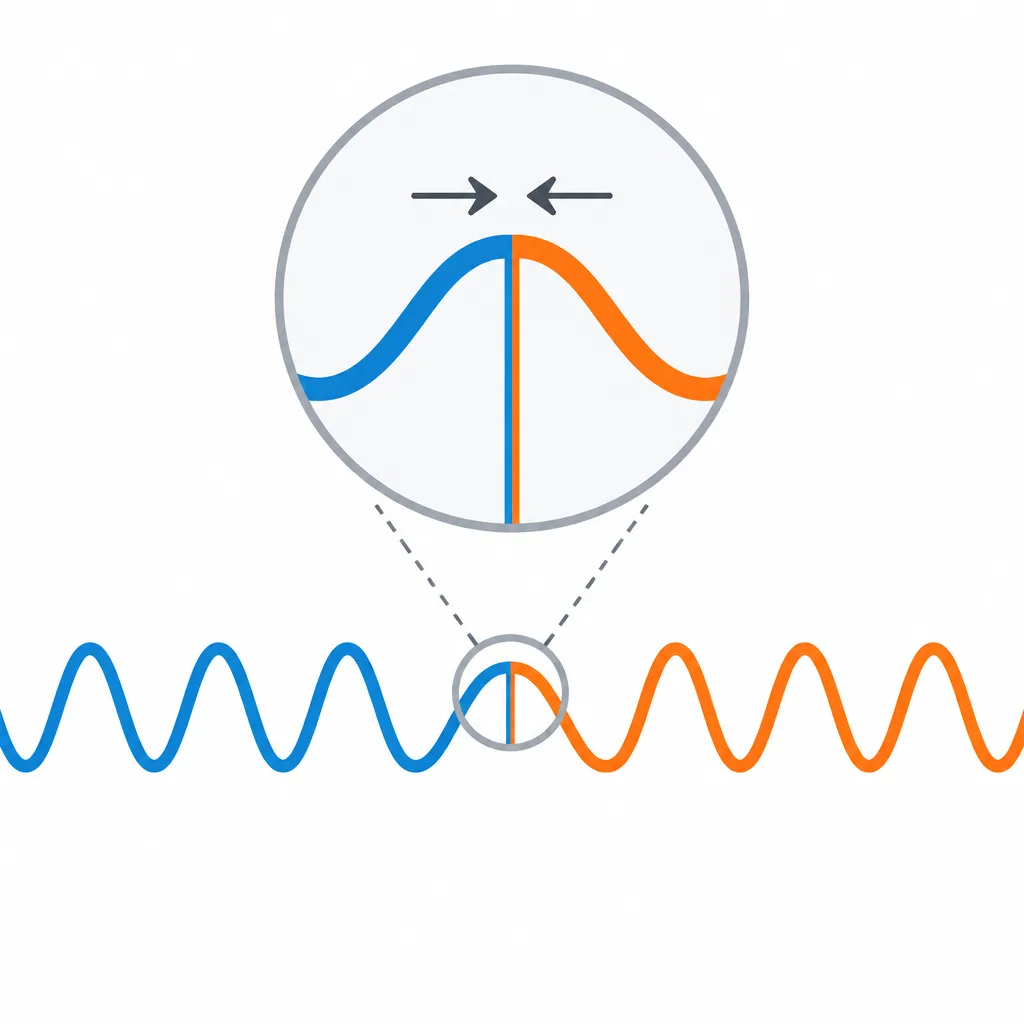
Horizontal versus vertical layering
There are two ways to let the engine re-shape music at runtime. The choice changes how you prompt and how you stem.
| Approach | What the engine does | What you need to deliver | Best when |
|---|---|---|---|
| Horizontal (stems) | Fades whole layers in and out based on game state | Two to four layers of the same length, key, and tempo | Combat, stealth, exploration, any state that flips between moods |
| Vertical (variations) | Swaps between pre-made full mixes at cue points | Multiple full takes aligned to the same intro and ending | Small differences in intensity, day-night cycles, scripted scenes |
Most games use both. The four-layer stem map covers horizontal work. The vertical layer needs three or four full mixes that share a starting chord, an ending chord, and a bar count, so the engine can jump between them without a re-transition.
What breaks in the engine, and the one line that fixes it
| Symptom in the build | Most likely cause | Change this one line |
|---|---|---|
| Click or pop at the loop point | Last sample and first sample are not at zero | Add a 5 ms equal-power fade at the boundary in the export |
| Loop sounds louder or softer after one cycle | Tail or transient bleeds into the next bar | Set tail_policy to loop-tail-removed and regenerate |
| Adaptive crossfade sounds watery | Two layers share the same frequency band | Cut the bed above 4 kHz, cut the melody below 200 Hz |
| Music drifts out of sync with gameplay | BPM does not match the engine clock | Render to whole-bar grid and report BPM as a whole number |
| Stinger is louder than the loop | Stinger rendered at a different loudness | Match integrated LUFS across all files in the set |
| Build crashes on slow hardware | Uncompressed WAV for many simultaneous layers | Switch music-only layers to OGG at quality 5 or above |
Common questions
How long should a game loop be?
The right length is the length your engine can repeat without the player noticing. Two-bar loops are the most invisible; eight-bar loops are the most common. Longer than sixteen bars usually fails because the song structure becomes obvious after two or three repeats. Pick the shortest bar count that holds the mood.
Can an AI music generator export stems?
Some do, some do not. Whether the tool returns separate layers, a multi-track project file, or a single mixed file depends on the product. If your tool only returns a single file, generate two or three takes with the same prompt but different exclusion lines and treat them as your layer set. The result is not a true stem set, but it is a workable stand-in for short builds.
What license line should I write for AI-generated game music?
The license you can offer depends on the tool, the plan you paid for, and the platform you ship on. A safe generic line is: "Cleared for in-game use in this title, no standalone resale, no redistribution as raw audio." Replace each clause with the exact terms from your tool's license before you hand the file to the engine side.
How do I keep the loop and the stinger in the same key?
State the key in every prompt, including stingers and sting variants. If the tool ignores the key line, add the key a second time in an exclusion line as "exclude: any key change" and run the prompt again. The second attempt usually lands closer.
What is the minimum set of files for a small indie build?
One loop, one combat layer, one menu loop, one short victory sting, and one handoff sheet. That is enough for a vertical slice demo. Add more layers only when a state change in the game actually needs a different mood.
Do I need to keep source files for later updates?
Yes. Keep the prompt, the contract, and the original mixed file in a folder named after the loop id. The next time you update the build, you want to regenerate the same take, not guess what worked.
Bottom line: pick one layer to ship first, write the loop readiness contract for it, generate two takes of the prompt, and run the seam test on both. The single artifact that matters most is the contract; everything else follows from it.