AI Song Generator Free: A Three-Take Plan for Your First Demo
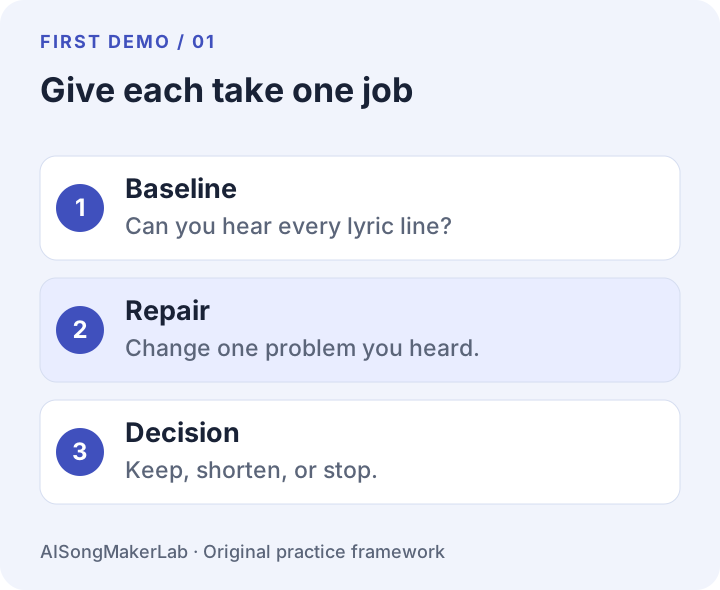
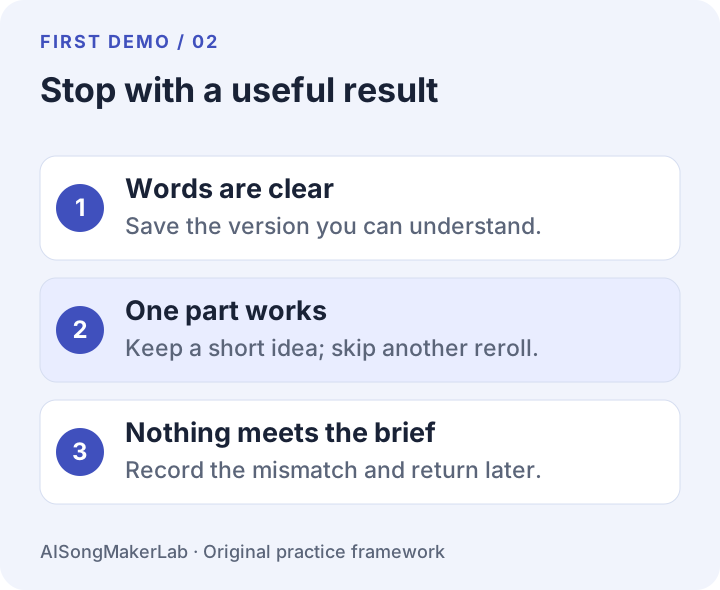
Prepare four lyric lines before spending any free generations. Use your first take to find the biggest problem, your second to change that one thing, and a third only if you can name what still needs fixing. Stop when you have a clear, useful demo or a short passage worth keeping.
This is a small exercise for a free AI song generator that accepts your own lyrics. It is not a promise that every tool gives you three free attempts, nor that three attempts will produce a finished song. Check the allowance shown in your account before you begin. One generation may spend several credits or produce more than one audio result.
Start with one modest goal
Your goal is a short, understandable song idea, not a release-ready track. Write a brief you can judge by listening: “A warm acoustic demo with one clear voice, the four lines below, and a simple ending.” Save that sentence. You will use it to decide whether a result is useful, even when it sounds different from what you imagined.
For this exercise, count a take as one generation request. If the tool returns two versions, listen to both before requesting more. Do not discard an otherwise useful result just because a second version sounds more polished in its opening seconds.
Use this original four-line lyric
The sample below was written for this guide. It uses one small scene rather than a whole story. You can replace it with four lines of your own, but finish editing the text before asking a music tool to sing it.
[Verse]
The blue cup waits beside the door
Your winter coat is on the floor
[Chorus]
I leave the porch light burning low
A little room for you to know
Read it aloud once. Circle a word you naturally rush or stumble over. Decide whether the scene says what you want it to say. These decisions do not require a generation. Keep this lyric version unchanged during the first take so you have a clear starting point.
A simple style brief
Warm acoustic pop demo. One clear lead voice, gentle guitar,
light percussion, and a small lift for the chorus. Keep the
arrangement sparse and let the four lyric lines stay audible.
End gently after the final line.
Use separate lyrics and style fields if your tool provides them. Section labels are requests, not guaranteed controls. Do not add a long collection of genres or ask for a dramatic arrangement when the immediate task is to hear four lines clearly.
Take 1: describe what you actually hear
Listen once without editing anything. Then listen again with the four lines in front of you. Note the first useful observation: a missing line, an unclear word, a distracting backing part, or an ending that interrupts the thought. Give the note a timestamp if the player allows it.
Write “the word ‘porch’ is hard to hear near the final section,” not “the model is bad at singing.” The first observation suggests a specific change. The second gives you no next action. If all four lines are understandable and the demo conveys the scene, save it now. You do not need to spend the remaining attempts.
Take 2: repair one thing
Choose one row from the table. Keep the rest of your lyrics and style brief intact. These are proposed edits to try, not claims that a particular model will obey them.
| What you heard | One change to try | What to compare |
|---|---|---|
| A line feels rushed | Shorten only that line. For example, change “Your winter coat is on the floor” to “Your coat is on the floor.” | Is the phrase easier to understand, and does it still express your scene? |
| The backing hides the words | Change the arrangement request to “voice and gentle guitar only.” | Can you hear the same words more clearly? |
| The lyric changes without permission | Check that your text is in the custom-lyrics field and automatic rewriting is off, if available. | Does the next result follow the saved text? |
| The ending cuts a line short | Ask for a brief instrumental finish after the last sung line. | Does the final thought finish before the audio ends? |
If you shorten a line, save it as lyric version B rather than replacing your only copy of version A. A clearer phrase can still lose a detail you cared about. Keep both versions until you have made your choice.
Take 3: make a decision
Use a third request only when a specific problem remains and your allowance permits it. Repeat the same observation-and-change process. You are not required to use all three takes. If the earlier result already works, another random variation may simply create more choices to sort through.
After the third request, choose one outcome: keep the clearest demo, keep a shorter useful passage, or stop and record what failed. A failed exercise is still informative when the input and the mismatch are saved. It does not become a successful demo just because you reached the final row of a checklist.
Keep a session log you can reuse
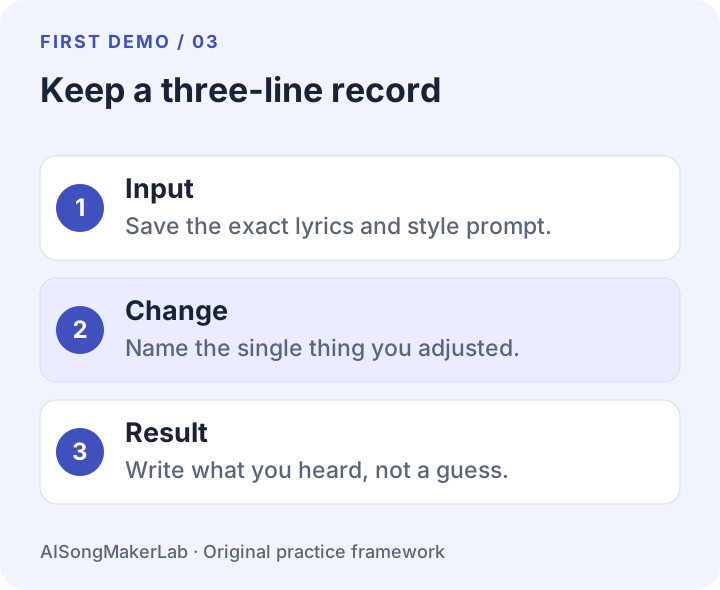
Download the plain-text worksheet before you start. Fill in the tool, date, account allowance, exact input, observed problem, and one intended change. Record the actual balance shown after each request instead of guessing how many credits it cost.
Download the free session log (.txt)
When a tool permits downloads, give the file a simple name such as porch-demo-take-02. Otherwise record the saved project reference. Check that you can return to the result. A player you can hear now is not proof that you have a reusable audio file.
How this fits the tools you find online
Tad’s generator page describes custom lyric input and free credits for new users. Somio’s tutorial describes several creation modes, including lyrics-to-music. OpenMusic’s song page describes input, generation, refinement, and download. These are vendor descriptions checked on 4 October 2026; we have not verified the current account experience in this guide.
The exercise above adds a specific preparation sequence and revision record. Confirm available controls, registration requirements, export access, and applicable usage terms on the tool you actually choose. This guide does not establish commercial-use rights.
If you want one tool to run this exercise on, AI Song Maker takes lyric and style input in separate fields and returns a vocal draft you can apply the three-take sequence to. Confirm its current free allowance and export terms in your account before you spend an attempt.
Questions before you spend an attempt
Do I need to use all three takes?
No. Stop after the first useful result. Three is a ceiling for this exercise, not a requirement or a promise of quality.
What if I only have enough allowance for one?
Do the lyric and style preparation first, make one request, and record the result. Save your proposed repair for a later session. Do not assume that a daily reset or extra credits will be available.
Should I change the tool halfway through?
Start a separate session log if you do. Different tools can interpret the same request differently. Keep the first exercise intact so you can distinguish a prompt revision from a change of generator.
What if I want an instrumental?
This exercise is for a vocal demo. For an instrumental, define one audible goal such as a steady accompaniment or a clean ending, then use the same observation-and-one-change record.