AI Music Generator Background Tracks and Content ID: A Claim-Ready Evidence File
Treat every background track from an ai music generator as claimable on day one. Before you upload, save four items in a single folder: the licence terms as displayed on the day of generation, the export record, a dated copy of the rendered audio, and the exact audio file you actually placed under the voice. When a Content ID claim arrives, those four items turn a dispute into a form you can fill in. Without them, the same claim becomes an argument you cannot win.
What a claim is · Four-file bundle · Three-state triage · Upload-day checklist · Dispute template
What a Content ID claim actually is
Content ID is the name of a matching system that registers audio reference files with a platform, then compares every upload against those references. A match is not a court ruling and not a copyright strike. It is the platform carrying out a policy that the rights holder has already chosen. The rights holder typically sets one of three policies: take the ad revenue, track view statistics on the upload, or block the upload in selected territories. A claim that just changes who earns the ad money and a claim that hides your upload in some countries are produced by the same mechanism.
This is why the dispute pathway exists for some policies and not for others. If a rights holder has chosen to block, the platform will usually show you a way to dispute on the grounds that the claim is mistaken. If the rights holder has chosen to monetise, the platform will usually show you a way to dispute as well, but the practical effect of the dispute is to ask the rights holder to review, not to switch the policy on the spot. Read the claim notice before you act; the action set changes between policies and between platforms.
For a background track produced by an ai music generator, two facts are worth keeping in mind. The first is that the match is audio based, not prompt based, so a different prompt that produces a similar mix can still be matched if the underlying fingerprint overlaps. The second is that an instrumental placed under a voice is still the same audio for matching purposes, which is why a quiet bed of music under a narrated video can still attract a claim. Neither fact changes the rules, but both change where you look for evidence.
The four-file claim bundle
This is the original framework on this page. Before you upload, every background track needs four files in a single folder, named with the track title and the date. The folder is your evidence file; a claim notice is the request to open it.
| File in the bundle | What it actually contains | Where it comes from | Why the rights holder cares |
|---|---|---|---|
| licence-capture | The full licence page or help text shown on the day, with date and URL | The generator site or PDF the day you pressed export | Defines the rights your account had on that day |
| export-record | The order or credit record that proves which plan was active | Receipt, account history, or credit log | Distinguishes free, paid, and commercial tiers |
| rendered-audio | The unedited file the generator returned, with metadata | The download link, archived before any editing | Proves what the platform matched against |
| placed-audio | The exact file you exported into the video or stream | Your project's audio bin, untouched after export | Proves what the audience actually heard |
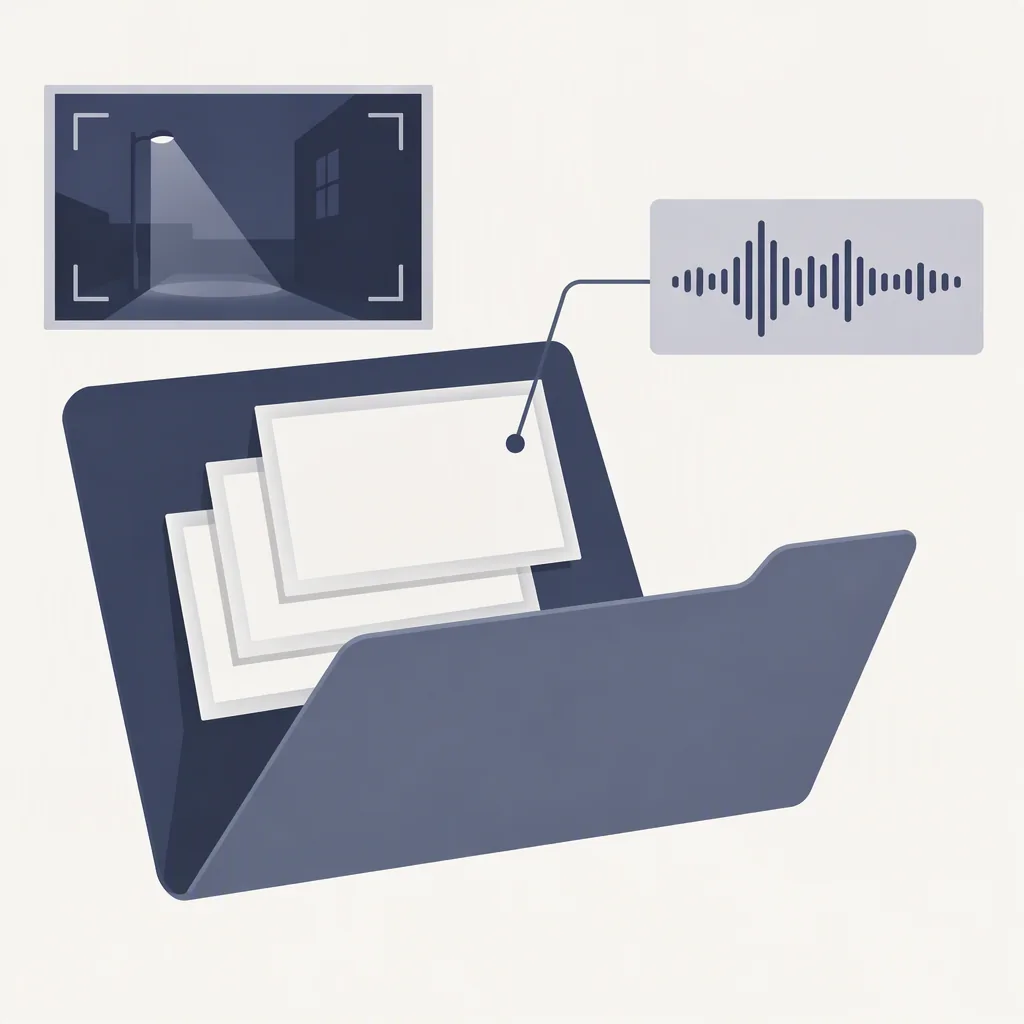
The licence capture and the export record matter because the rights a generator grants to a user often change with the plan, the region, or the date. A page you bookmarked in January may not be the page that was shown in October; a screenshot you take in October is the right evidence. The rendered audio and the placed audio are kept as two files because rights holders will sometimes ask whether the version that was matched is the version you used; if the two files have different names and different timestamps, you can answer that question without re-encoding anything.
A useful test before you publish a video is to open the bundle folder, read the four filenames aloud, and check whether each one answers a single question. If a name reads like licence-capture-export-2025-final-v2, you have too many versions in one file and will not know which one the claim refers to. The discipline of one file per question is what makes the bundle small enough to attach.
Three states, three actions
A claim notice arrives in one of three states. Each state has a single next action; choosing the wrong one is what turns a five-minute task into a weekend.
| State | What you can see | Next action | What to record |
|---|---|---|---|
| Claim, policy is monetise | Ad revenue is shared, video stays public | Decide whether to accept or dispute within the time shown | Your decision, the reason, the date |
| Claim, policy is block | Video is hidden in one or more territories | Check whether the territory affects your audience, then dispute or trim | Territories listed, audience reach, the action you took |
| No claim, but the audio is in the bundle | Upload stayed up, no notice on the video | Keep the bundle for the life of the upload | Upload date, archive location of the bundle |

The triage step exists because the same claim text can describe two different situations. A monetise claim and a block claim both arrive as a notice; the practical answer is different. The third row matters because a clear upload is not a permission slip. The bundle still has to be kept, since a rights holder can register a reference file after your upload and issue a claim weeks later. The copy-paste card below records the upload date, which is the date you would point to in any later dispute.
Why background music gets flagged more often
Three properties of background music make it the most-claimed category for ai music generator output. They are not faults of any particular service; they are the way the audio is used.
- Long uninterrupted passages. Background tracks often play under an entire voiceover. A continuous two-minute passage is easier to fingerprint than a fifteen-second hook, so the match threshold is reached earlier.
- Low volume under a voice. A matching system does not need a track to be loud to match. Background tracks placed at a low level are still part of the audio, and the system matches the full mix, not the audible foreground.
- Loops and edits that re-use the same bed. A single background track used across many videos is matched many times. Each upload is its own claim, and the second, third, and tenth claim are rarely the first one a creator notices.
None of these are reasons to stop using a generated track. They are reasons to keep the bundle and to check the claim notice quickly, because the longer a monetise claim sits unaddressed, the more revenue is attributed before the dispute is reviewed.
The upload-day checklist
Run this list the same day you upload, before you walk away from the project. The list is a copy-paste template; keep it open in a second tab while you save the four files.
1. Save the generator's licence page or help text as displayed today.
2. Save the export or credit record from your account history.
3. Save the unedited rendered audio with its original filename.
4. Save the exact audio file you placed under the voice.
5. Place all four files in a folder named after the video or the track.
6. Note the upload date and the bundle path in a single line of a log.
7. After upload, watch the public page for the first hour for any notice.
8. If a notice appears, run the three-state triage before acting.
9. If no notice appears, keep the bundle for the life of the upload.
10. Re-check the licence page if the generator updates its terms later.
The list is intentionally short. Each step is a single decision: save this file, save that file, record this date. Decisions that are not single-step belong in a different page, the same way that a stem-mixing decision belongs in a stem-mixing page. The licence-reading worksheet covers the harder question of what a licence permits; this checklist covers the simpler question of what to keep on the day you upload.
A dispute message template
If a claim leads to a dispute, the message you send matters more than the message you wish you had sent. The template below is the shortest version that still gives a reviewer the four pieces of evidence they need. Replace the placeholders and keep your version in the same folder as the bundle.
Subject: Dispute of Content ID claim on [video title], uploaded [date]

Hello,

I am the uploader of the video listed above. I am disputing the
Content ID claim because the audio in the video was produced by me
using [generator name] on [generation date] and used under the
licence terms displayed on that day.

Evidence attached:
  1. licence-capture: the licence page as shown on [date].
  2. export-record: the order or credit record from [date].
  3. rendered-audio: the unedited file returned by the generator.
  4. placed-audio: the exact file I exported into the video.

The placed audio is the same file the audience heard. The rendered
audio is the file the platform matched against. I am happy to
provide additional timestamps or a short comparison clip if that
would help the review.

Thank you for your time,
[your name]
[your account or contact]
Keep the message short. A long dispute reads as a long argument; a short dispute reads as a record. The four-file bundle is doing the work; the message is just the form that points to it. If the dispute is rejected, do not write a longer message. Re-open the bundle, check whether the licence capture matches the plan you actually used, and decide whether a re-export or a new upload is the cleaner next action.
Questions from the upload-day workflow
Is a Content ID claim the same as a copyright strike?
No. A claim is the platform applying a rights holder's policy to a matched upload. A strike is a separate copyright takedown notice with its own counter-notice procedure. The two are handled in different parts of the account interface and have different effects on the account. If a notice says strike, treat it as a strike; if it says claim, use the triage table on this page.
Does the licence change if the generator updates its terms later?
For tracks you have already exported, the licence shown on the day of export is the one that applies. That is why the bundle keeps a dated licence capture. A new version of the terms applies to exports after the change, not before it. If you re-export an old prompt today, the new terms apply to the new file, and the old file's bundle stays the right evidence for the old file.
What if the same background track is claimed on every video that uses it?
This is the most common case for a busy channel. Keep one bundle per track, not one bundle per video, and reference the same folder in each dispute. A reviewer who sees the same bundle twice in a week will recognise it as a workflow rather than a special case, which is the framing that leads to a faster review.
Can a quiet track under a voice still be matched?
Yes. Content ID matches the audio, not the loudness or the foreground. A bed of music at a low level is still part of the mix the platform analyses. If the upload is matched, the relevant evidence is the placed audio file at the volume you used, not a louder version played for the reviewer. Save the file the way it was used.