AI Music Generator Free Credits: What 20 a Day Actually Buys You
A daily free-credit allowance buys far fewer usable tracks than the song count on the pricing page suggests, because most credits are spent on takes you throw away. The number that decides whether a free tier is enough is cost per keeper: credits spent divided by tracks you would still play next month. Below: a one-page credit ledger to measure it, the four places free credits leak, and a two-pass spending plan that fits inside a small daily allowance.

The song count on the pricing page is a ceiling, not a budget
Free tiers are usually described with a song count: a daily allowance that is "enough for about ten songs", or a monthly pool sized against a typical track length. That figure assumes every generation is a success. In practice a first take is a draft, and drafts are the expensive part of any AI music generator workflow.
Three things separate the advertised number from what you actually get:
- Generations are not keepers. One idea usually needs several runs before one is worth exporting.
- Length changes the price. A short clip and a full-length track do not cost the same number of credits on most plans.
- Some actions cost without producing a file. Extending, re-rolling a section, or regenerating lyrics can each draw on the same allowance.
So the useful question is not "how many songs does the free plan include" but "how many credits does one keeper cost me". The rest of this page is a way to answer that with your own numbers in a single afternoon.
The one-page credit ledger
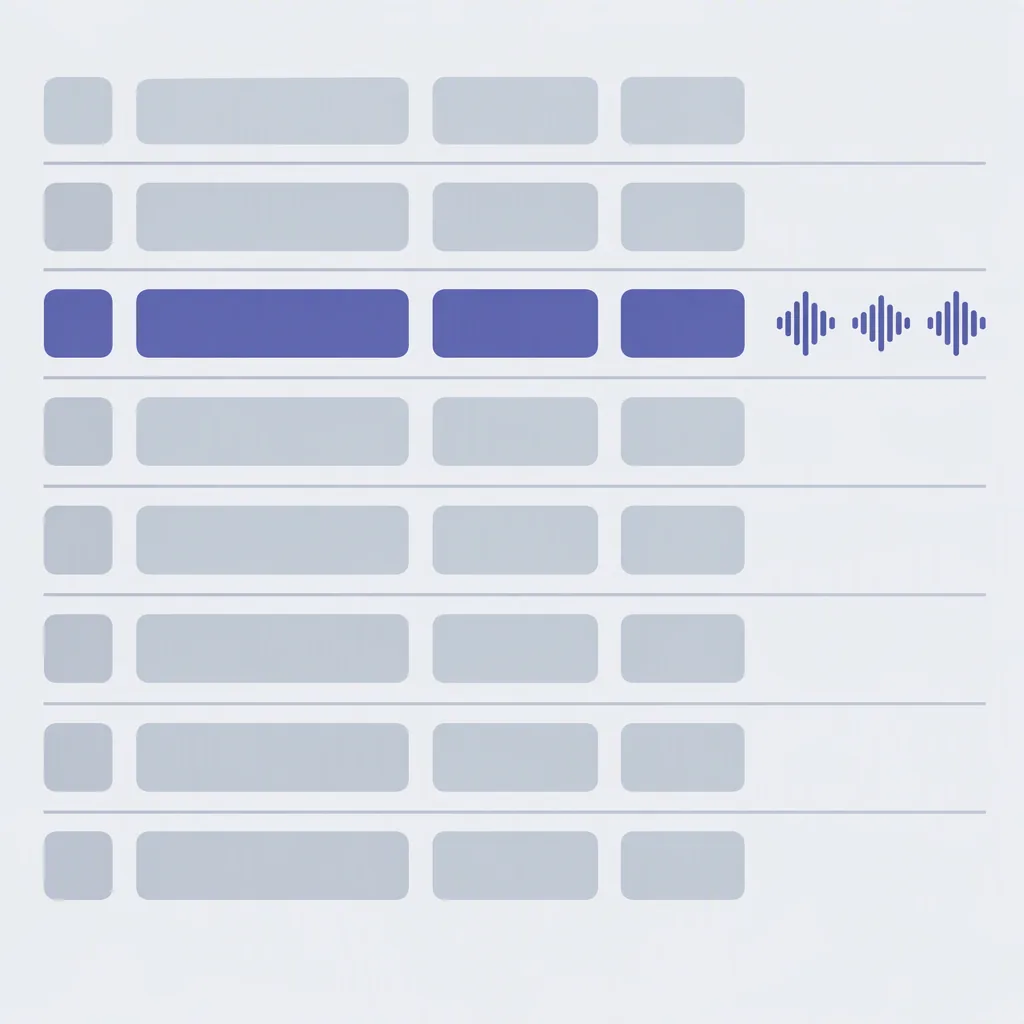
You cannot manage an allowance you do not write down. Keep one line per generation, and fill it in before you press generate, not after. Copy this template into any plain text file:
DATE        JOB-NAME        PROMPT-ID   CREDITS   LENGTH   RESULT   WHY
---------------------------------------------------------------------
2026-10-14  podcast-intro   P-07        2         0:30     discard  too busy
2026-10-14  podcast-intro   P-07        2         0:30     partial  verse good
2026-10-14  podcast-intro   P-07        2         0:30     keeper   fixed intro
---------------------------------------------------------------------
TODAY TOTAL CREDITS: 6      KEEPERS: 1      PARTIALS: 1      DISCARDS: 1
Six columns is enough. Two of them do most of the work:
- PROMPT-ID — the same identifier every time you reuse a prompt with one variable changed. Without it you cannot tell whether a change helped.
- RESULT — one of three words only: keeper, partial, or discard. "Partial" means one section is usable and the rest is not; it is the most expensive category and the one people forget to record.
The WHY column is where the pattern shows up. After twenty lines you will see the same four or five reasons repeating, and those reasons tell you what to fix in the prompt rather than in the tool.
Cost per keeper: the one formula worth tracking
Once you have a ledger, the arithmetic takes ten seconds:
cost per keeper = credits spent on a job / keepers from that job

cost per usable minute = credits spent / minutes of audio you would ship

free-tier runway in days = credits in the allowance / credits you spend per day
Here is how it works with placeholder numbers. This is arithmetic from a made-up example, not a measurement — substitute the figures from your own plan and ledger:
A short pair of takes costs 2 credits. You run the idea four times:
4 runs x 2 credits = 8 credits spent
1 of the four is a keeper

cost per keeper = 8 / 1 = 8 credits
If the daily allowance is 20 credits, that is 2 keepers per day,
plus 4 credits left over for one more run.
Run the same arithmetic on a job with a better hit rate — say one keeper in every two runs — and the same 20-credit day produces five keepers instead of two. That difference is not the tool. It is the prompt, and it is the part you control.
The second formula matters when your output has a target length. Background beds, loops, and intros are priced in usable minutes, not in tracks, and a generator that produces long takes can look cheap per song while being expensive per minute you can actually use.
The four places free credits leak
Every drained allowance I have seen described follows one of these four patterns. Match the symptom, then apply the rule:
| Leak | What it looks like | Rule that stops it |
|---|---|---|
| Re-rolling the same prompt | Five takes that all fail for the same reason | Two takes, then change one line of the prompt before take three |
| Regenerating the whole track for one bad section | A good verse thrown away because the chorus is wrong | Record "partial" in the ledger and target the section, or edit the export instead |
| Paying full length to test an idea | Three-minute takes used to check a two-second hook | Test at the shortest length the tool allows, extend only after a keeper exists |
| Spending on autopilot | The allowance is gone by mid-afternoon with nothing exported | Split the day into two passes; never spend more than half before the first keeper is banked |
The fourth leak is the one that quietly costs the most. A daily allowance resets, so an unspent day is lost forever, which pushes people into spending on something just to use it. Spending the allowance is not the goal; banking a keeper is.
A two-pass plan for one day's allowance
This is the checklist version. It assumes a small daily allowance and one deliverable. Adjust the split, keep the order:
- Pass one, half the allowance. Test the idea at the shortest useful length. Two to three takes maximum.
- Pick or kill. If nothing is a keeper after pass one, stop and rewrite the prompt. Do not spend pass two on the same words.
- Bank the winner. Export the take you would keep even if nothing better appears today. This is your floor.
- Pass two, the rest. Only now chase the better version: full length, extended section, alternate vocal.
- Compare against the banked take. New is not automatically better. Keep both if the allowance allows.
- Close the ledger. One line per run, including the discards, before the day resets.
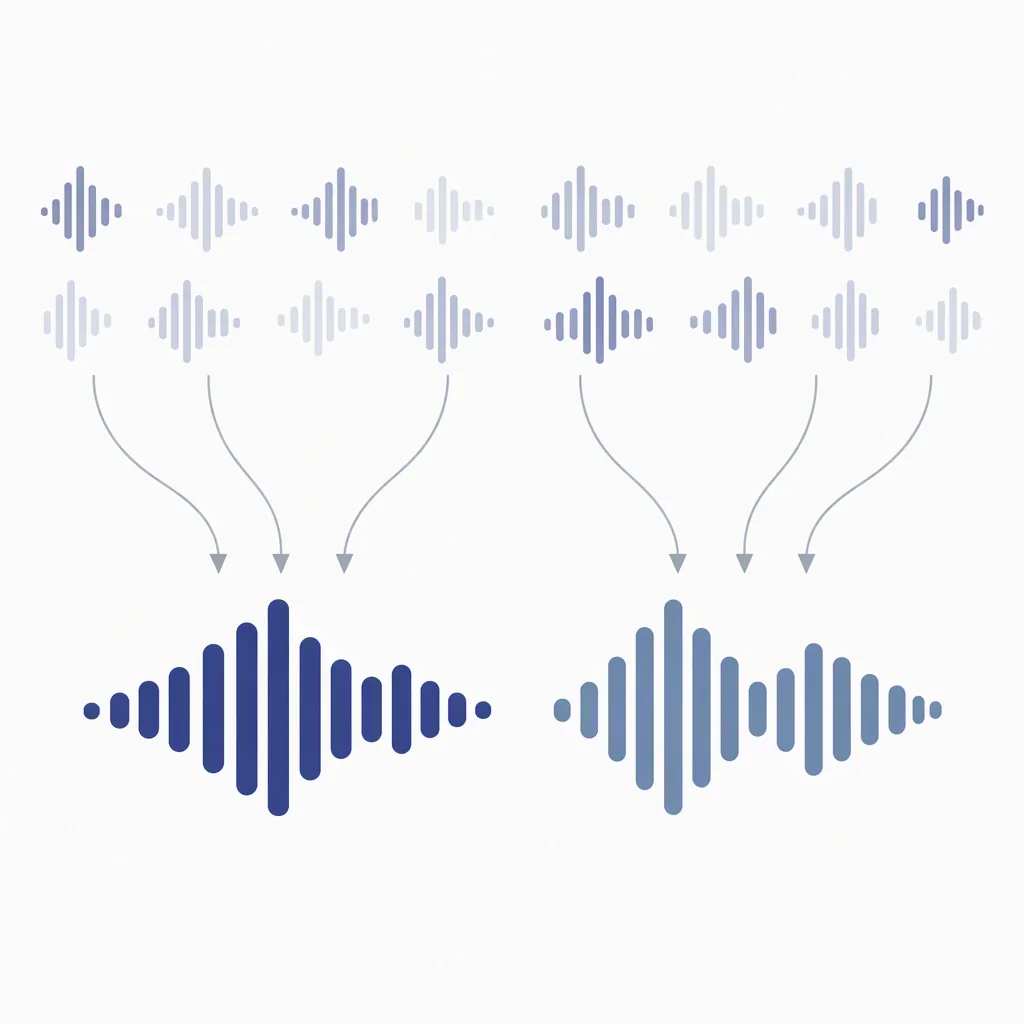
The discipline is in step three. A banked keeper changes the psychology of the rest of the day: pass two becomes upside instead of desperation, and desperation is what burns allowances.
Three allowance shapes, three plans
Free tiers are not all shaped the same way, and the shape changes which plan fits. Check your account for which one you have before blaming your prompt:
| Allowance shape | What it rewards | What breaks first | Plan that fits |
|---|---|---|---|
| Daily reset | Showing up every day with one small job | Long jobs that need more than one day's credits | Run the two-pass plan daily; never start a job you cannot finish in a day |
| Monthly pool | Batching several takes into one session | Impulse runs early in the month | Allocate a weekly slice; review the ledger weekly instead of daily |
| Daily cap plus monthly cap | Short daily exploration | Hitting the monthly cap in week one | Treat the monthly cap as the real budget and the daily cap as a pace limit |
A daily cap combined with a monthly cap is the shape that surprises people most: the daily number looks generous, so the monthly pool is gone before the month is half over. Divide the monthly figure by the number of days you plan to work, and use that as your real daily number.
The re-roll stop rule
Unlimited re-rolling is the single biggest difference between a free tier that feels generous and one that feels useless. Write the rule down before you start, so it is a decision rather than a mood:
STOP RULE for [job name]
- Take 1 and 2: same prompt, no changes.
- If neither is a keeper: change exactly ONE line (mood, tempo,
  instrumentation, or structure) and take 3.
- If take 3 fails the same way: the prompt is the problem.
  Stop generating. Rewrite it from the scene line up.
- If take 3 fails a DIFFERENT way: bank the best of the three
  and start a fresh prompt tomorrow with today's notes.
- Hard stop: 4 runs per idea per day. Above that, the allowance
  is paying for the same mistake twice.
Four runs per idea is not a magic number; it is a ceiling that keeps one stubborn idea from eating a whole day. Adjust it to your allowance, then keep it fixed long enough to be a real constraint.
Reading your own ledger
After a week, the ledger tells you which change to make. Match the pattern:
- Mostly discards with the same WHY. Fix that one line in the prompt; the tool is not the problem.
- Mostly partials. You are generating full tracks to solve a section problem. Shorten the take, or edit the export.
- Keepers but no time to finish. The allowance is the constraint, not the prompt. Batch takes on one day and finish them on the next.
- Cost per keeper falling week over week. Your prompt library is doing the work. Save the winners as named templates and stop rewriting them.
That last pattern is the actual payoff of keeping a ledger. A small library of prompts that already work turns a free tier from a trial into a working setup, and it is the only asset you keep if you change tools later. If you want a starting set, the copy-paste prompt templates by genre and mood are built for exactly this, and the four-layer budget model extends the same arithmetic past the free tier.
Common questions
How many songs does a free AI music generator really give me?
Fewer than the advertised count, because the advertised count assumes every generation is a success. Track keepers instead of generations: fill in one ledger line per run, divide credits spent by tracks you would still play next month, and that is your real number. It usually improves within a week once your prompt library does.
What is a good cost per keeper to aim for?
There is no universal target, because allowances and credit prices differ per tool. Use your own first week as the baseline and aim to beat it. A falling cost per keeper is the signal that matters; the absolute value only helps you compare two jobs on the same plan.
Should I spend every credit before the daily reset?
No. Unused credits are gone, but spending them on takes you do not want costs you the same thing. Bank one keeper first with half the allowance, then spend the rest on upside. An allowance spent on a banked keeper is worth more than an allowance spent on five near-misses.
Is it cheaper to generate one long track or several short ones?
It depends on whether your job is priced in tracks or in minutes. If you need a loop or a sting, a long take is mostly waste. If you need a full song, one long generation usually beats stitching short ones together. Test both once, record the credits for each in the ledger, and let your own numbers decide.
Do paid plans remove the credit problem?
They raise the ceiling, not the hit rate. A bigger allowance spent on the same re-rolling habit produces the same number of keepers per hour, just more of them. Fix the prompt first with the ledger, then decide whether more credits would actually change your output.
What should I do when the allowance runs out mid-job?
Stop generating and finish what you have. Export the best take, write down exactly where it fell short, and put the next run at the top of tomorrow's list. Continuing tomorrow with a note is far cheaper than restarting today from memory.
Bottom line: open a ledger before your next run, give every take a PROMPT-ID and one of three results, and split the day into two passes. One week of that turns a daily allowance from a guessing game into a number you can plan around.