Can You Publish AI Music on Spotify? A 12-Point Pre-Upload Checklist
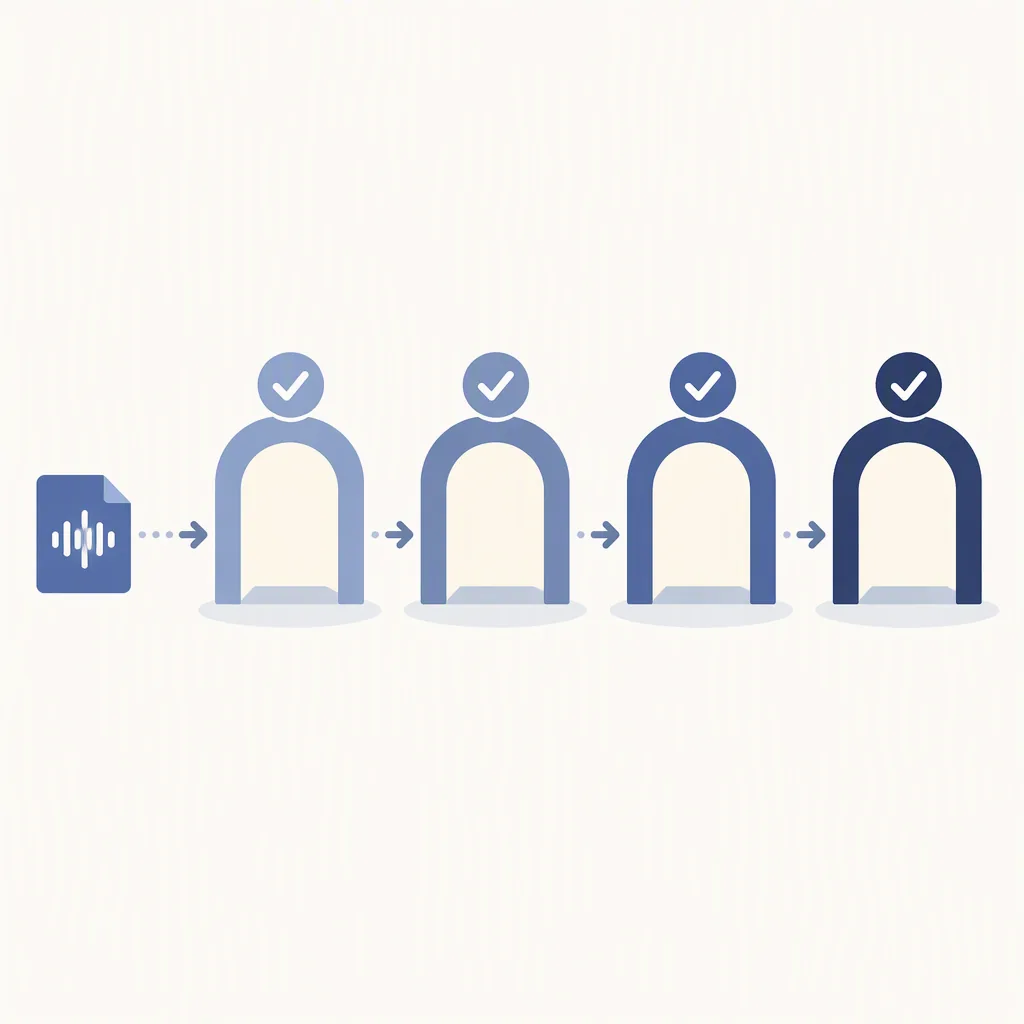
Yes — AI-assisted music can be delivered to Spotify, and the part that stops most releases is not the AI. Almost every rejection comes from three fixable things: unclear rights over what the generator produced, missing disclosure of AI use, and metadata that does not match the audio file. No one at a streaming service listens to your track to decide whether it sounds machine-made; your distributor checks your submission against its own rules, and a mismatch at that stage is what stalls or removes a release. The 12 points below are grouped into the four gates every submission passes through: rights, disclosure, metadata, and delivery.
The four gates, and why three of them are boring
Most people preparing a release spend all their time on gate four — file formats, loudness, cover art — because it is the only gate with a visible upload button. The gates that actually fail are the three before it. Thinking in four gates gives you a place to put every rule you run into, including the ones your distributor adds next year.
- Rights gate — can you show that you control the recording, the words, and the voice in it?
- Disclosure gate — did you tell the truth about how the track was made, in the field provided?
- Metadata gate — do the title, artist name, credits, and genre describe what is actually in the file?
- Delivery gate — does the master survive the upload, and does the release hold up once it is live?
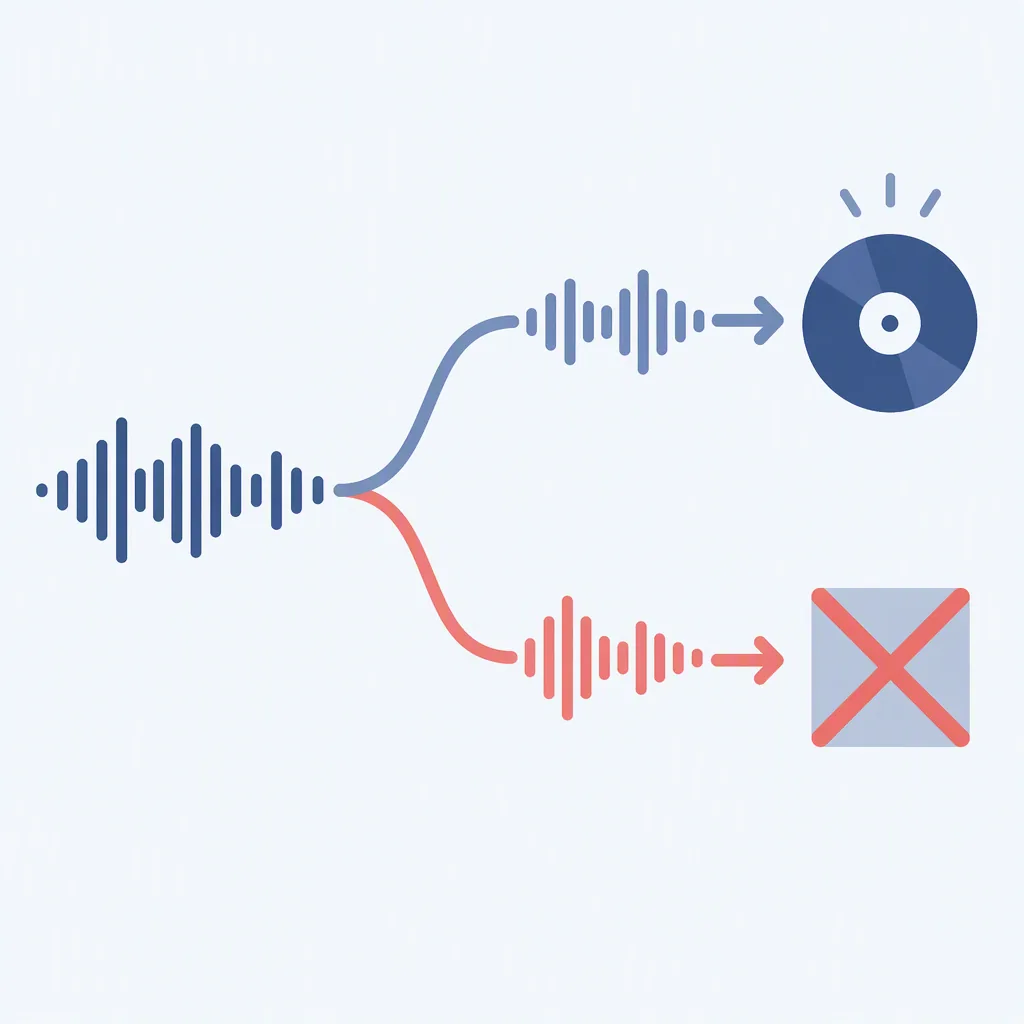
The order matters. A perfectly mastered file fails if you cannot answer gate one, and no amount of disclosure fixes an artist name that trades on someone else's. Work the gates top to bottom and you stop re-doing work.
Gate 1: Rights — three points
1. List every input you fed the model
Before you upload anything, write down what you actually put in. A prompt alone is one thing; pasted lyrics, an uploaded melody, a reference audio file, and a stem you bought are different things with different histories. The output inherits questions from the input, so the inventory comes first.
2. Run the vocal-identity check
Play the vocal for someone who did not hear the prompt and ask one question: does this sound like a specific, identifiable singer? If the answer is yes, stop. Synthetic voices that imitate a real performer are the fastest route to a takedown and, in some jurisdictions, to a claim you cannot defend. Regenerate with a different voice or replace the vocal entirely.
3. Keep one rights ledger per track
Not per album, per track. When a distributor asks questions months later, the person who can produce a dated record resolves the case in an afternoon, and the person who cannot usually loses the release. Use the copy-paste template in the next section and store it beside the master file.
The rights ledger template
Fill this in the same day you finish the track, while you still remember which of the four takes you kept. It takes about two minutes and it is the single most useful artefact in this whole workflow.
TRACK TITLE:
DATE GENERATED:
TOOL AND VERSION:
PROMPT (paste it verbatim, do not paraphrase):
INPUTS I SUPPLIED:  lyrics / melody / reference audio / stems / none
LYRICS SOURCE:     mine / tool-generated / co-written / licensed
HUMAN WORK AFTER GENERATION:  (re-sung, re-arranged, re-recorded, edited, mastered)
VOCAL IDENTITY:    generic synthetic / my own voice / licensed performer
SIMILARITY CHECK:  does this remind a listener of a named artist?  YES / NO
  if YES, what did I change before release:
DISTRIBUTOR AI DECLARATION FIELD:  filled / not offered / n/a
MASTER FILE:       wav or flac, sample rate, peak and loudness at export
COVER ART SOURCE:  original / licensed / generated, and what rights I hold
Gate 2: Disclosure — three points
Disclosure is not a confession and it is not a warning label on the cover. It is a data field, and it exists so that the platform, the distributor, and any collecting society downstream all classify the track the same way. Getting it wrong is worse than being cautious, because a wrong declaration looks like concealment.
4. Fill the AI field your distributor actually offers
Every distributor implements this differently — a checkbox, a dropdown, a free-text note, or nothing at all. Find it before you pay, not after. If there is no field, note that in your ledger with the date you looked, so you have a record of what was available to you at the time.
5. Separate assisted from imitated
These are treated very differently, and conflating them is what makes people panic unnecessarily. The table below is the mental model to use.
| What you actually did | Honest one-line description | Usual treatment |
|---|---|---|
| Generated a backing track, wrote and sang the vocal | AI-assisted production, human-written and human-performed vocal | Handled like any produced release; declare the tool if a field exists |
| Generated everything, no human performance | Fully generated instrumental and vocal, human arrangement and master | Allowed by most distributors with disclosure; registration of a human songwriter may not apply |
| Used AI to master a recording you made | Human composition and performance, AI-assisted mastering | No AI declaration normally expected; keep your session files as proof |
| Fed in someone else's lyrics or stems | Derivative work — permission required | You need a licence or written consent before any of the rest matters |
| Vocal imitates an identifiable singer | Not releasable in this form | Expect removal; regenerate or re-record before submitting |
6. Keep your own dated record of the prompt and the output
Save the prompt text, the generation date, and the file you accepted. This is not for the platform; it is for you. When a policy changes, when a claim arrives, or when you simply cannot remember which of the four takes you released, the record is what turns a guess into an answer.
Gate 3: Metadata — three points
Metadata is where AI releases get caught by accident. Everything here is machine-checked against the audio, and a mismatch reads as an attempt to misdescribe the content rather than as a typo.
7. The artist name must not trade on a real act
A generated track released under a name that is one letter away from an established artist is a decision to be taken down. Pick a name you would be comfortable defending, and check it against the artist you are most worried about being confused with.
8. Genre, mood, and language must describe the audio
If the track has no vocals, do not tag it as vocal. If it is in English, do not tag a language the model did not sing in. Stores use these fields to place the release, and a wrong placement is a signal that the submission was not prepared carefully.
9. Understand what you are registering as a songwriter
This is the point people skip and later regret. A composition generated entirely by a model has no human writer to register, and claiming one creates a registration you cannot support. If you wrote the lyrics, register the lyrics. If you arranged or re-sang part of it, register that contribution. Ask your distributor how they handle fully generated works before you submit, and record the answer.
Gate 4: Delivery — three points
10. Export a master that survives the upload
Export lossless audio, check that the file peaks below full scale with no clipping, and check true peak and integrated loudness against the target your distributor publishes. Loudness is the single most common technical rejection and the easiest to fix at export rather than after the fact.
11. Cover art: own what you ship
No logos you do not hold, no trademarked characters, no photography you do not have a licence for, and no artwork that reuses another release's visual identity. If the art was generated, keep the prompt and the generation date in the same ledger as the audio.
12. Watch the first 72 hours
A release is not finished when it goes live. Check that the store page renders correctly, that the audio matches the file you uploaded, that credits appear as you entered them, and that no claim has landed. Most problems that will ever happen show up inside the first few days, and they are far easier to resolve while the release is new.
The three late failures
Tracks that pass all four gates can still be pulled later. In practice almost every late removal falls into one of three shapes, and each one has a prevention step you can take before release
| Late failure | What triggers it | Prevention step that actually works |
|---|---|---|
| Impersonation complaint | A listener, rightsholder, or automated match decides the voice or the name belongs to someone else | The vocal-identity check at point 2, with a second listener who did not see the prompt |
| Fingerprint or content match | Audio matches material already registered by someone else, often through an input you supplied | Inventory your inputs at point 1 and never upload stems or reference audio you did not licence |
| Pattern-based removal | Release behaviour looks like catalogue spam rather than an artist release — bulk near-identical uploads, filler-length tracks | Release as a real catalogue: distinct titles, real durations, sane spacing between releases |
None of these are fixed by a better master. All three are decided before you reach the upload screen, which is the entire argument for working the gates in order.
The 12 points on one screen
RIGHTS     1. Inventory every input fed to the model
           2. Vocal-identity check with a second listener
           3. One dated rights ledger per track

DISCLOSURE 4. Fill the AI field your distributor offers
           5. Describe assisted vs imitated honestly
           6. Save prompt, date, and accepted output

METADATA   7. Artist name does not trade on a real act
           8. Genre, mood, language match the audio
           9. Register only the songwriting you actually did

DELIVERY   10. Lossless master, no clipping, sane loudness
           11. Cover art you own outright
           12. Watch the first 72 hours
How to use it: tick a point only when you can point at the artefact — the ledger line, the export settings, the store page. A checklist you tick from memory is decoration.
Common questions
Do I have to tell anyone the track was AI-generated?
You have to answer the question your distributor asks, honestly, in the field it provides. Some offer a checkbox, some a dropdown, some nothing at all. What you should not do is describe a fully generated track as a human performance, because that is the one thing that turns a policy question into a misrepresentation problem.
Can I release fully generated music under my own artist name?
In most cases yes, provided the distributor's AI rules allow it and the name does not trade on an existing act. What you may not be able to do is register yourself as the songwriter of a composition the model produced. Those are two separate questions with two separate answers, and confusing them is what causes problems later.
Does Spotify pay royalties on AI-generated tracks?
Streaming services pay per stream to whoever holds the rights to the recording, and there is no separate payment category for generated music. What is strictly policed is the behaviour around the streams, not the origin of the audio: buying plays, playlist placement schemes, or self-play farms will get a release removed regardless of how it was made.
Can I use a voice that sounds like a famous singer?
No. A synthetic vocal that a listener identifies as a specific performer is the clearest and least defensible failure in this entire list. Regenerate with a different voice, or record the part yourself. There is no version of "close enough" that holds up after release.
What if my distributor changes its AI policy after I upload?
That is when the ledger pays off. You recorded what you supplied, what the tool produced, and what you declared on the date of submission, so you can answer a new question from evidence rather than recollection. Re-read the policy, update your disclosure if the categories changed, and store the updated version of the record.
Can you actually make money from AI-generated music on Spotify, or is it just a hobby?
Some people do, but the difficulty is not the AI — it is whether the release clears the four gates above. Real creator discussions split into a "streams are a dead end" camp (catalogue flooding buries individual tracks) and a "very good money is possible" camp that adds the channel is broken in a way that makes it look impossible from outside. A twenty-year DIY musician notes this was already true before AI: streaming income alone was rare for independents after the economics changed. What separates hobby from income is treating rights, disclosure, metadata, and delivery as the real job and generation as the easy part — skip them and you get removed tracks and a story that it doesn't pay. For the full breakdown, including why streams alone usually disappoint and the non-streaming models now appearing, see Can you actually make money from AI music on Spotify?
Bottom line: open the ledger template, fill it for the one track you are closest to releasing, and run the 12 points in order. The four gates are almost always passed on the first try when the rights and disclosure work happens before the upload, not after a rejection.
Prefer video? Watch the 12-point checklist as a Short: Can You Publish AI Music on Spotify? (12-Point Checklist) on YouTube.