AI Music Generator Free, No Sign Up: Check the Download Before You Commit
Check the download route, not just the free label. For a no-account workflow, require a new result, a saved audio file and successful reopening. A public preview alone proves none of those later steps.
What we actually observed on 9 October 2026
We opened Tad's music generator page in our existing Chrome session. Its header offered sign-in and signup, and the page showed a prompt field and existing track examples. We entered our invented study-loop prompt and clicked Generate; the subsequent visible page did not show a new result. We then clicked the free-credit join button. That action opened a signup dialog with Google signup, email and verification-code controls. We stopped there without authenticating.
No new music file was obtained. Export and editor reopening were not tested. This is a record of one session and one entry route, not a claim about every account, region, plan or future version. The page also describes registration for starter credits; that vendor statement is separate from our interface observation. We did not test audio quality, speed or commercial permission.
An original four-stage evidence test
Decide what you actually need before opening a generator. For this exercise, the deliverable is one new instrumental audio file that can be saved and reopened without creating an account. A publicly playable demonstration does not meet that deliverable. Neither does a project saved only inside a website. Write the requirement in your notes so an attractive player does not silently change the task.
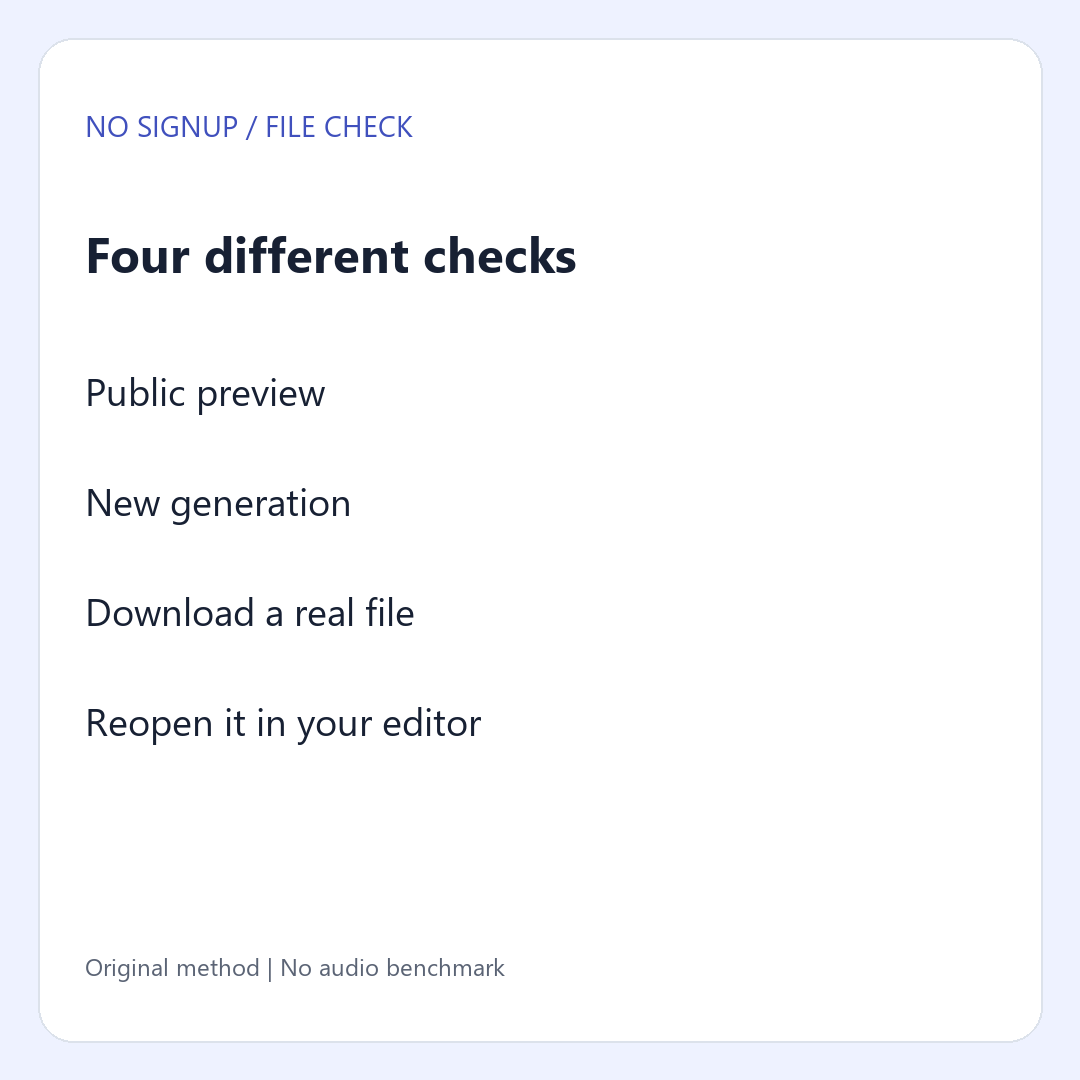
- Public preview: can you inspect the interface or hear an existing example? Record only that observation. Do not label an example as your generated output.
- New generation: submit a short invented prompt and look for a new result tied to that input. Record the visible result, any queue, and any account request. If nothing changes, mark the result unknown rather than guessing why.
- File export: try the visible download control on that new result. A sign-in request here means that the observed export route is not account-free. A download button alone is not a downloaded file.
- Reopen: locate the file you received and open it in your intended player or editor. Record its filename, format and whether it plays. An untested file stays unverified even if the browser said the transfer finished.
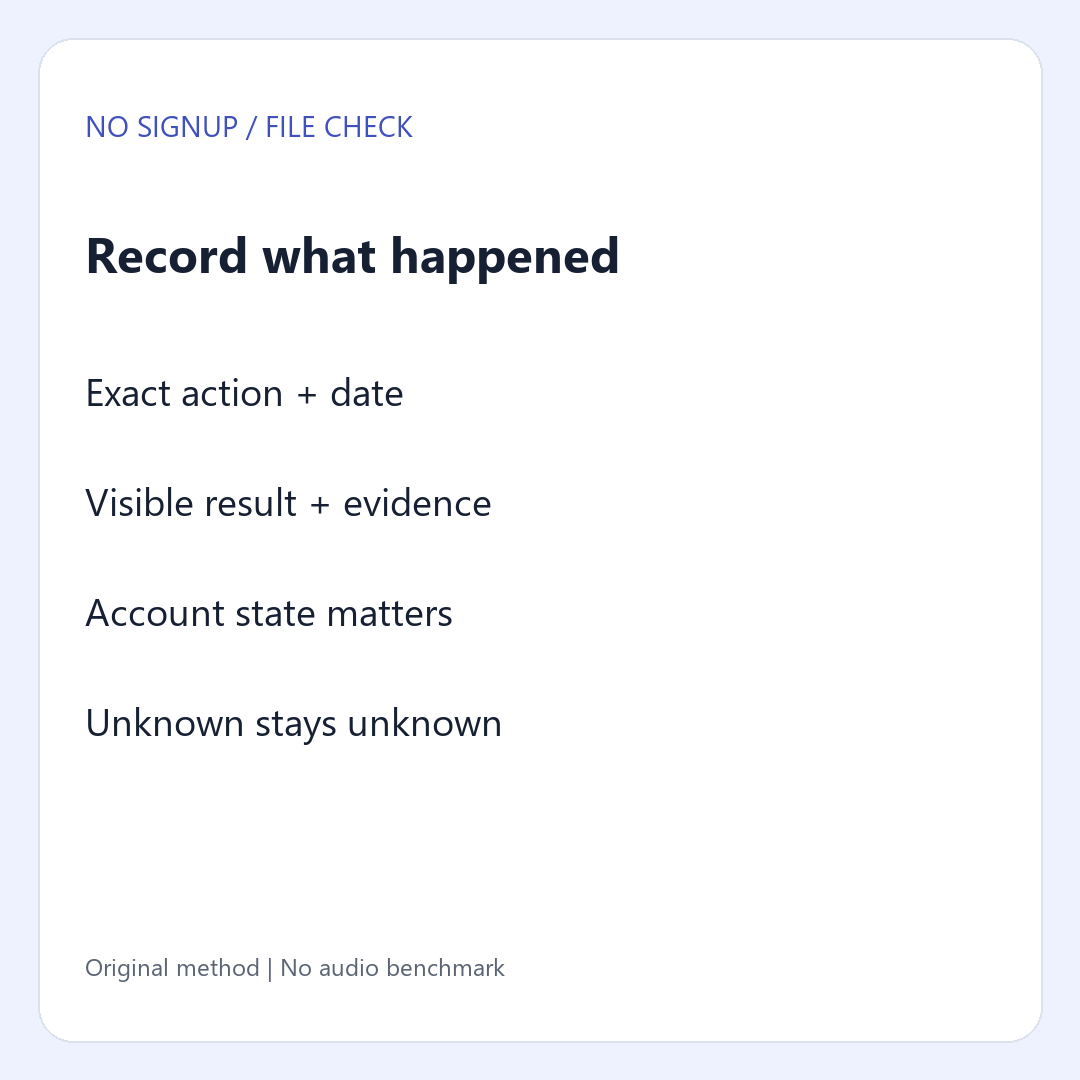
Use three states: observed, blocked, and not tested. They describe your evidence, not a product's permanent capabilities. Do not mark a later stage blocked just because you stopped earlier. If generation was not completed, export and reopening were not tested.
Run one small check without changing your account state
Use your ordinary browser and record the site's visible account state. A Google account signed into Chrome does not by itself establish whether you are signed into a particular music service. If the service already shows a signed-in session, label the trial signed-in. Do not call it an anonymous test, and do not delete cookies or sign out of a working account just to make a claim.
Use this original test prompt: A short instrumental study loop with soft piano, no vocals, and a gentle ending. It carries no client recording or private lyrics. Save the exact prompt before clicking so the observation can be compared with another session. The prompt is a probe of the workflow; it is not a promise of a particular sound or duration.
When a login panel appears, record which action led to it. Stop before signing in if your requirement is no account. You have learned something about that route without needing to spend credits, accept registration terms or provide an email address. A different account or interface may behave differently, so include the date and the page address.
When a click has no visible effect, write that down. Do not turn silence into a claim that registration is required, that the service is broken, or that a job is running. One unresolved action can coexist with a separate, clearly observed registration window.
Copy the observation, not the marketing label
Use one row for each stage. Put the action in the first column and the result in the second. Keep evidence names beside each observation so tomorrow's retest does not depend on memory. The blank worksheet is intentionally usable even when you cannot complete the whole route.
CHECK DATE AND PAGE:
VISIBLE ACCOUNT STATE:
REQUIRED DELIVERABLE: new audio file, no service account
EXACT PROMPT:
PREVIEW: observed / blocked / not tested; evidence:
GENERATION: observed / blocked / not tested; evidence:
EXPORT: observed / blocked / not tested; evidence:
REOPEN: observed / blocked / not tested; evidence:
LAST ACTION AND VISIBLE RESULT:
FILENAME AND FORMAT, IF RECEIVED:
NEXT CHECK, IF ANY:
Download the blank evidence worksheet
Two examples of how to stop honestly
Example A: a public player works, but you never create a new track
This is an authored practice case, not a second product test. You hear a demonstration and see a prompt field. No new output is obtained. Your notes say preview observed, new generation not completed, export not tested, reopen not tested. The useful next action is to establish whether a new result can be created through the observed route. Downloading someone else's demonstration would not answer that question.
Example B: a new result appears, but export asks for an account
This is also a hypothetical case. Record new generation observed and export blocked by the visible account request. Do not claim the audio quality is poor or that every plan needs payment. For your no-account deliverable, that route stops at export. If you later choose an account-based workflow, run a new record rather than changing the old test into a success.
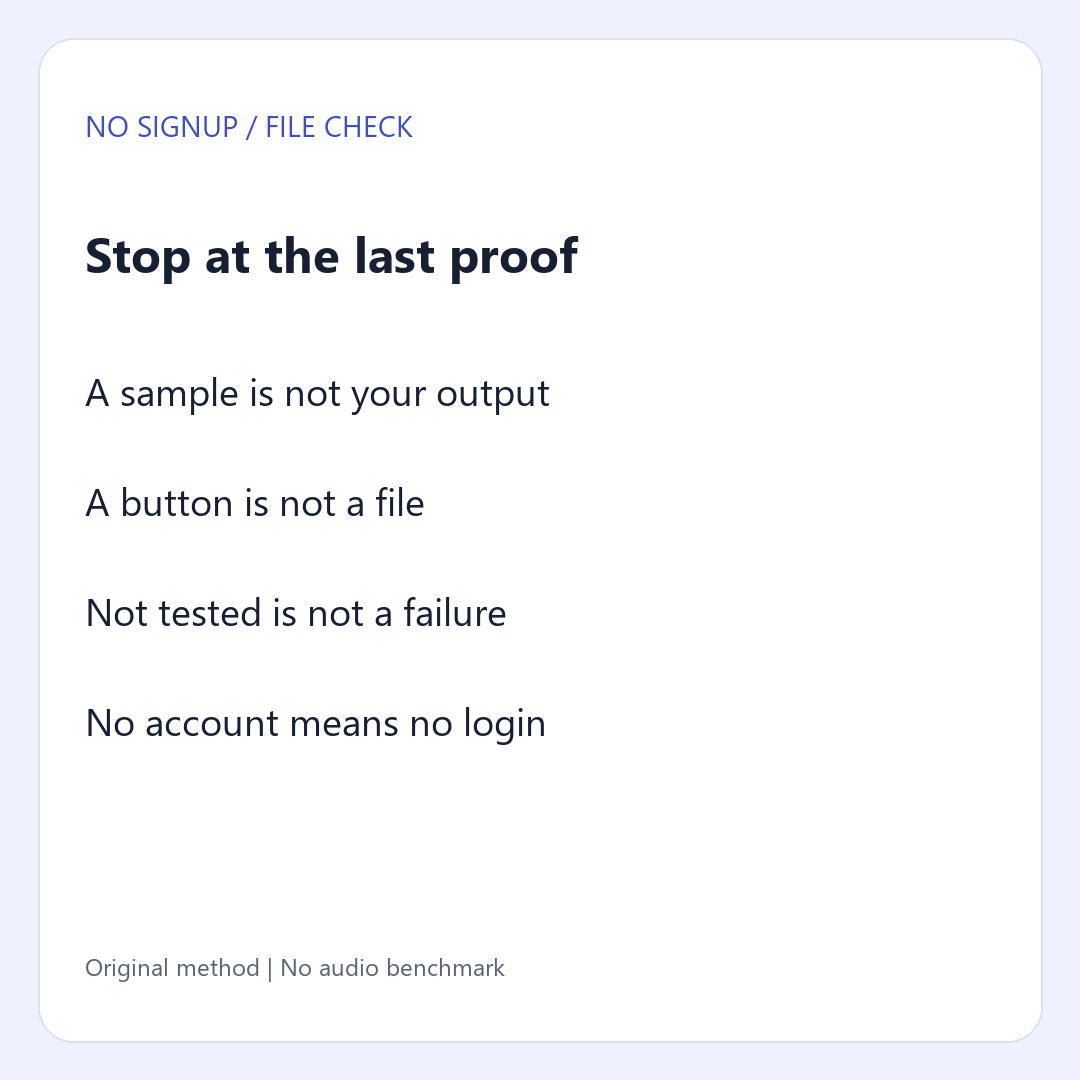
The stop rule is simple: keep the last verified stage and name the unmet requirement. It prevents a feature tour from becoming an unsupported recommendation. It also lets you compare workflows by the task you need to finish rather than by the number of controls on the page.
Concrete questions
Does free mean no sign up?
No. Treat cost and account requirements as separate questions. A free-credit offer can be tied to registration. Record the actual entry route you used before deciding whether it matches a no-account requirement.
Can I count a public sample as my generated song?
No. In this checking method, you need a new result connected to your own input. A sample proves that an example is available, not that your prompt was processed or that your export works.
What if I cannot test downloading?
Write not tested and keep the earlier evidence. Do not infer a file format, a download limit or a successful editor import from a page description.
Does a downloaded file prove I can publish it?
No. This worksheet checks the route to a usable file. Permission to publish is a separate review of the terms that apply to your actual plan and output. Keep that decision separate from whether a button saved audio.
Related workflows
Choose your setup with our local or cloud workflow gates, or use the three-take demo plan after establishing your account and export requirements.