Local or Cloud? A Workflow Checklist for Choosing the Best AI Music Generator
Choose local generation when keeping inputs on your own computer is a hard requirement and you can maintain the software. Choose a hosted service when its input rules and export options fit your project and you want less setup. Before committing, test one non-sensitive prompt and reopen its exported file in your actual editor. A tool that fails a required step is not your best AI music generator, however impressive its demo sounds.
This guide answers a local-versus-cloud question with a workflow check, rather than a ranked list. It has not benchmarked generation speed, memory consumption or audio quality. The worked cases below are invented planning examples, and the worksheet is our original decision method.
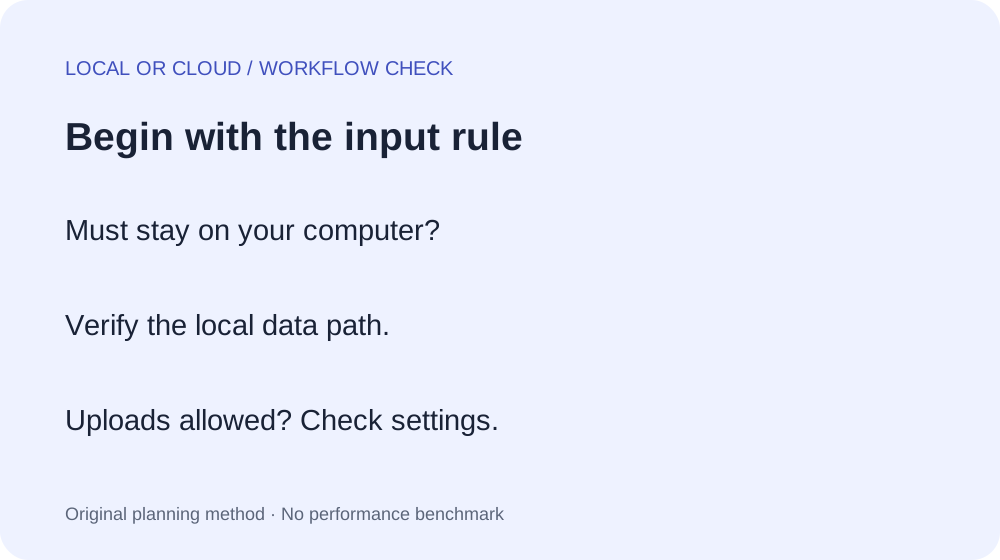
1. Start with the material you can use
Write down the exact input you plan to supply: text, an unreleased recording, a client brief or a reference track. Then write the constraint in a plain sentence, such as “this recording must stay on this computer.” Keep that sentence at the top of your worksheet. Do not soften a hard constraint into a preference just because another tool is easier to open.
If a recording must remain local, do the first experiment with an invented text prompt. Before loading the real recording, inspect how the selected application is configured and whether it contacts other services. A local interface, by itself, is not proof that everything stays offline. Downloading software and model files is a separate step from running a generation; document both.
If uploads are permitted, list what the hosted workflow actually receives. Keep your trial free of confidential material until you understand the relevant settings and instructions. If the project restriction remains unclear, put the decision on hold and use an invented brief. You can still test the export path without risking the real input.
2. Set a setup boundary before choosing a model
Give yourself an explicit setup allowance. For example: one evening to install the application, obtain permitted model files and export a test. This is a planning boundary, not a measured installation time. Record your operating system, available device, software versions and any error message. A failed installation is useful evidence; an untested hardware guess is not.
For a local candidate, follow its current official installation instructions. Check whether its intended output matches your job before spending the setup allowance. A short instrumental or sound-effect model is a poor starting point if your required deliverable is a complete vocal song. Stop when the mismatch is documented, rather than trying to prompt a missing capability into existence.
For a hosted candidate, use the same boundary to inspect the actual account workflow: input accepted, output available, export access and the settings needed for your project. Do not count a playable preview as a completed deliverable. Write “unknown” wherever you have not checked the account or documentation. Unknown requirements need a check; they do not earn a passing score.
3. Run one small handoff test
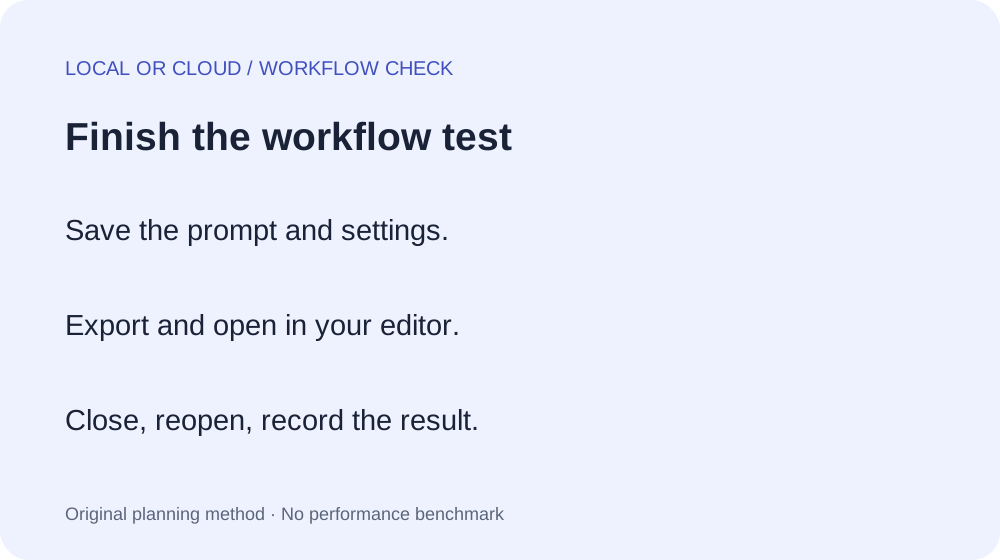
- Choose one invented prompt, for example: “A short instrumental passage with a steady pulse and sparse percussion.” Avoid promising a duration the candidate cannot produce.
- Save the exact prompt and settings before you generate. Note the model or service, date and output identifier.
- Listen once and state what this particular output could be used for. Do not generalize one result into a quality ranking.
- Export using the option available to your account or application. Record the actual filename and format, rather than the format shown in a marketing screenshot.
- Open that file in the editor you will use for the project. Check that it plays, is the intended version and can be placed on the timeline.
- Close and reopen the project. Keep the test only if the file can still be found. Record the full failure step if anything breaks.
The handoff matters because generation is only one part of a finished project. If the export is missing or incompatible, first identify that specific obstruction. Changing musical style is unlikely to fix a file-access problem. Use the Ableton handoff guide when separate parts are your next step, and the three-take demo exercise when you need a bounded first session.
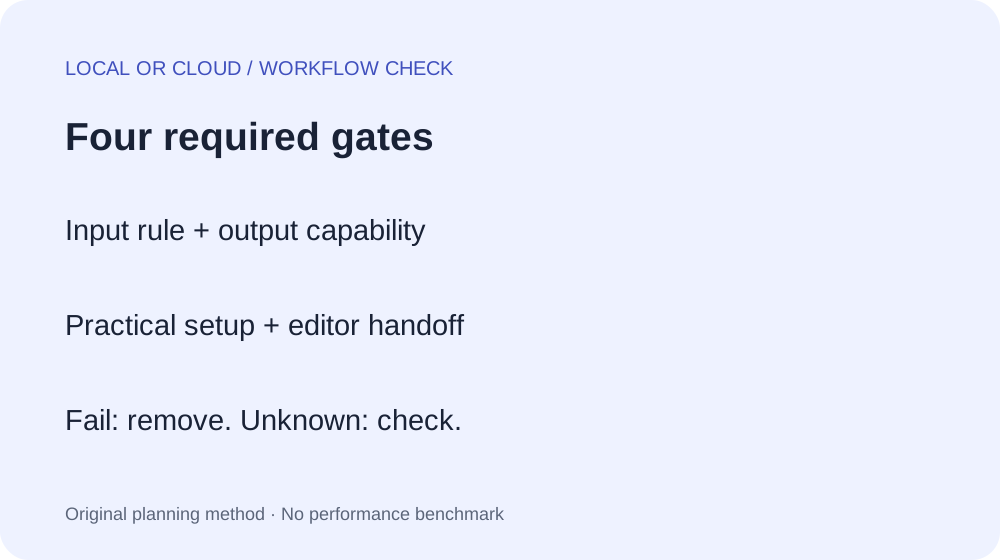
4. Use gates, not a weighted popularity score
For each candidate, mark the four required gates below as pass, fail or unknown. A fail on a required gate removes that candidate from this project. An unknown pauses the choice until you can run the missing check. Only after the required gates pass should you compare optional preferences such as convenience or interface style.
| Required gate | Evidence to save | Your result |
|---|---|---|
| Input constraint | Project restriction and checked data path | Pass / fail / unknown |
| Output capability | Required deliverable versus documented model or service scope | Pass / fail / unknown |
| Practical setup | Your installed version or account check, plus errors | Pass / fail / unknown |
| Editor handoff | Export filename, opened project and reopen result | Pass / fail / unknown |
Worked planning example: private sound design
An imaginary client requires an unreleased recording to remain on the workstation and needs a short sound texture. A hosted upload fails the input gate for this brief. A local candidate remains unknown until its configuration and output path are checked. The next action is a dummy-input trial, not a claim that local audio is automatically better.
Worked planning example: quick vocal demo
An imaginary songwriter has invented lyrics, permits a hosted workflow and needs a vocal demo today. A local model documented as unsuitable for realistic vocals fails the capability gate. A hosted vocal candidate is still unknown until the songwriter checks export access and reopens the downloaded result. Convenience does not erase that last requirement.
Download the blank workflow record. Fill it once per project. If the input restrictions or deliverable change, run the gates again; yesterday’s choice may no longer fit.
A documented local example, with clear limits
The Stable Audio Open 1.0 model card describes text-to-audio output up to 47 seconds, in stereo at 44.1 kHz. It also lists realistic vocals as a limitation. These are documentation statements, not results from a test on this workstation.
The official stable-audio-tools repository provides installation and inference instructions. Its interface documentation includes an optional public sharing setting. Check the configuration you actually run. Review the model’s access conditions and applicable usage terms before obtaining or using its files. This article does not grant permission or summarize a commercial license.
Common questions
Should I use a local AI music generator?
Use the four gates above. A requirement to keep inputs on your workstation makes the data path decisive. Otherwise, compare documented output capability, your setup boundary and a real export-to-editor check. The roster question that prompted this guide is a topic lead; no independently verified user testimonial is quoted here.
Does local mean no internet is ever needed?
Separate initial downloads, access conditions and generation. Verify what the chosen application does in your configuration. Do not label it offline merely because its interface appears in a browser on your computer.
Is a cloud preview enough to choose a tool?
No. For a project that needs a file, save the export and reopen it in your editor. Until that succeeds, the handoff gate stays unknown.
What if neither candidate passes?
Keep the failed gate and change the candidate or the project requirement deliberately. Do not hide the failure inside an average score. A smaller deliverable may be possible, but record that as a changed brief.