AI Music Creator Glossary: Turn an Unfamiliar Control Into One Clear Task

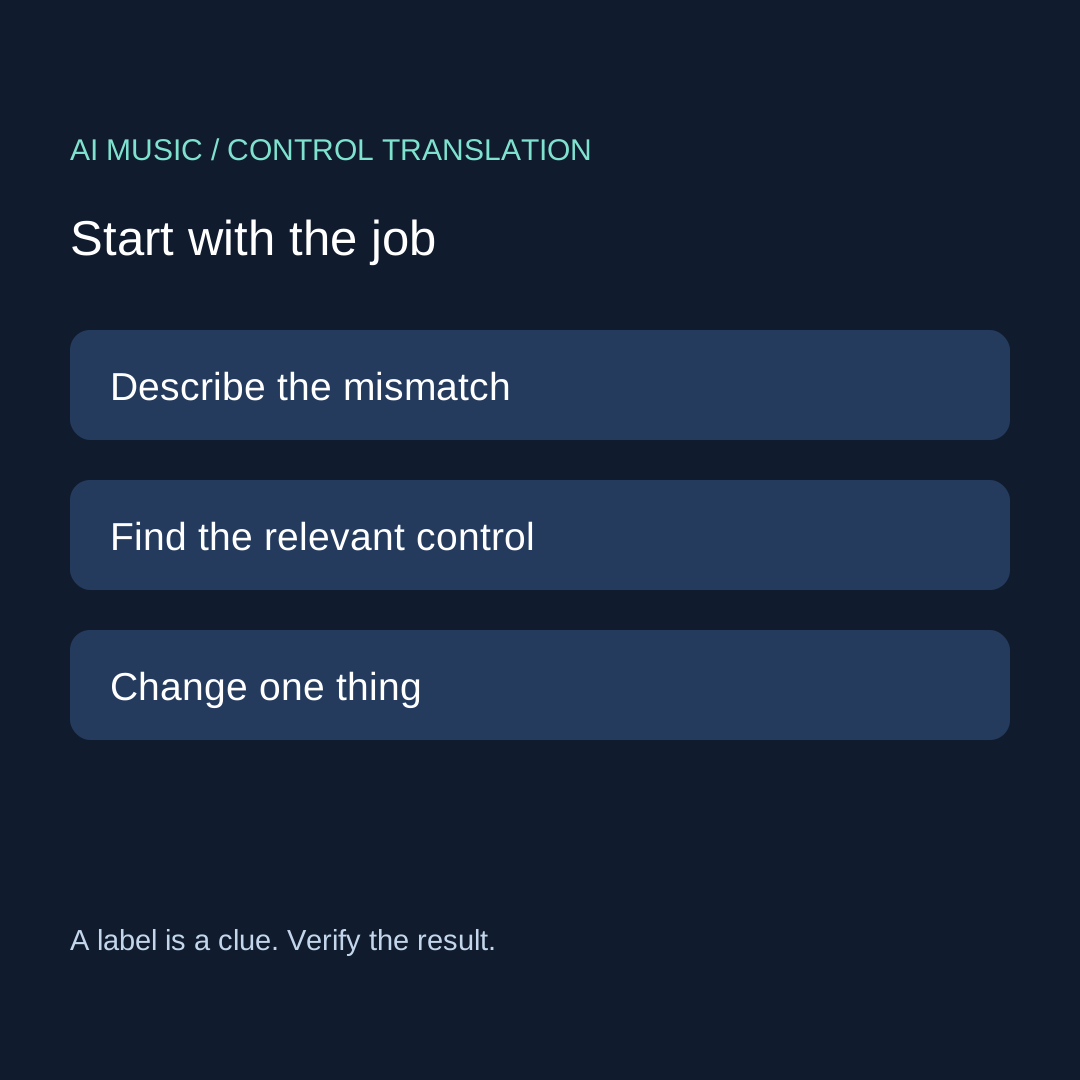
Start with the job, then translate the control. Separate creative instructions, editing actions and file properties. Read the help for the actual interface, change one thing, and keep evidence of the result.
Pick a task · Audio terms · Control card · Practice cases
Eight audio words worth separating
These brief explanations draw on the Audacity manual glossary, read 11 October 2026. They describe audio concepts, not the features or output of any particular generator.
- Amplitude
- Signal magnitude.
- Bit rate
- Data carried per second, commonly shown as kbps.
- Codec
- Software that encodes or decodes digital data.
- Clipping
- Distortion associated with a signal exceeding its available range.
- Sample rate
- Samples captured or represented per second.
- Lossy encoding
- Encoding that discards some information.
- Mono
- One audio channel.
- Stereo
- Two audio channels.
A larger number in one property does not explain everything about the sound. Keep the property name beside the value.
Choose the question before the vocabulary
When you search for the best AI music creator, an unfamiliar control can make a simple task feel like an equipment exam. Use this original translation exercise instead: write what you need the next result to do, find the control that appears relevant, and decide what evidence would show that it worked. You are building a usable question, not collecting every possible term.
This guide takes a generator-selection question from our material archive as a topic lead. It does not quote an independently verified user or claim that a particular service has been tested. The new contribution is a control-to-task card: a small record that connects interface language, the action you took, and the result you can actually inspect.
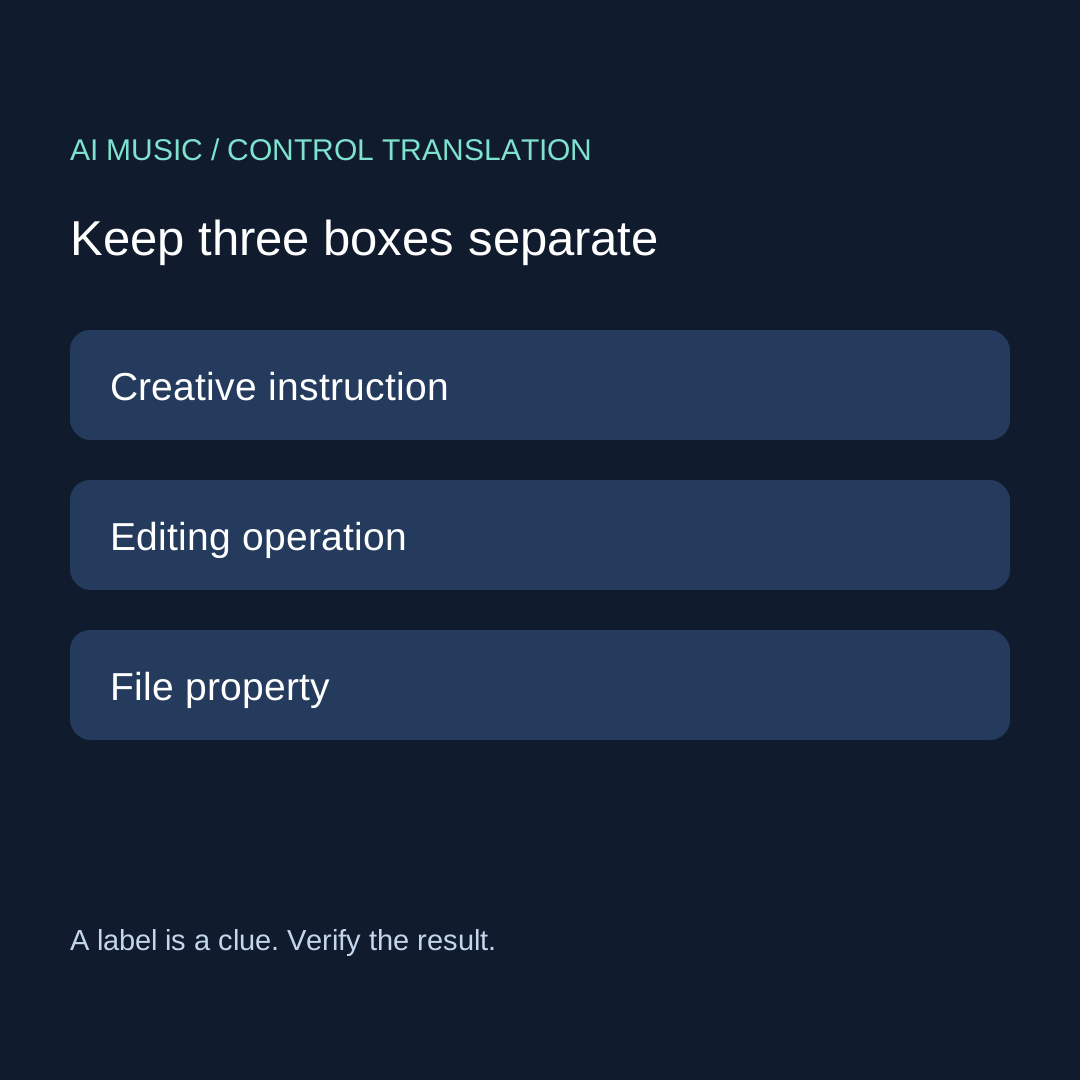
Three boxes that prevent the wrong change
| Box | Your question | Evidence to keep |
|---|---|---|
| Creative instruction | What do I want the generated passage to contain? | The exact instruction and a dated listening note |
| Editing operation | What part of an existing result am I changing? | The selected time range and before/after files |
| File property | What did the export actually contain? | The received filename and inspected properties |

Our sorting rule is deliberately practical. If your problem is that a vocal enters too early, start in the instruction or editing box. If the problem is that your editor cannot open a file, start in the file box. Writing a more elaborate mood description does not answer an export compatibility question. Inspecting a file property does not establish whether the singer performed your intended words.
Before opening another tool, write a single mismatch sentence. Good examples are “the opening needs more space before the voice” and “I cannot locate a saved audio file.” Avoid “the whole thing is bad.” A precise sentence gives you a next action and makes it easier to stop when the action does not produce evidence.
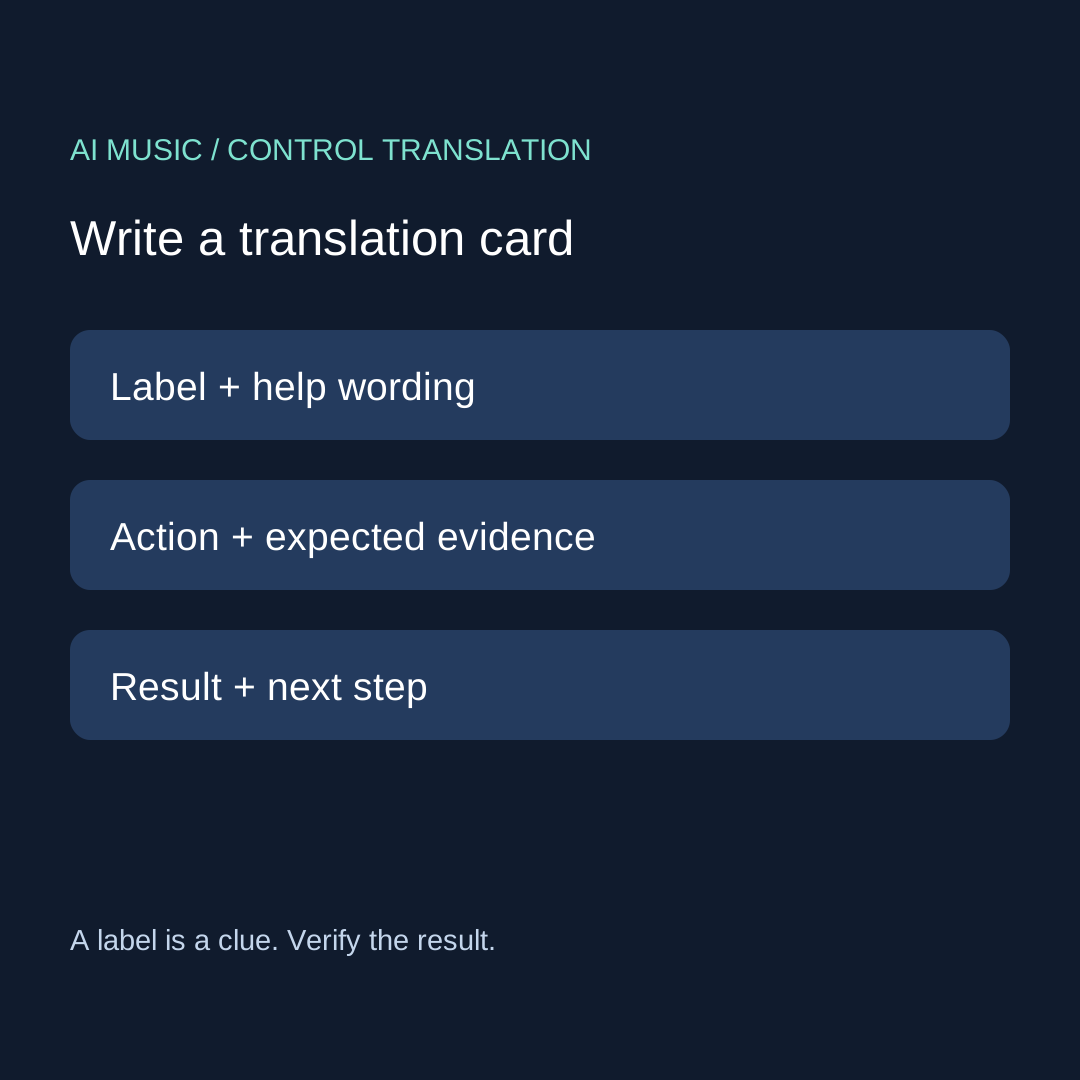
The original control-to-task card
- Copy the label. Keep its exact spelling and the page where you saw it. Similar-looking labels are not proof of identical behavior between services.
- Read nearby help. Record what the interface actually says. If no explanation is provided, mark the meaning unresolved instead of borrowing another product's definition.
- Name the action. Will you submit a new instruction, select an existing passage, or inspect an exported file? Pick one.
- Define the evidence. Write what you would need to hear, see, or reopen to call the action complete.
- Keep the result. Save the old version before making a change. Record success, failure, or not tested, without turning the label itself into a result.
DATE / PAGE:
MY TASK:
EXACT CONTROL LABEL:
HELP WORDING OR UNRESOLVED:
BOX: instruction / editing / file
ONE ACTION:
EVIDENCE REQUIRED:
BEFORE FILE / AFTER FILE:
RESULT: observed / failed / not tested
NEXT ACTION OR STOP:
Download the blank control card. The card is intentionally short enough to complete before paying for another generation. It does not assign a score to a product and does not assume any account allowance. If the interface shows a cost or a login condition, record it separately before continuing.
Three authored practice cases
Case A: an instruction is mistaken for an exact setting
This is a hypothetical exercise. Your brief asks for a gentle opening, but the result starts abruptly. Your next card records the opening as the mismatch, the instruction field as the control, and listening to the opening as the evidence. You rewrite that one instruction. You do not claim that the wording guarantees a particular result, and you keep the old take for comparison.
Case B: a label is mistaken for a delivered file
This is also hypothetical. An export menu displays a format, but no saved file has been inspected. The card belongs in the file box. Your next action is to locate and open the received file, not to improve the prompt. Until that happens, the export property is a menu selection, not a measured property of your audio. Use the download evidence checklist for the full procedure.
Case C: a property change is mistaken for a musical revision
In this authored case, a user wants a clearer lyrical phrase but changes an export number instead. The translation card exposes the mismatch: the desired evidence concerns words and delivery, while the action concerns a file property. Move back to the instruction or editing box, describe the phrase that needs attention, and keep the export settings stable while comparing the revision.
Questions from the generator-selection task
Do I need to learn every audio term before choosing a generator?
For this method, no. Start with your required task and resolve the labels that block it. A short card for one export or one revision is more useful than a glossary you cannot connect to an action. Keep unfamiliar terms as unresolved when the service gives no definition.
Can the same control name mean the same thing everywhere?
Do not assume it. Read the help attached to the actual interface. This page supplies a way to ask and record the question; it is not a feature comparison or a claim that controls behave identically across providers.
How do I choose between a local and a cloud workflow?
Use your input rules, setup constraints, and required handoff first. The local or cloud worksheet handles those gates. Use this glossary card when an unfamiliar label prevents you from completing one of them.
What if the next attempt still fails?
Keep the card and the last usable version. Write the unmet requirement, then choose whether one more specific action is justified. A documented unresolved control is a valid result of the exercise; do not call it proof that a whole product is unusable.