Avoid Re-entering Caption Details During the Same Export Process
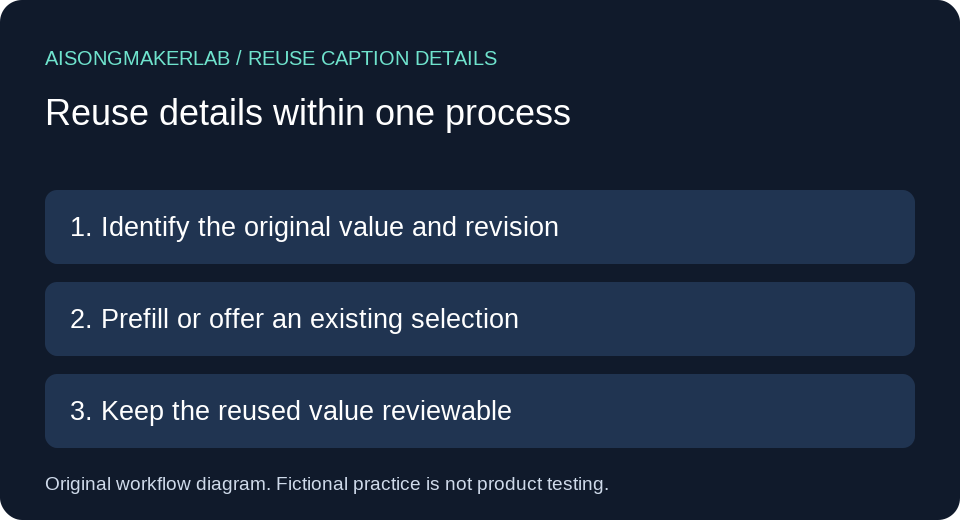
Give editors a valid existing value to reuse when a later export step asks for the same caption project information. Carry the project title, offer previously entered speaker labels, and retain the selected caption language where their meanings remain unchanged. Show the source and allow review. If a recording changes and a value becomes invalid, explain that specific change instead of silently carrying it forward or clearing every field.
Choosing the best AI music generator also involves the work between a song draft and a usable lyric video. This guide addresses repeated entry during the same caption export process. It does not compare sound quality, promise export features in any named product, or replace a synchronization review.
Start with a small handoff record
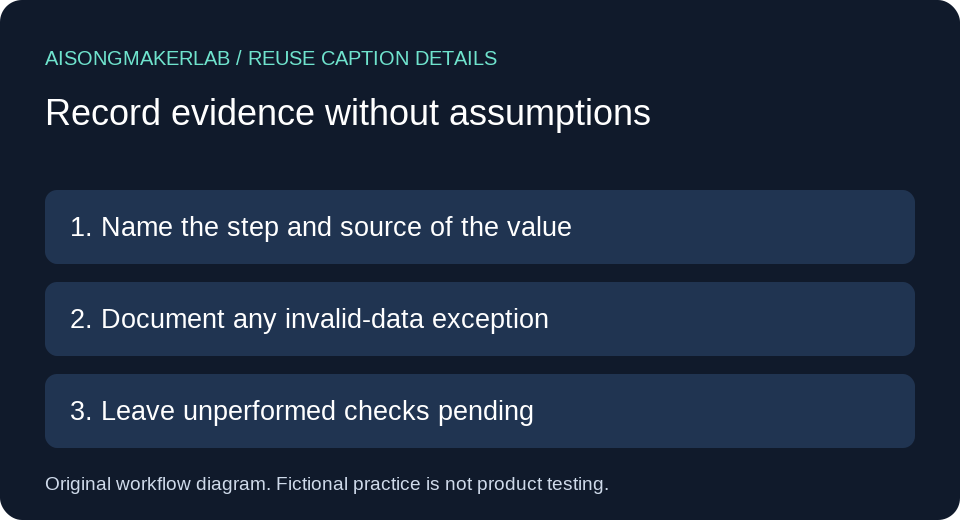
Record the process, step, field, source revision, existing value, reuse method and any validity exception. Keep proposed behavior separate from actual observations. The downloadable CSV is blank by design: filling it requires inspecting the editor you use.
W3C's explanation of Redundant Entry describes auto-population or selection of information previously supplied within the same process. Exceptions concern essential repetition, content security and information that is no longer valid. It does not require persistence across sessions. Browser autocomplete alone is insufficient; selectable information needs to be available on the same page. Those are source-backed boundaries. The caption-specific records, fictional examples and proposed checks below are our own design exercises, not requirements quoted from W3C or observations of vendor software.
A practical comparison sequence
- Name the activity, such as reviewing one caption track and exporting it. List its steps before deciding which entries repeat.
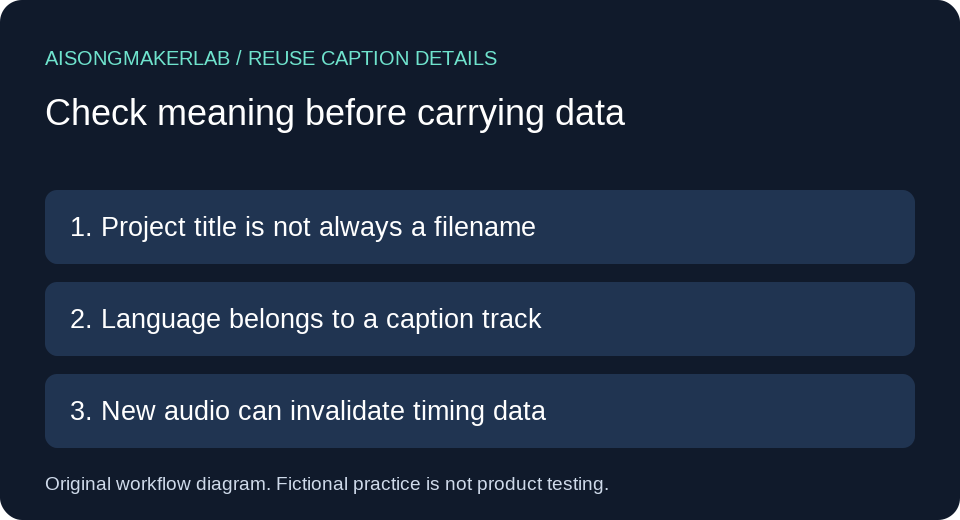
- Compare the meaning of each requested field, not just its label. A project title and a safe output filename can require different treatment.
- Trace each repeated value to a source revision. Choose a visible prefilled value or an available selection when it remains valid.
- Explain invalidation precisely. A replaced recording may require new timing checks while leaving the project title usable.
- Inspect the actual workflow before recording a result. Mark a proposed improvement as proposed until verified.
A current reading of OpenMusic's music-video page shows format choices, a showcase, explanatory sections and FAQs; Story and Singing options are labeled Coming Soon. That page structure helps visitors choose a format. Our worksheet instead follows repeated information across export steps. This is a comparison of one public page's structure, not a test of its editor or a claim that the fixed competitors lack this behavior throughout their products.
Five self-authored fictional cases
The following five cases are self-authored fictional scenarios. Names, project values and proposed interface behavior were invented for explanation. They are not generated vendor results, genuine customer quotations or completed tests. Each case supplies a reviewable design decision and a check to perform later.
1. Reuse the project title without confusing it with the filename
Fictional setup: Mira names a lyric-video project Harbor Window at the start of a caption export activity. After reviewing the cues, she reaches a delivery screen that asks for the project title again. In this imagined design, the second blank box requires her to remember the exact spelling even though the earlier title is still available to the application.
Authored decision: Prefill the later project-title field with Harbor Window and identify it as the current project title. Keep a clearly labeled correction path. If the delivery screen also needs a filename, treat that as a separate value; a filesystem-safe filename derived from a title is a proposal to review, not proof that the two fields mean the same thing. Do not secretly rename the project when the editor changes only the output filename.
Pending check: Walk from the first naming step to the export review and compare the displayed value with the original project record. Then change the output filename and inspect whether the project title changes unexpectedly. Record the screen, revision and actual behavior. The fictional walkthrough predicts no observed outcome. The worksheet entry should remain pending until that comparison is performed.
2. Select an existing speaker label without assigning it to everyone
Fictional setup: Jonah labels a spoken introduction Narrator while preparing a caption track. A later packaging step asks which existing speaker labels belong in its accompanying transcript notes. This scenario concerns a label already entered during the same activity, not an attempt to identify a singer from an audio model.
Authored decision: Offer Narrator as a selectable existing label instead of asking for its spelling again. Preserve a way to add another label when a different speaker actually needs one. Reusing the label must not assign Narrator to every cue. Keep the relationship between a label and its selected cues visible so that the convenience of reuse does not expand its meaning.
Pending check: Inspect the available choices and their association with the current track. Try selecting the existing label, then inspect the draft transcript notes and cue assignments before export. If the label has been edited earlier in the activity, check which revision the selector presents. Record that question rather than assuming the newest spelling propagates everywhere. No actual editor was exercised for this case, and no speaker-recognition accuracy is claimed.
3. Carry the caption language, not the interface language
Fictional setup: Ellis uses an English interface to prepare a Spanish caption track. The track's language is chosen during setup. Later, the export review asks for caption language again and shows a blank field. The fictional project also includes an unrelated English notes document, making an unlabeled language default particularly ambiguous.
Authored decision: Retain the selected language with the caption-track identity and present both at the export review. Keep the interface language and document language separate. A visible reused value should tell the editor which object it describes; the word Language by itself cannot resolve that distinction. If another caption track is selected, retrieve that track's value rather than copying the last value seen anywhere in the application.
Pending check: Compare the track selected at setup with the track selected at export. Inspect the language value and then switch tracks deliberately to examine its source. Note any missing field or unsupported metadata as an actual limitation only after observation. This exercise does not assert that a particular caption format carries language metadata, nor that a generator translated the lyrics. The design record concerns reusing the correct existing choice.
4. Explain why a replaced recording invalidates timing references
Fictional setup: Priya replaces a rough mix with a revised recording midway through an export activity. The new recording includes a different introduction. The existing cue timing refers to the rough mix, while the project title and the caption author's name still describe the same work. Carrying all fields unchanged would conceal an unresolved synchronization problem.
Authored decision: Mark the old recording reference and dependent timing review as needing renewed attention. Explain which replacement caused that state. Preserve unrelated valid details, such as the project title, instead of treating the replacement as a reason to erase every prior entry. A validity exception should have a concrete dependency; it is not a general excuse to make the editor repeat the whole form.
Pending check: Inspect whether the current recording identifier appears alongside the export review and whether the cue review state refers to that recording. Listen and compare timing before approving synchronization. A changed introduction alone does not reveal the correct adjustment for every cue, so do not invent a global offset. Keep actual timing observations outside this fictional case. The worksheet records the proposed invalidation boundary and leaves both implementation and listening checks pending.
5. Offer a selectable source value when prefilling is unavailable
Fictional setup: Sam works in a caption export screen where the implementation cannot automatically populate a short project reference. That reference was already provided in an earlier step of the same activity. The design proposal must reduce recall without pretending automatic transfer exists.
Authored decision: Place the current reference beside the destination field as selectable text, clearly labeled with its source project. Give the editor an explicit opportunity to use it and review the destination. A control that inserts the chosen value is another possible design, but it should not be described as implemented until built and checked. Do not make the only source a previous screen that disappears when returning to the destination.
Pending check: Inspect whether the source value is present on the same page, whether it belongs to the active project, and whether it can actually be selected using the supported input methods. Compare the completed destination with the source, including meaningful punctuation. Keep a deliberate edit path for a genuinely changed reference. This is an authored fallback exercise, not evidence that copying is always the best interface or that a hidden value is accessible.
Keep the comparison reviewable
Use one worksheet row per repeated field and transition. Record what the design proposes in a separate note from what the implementation does. A useful result names the source, destination, revision and check; a generic statement such as remembers everything cannot explain a failure when tracks change.
The five case sections are the counted original contribution. They are available as a separate download so the authorship boundary is inspectable. The worksheet and diagrams add practical material, but are not needed in that numerator. This is an editorial contribution audit, not an internet uniqueness score or an accessibility conformance finding.
Frequently asked questions
Does this require storing caption details after closing the session?
No. The cited criterion concerns the same process and does not impose cross-session storage. Recovery after leaving a session is a separate design task.
Should reused values be locked?
Our proposed workflow keeps them reviewable and provides an intentional correction path. Reusing a value should not conceal its source or make a legitimate correction mysterious.
Can browser autocomplete solve the whole task?
Do not treat it as sufficient for the cited criterion. Inspect the information the site itself supplies for reuse within the activity.
Does changing the recording justify asking for everything again?
Identify which values are no longer valid. In our fictional example, timing needs review while the project title can remain useful. Verify those dependencies in the real project.
Have these cases been tested in the three comparison products?
No. These are explicitly fictional design exercises. The public-page comparison describes structure only. Product behavior and any unperformed checks remain unverified.
Download the five fictional cases · Download a blank review CSV