Finish an AI Lyric Revision: Hand Off One Approved Version

Start with one approved lyric file, an explicit revision ID, and a short change note. Before sending lyrics into an AI music generator or to a collaborator, separate the accepted words from suggestions and identify which audio, if any, uses those words. If nobody has approved the revision, label it a draft. A filename containing “final” is not an approval record.
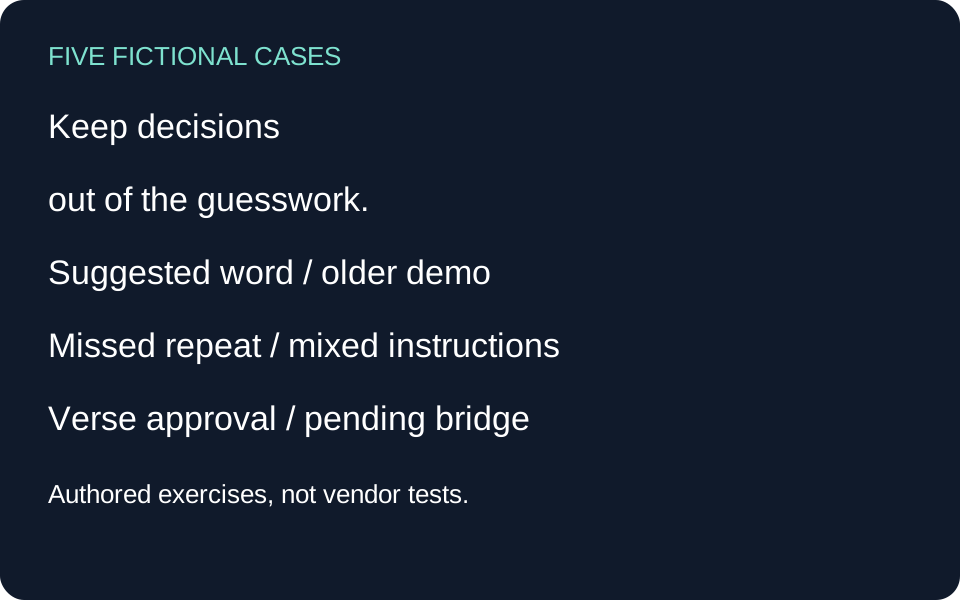
Choosing the best AI music generator does not settle which lyric revision your singer should use. This guide solves that handoff problem after the writing is done. It does not rank generators, measure their accuracy, or claim a search-demand figure. The five cases below are self-authored fictional exercises, not customer stories or generated vendor results.
Start with a small handoff card
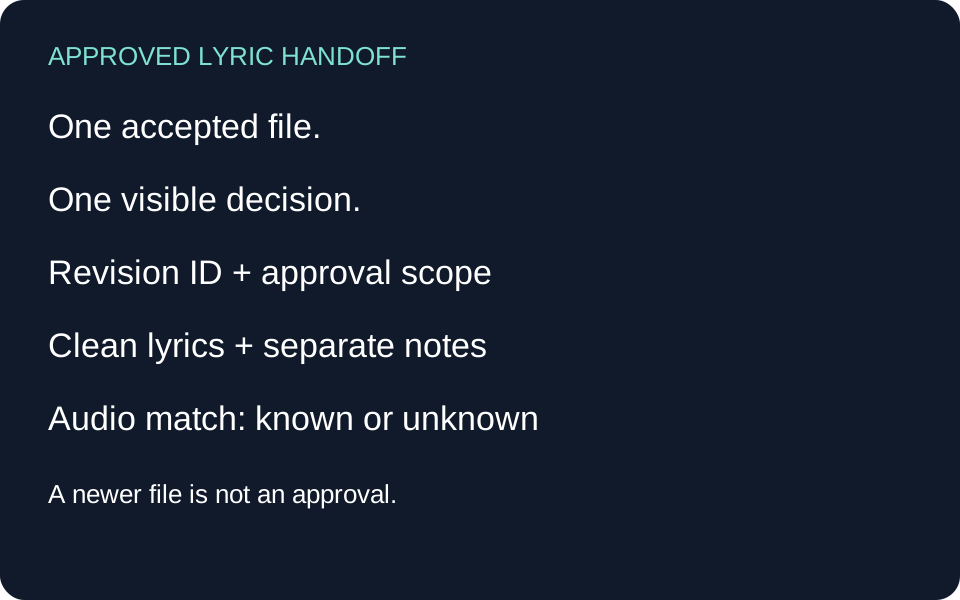
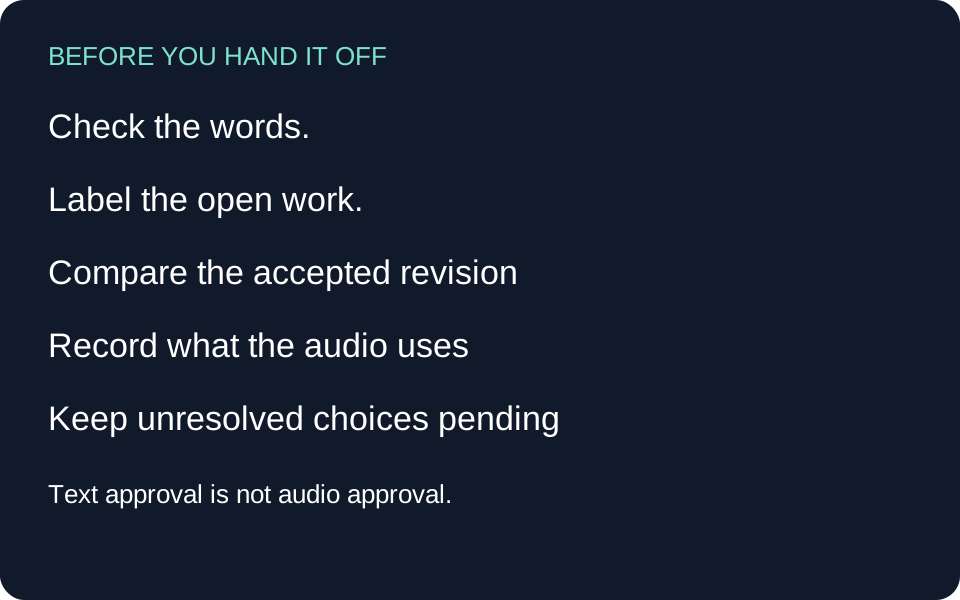
Write the project name, lyric revision, approval state, approver, and the specific scope of that approval. Keep one plain-text copy of the accepted words. Put alternatives and rejected suggestions in a separate note. If an audio take exists, record its filename and the lyric revision actually used; if that relationship is unknown, say so. A text approval does not approve a voice, arrangement, recording, license, or release.
Use these routes: if a word changed, compare the accepted text; if a collaborator has the wrong copy, replace the handoff reference; if a demo uses older words, label the mismatch; if approval is missing, keep the state pending. Do not resolve a disagreement by silently choosing the newest timestamp.
Five original fictional handoff exercises
1. A suggested adjective is mistaken for an approved change
Fictional brief. Mara writes a short song for an imaginary pottery studio. Revision R03 contains two authored lines: “We leave the blue cups by the door / And turn the sign to open once more.” Her collaborator suggests replacing “blue” with “bright,” but Mara has not accepted that suggestion. The two copies now differ by one word, and both filenames contain “final.”
Authored decision. Keep R03 as the approved text and record the adjective proposal separately. The handoff card reads: “Lyric R03 approved by Mara for the next demo; R04 proposal pending; use blue cups.” The approved file contains only the two accepted lines, with no alternative in parentheses. No real approval or real collaborator is implied by this exercise.
Check and stop rule. Read the actual attachment and compare its first line with R03. Do not rely on the message saying “attached the final one.” If the collaborator wants the proposed word, obtain a new decision and assign a new revision. The change note can remain one sentence: “R04 replaces blue with bright; not yet accepted.” The purpose is to make the decision visible, not to create paperwork for every keystroke.
2. A clean text draft is paired with the wrong demo
Fictional brief. Leon's imaginary train-station song changes from “I missed the last train home” in R06 to “I let the last train go” in R07. His folder includes a demo called station-A. In this constructed scenario, its preparation note identifies R06 as the input. The newer line changes the narrator's agency; a polished audio file would not settle which meaning Leon intended.
Authored decision. Deliver R07 as the approved lyric text and label station-A “older lyric input R06; reference arrangement only.” Do not rename the demo R07 simply because it sits next to the newer text. A separate audio-to-lyric field says “R07 performance not checked.” These are invented project records, not observations from an actual generated song.
Check and stop rule. Before approving an audio take, listen to the changed passage and record what is actually sung. Until that happens, distinguish a recorded input label from an observed vocal result. If the old take remains useful for rhythm, keep it as a reference with the mismatch visible. Do not erase the old file to make the folder look consistent. The handoff has two honest states: accepted text and unresolved audio alignment.
3. A chorus replacement leaves one old repeat behind
Fictional brief. Inez's invented garden song repeats a two-line chorus twice. R02 uses “Leave a little room for rain / Let the roots begin again.” The proposed R03 replaces its second line with “Let the dry ground breathe again.” Her working document updates the first chorus but leaves the last chorus unchanged. This is a constructed text inconsistency, not a failure attributed to a lyrics service.
Authored decision. First decide whether both appearances should change. In this exercise Inez chooses identical choruses, so the clean R03 contains the revised pair in both locations. The change note says “Chorus line two replaced in both occurrences; verse unchanged.” If a different final chorus were intentional, the note would identify that exception instead of forcing uniformity.
Check and stop rule. Expand every repeated section in the handoff copy and read its actual words. A shorthand instruction such as “repeat chorus” can be useful for writing, but it leaves the recipient dependent on the right reference. Stop when each intended occurrence matches the accepted decision. This checks the text handoff only. A later music generation could still omit, repeat, or change a line and needs a separate listening check.
4. A performance note accidentally becomes lyric text
Fictional brief. Theo's imaginary lighthouse song has these authored words: “Keep one window facing east / I will keep watch till morning light.” A collaborator writes “softer here, leave space after east” directly below the first line. Theo wants the words unchanged, with that instruction treated as a performance suggestion. A pasted block now mixes words and direction without labeling either.
Authored decision. The clean lyric file contains only the two lines. A separate brief says “Performance suggestion: soften the first line and leave a pause after east.” The handoff identifies the lyric as approved and the performance suggestion as optional. This does not assume any generator understands a particular bracket or tag. Check the receiving tool's available fields before placing instructions there.
Check and stop rule. Read the lyric-only file as if every visible word might be sung. Then read the brief independently and confirm that it never silently replaces a lyric. If the interface offers only one field, preserve the two-part source locally and document exactly what you pasted. Do not claim the direction was followed until you hear the output. Separating intention from words makes an accidental spoken instruction easier to diagnose later.
5. An approval covers a verse but is used for the whole song
Fictional brief. Noor drafts a fictional reunion song. The accepted verse ends “Your coat still hangs beside the stair.” A proposed bridge says “I sold the house and left it there.” Her imaginary collaborator approves the verse only; the bridge adds a major event that has not been agreed. A broad “approved” label would conceal both the scope limit and the unresolved story decision.
Authored decision. Record “R08 verse approved; bridge pending; not ready for a whole-song handoff.” Keep the proposed bridge in the working draft, not in the approved excerpt. The next question is specific: should the narrator have sold the house? In this exercise no answer is invented. A pending state is the useful result because it prevents an unapproved event from becoming the apparent final story.
Check and stop rule. Compare the approval scope with the material being handed over. If a full song is required, resolve the bridge before advancing that full-song state. If the recipient only needs the verse, send the approved excerpt and label its limits. Do not infer approval from silence, a downloaded file, or a positive comment about the melody. This is an editorial workflow example, not a legal interpretation of consent or ownership.
A reusable handoff record
Project: ____ . Lyric revision: ____ . State: draft / pending / approved for the stated task. Approved scope: ____ . Decision recorded by and when: ____ . Clean lyric filename: ____ . Changes since the last accepted revision: ____ . Separate performance brief: ____ . Related audio filename: ____ . Audio input revision: known ____ / unknown. Sung-word check: not performed / passage and observation ____ . Next unresolved decision: ____ .
The downloadable cases preserve the exact authored exercises. The blank record is a working aid, not evidence that a collaborator has approved anything. Keep that decision in your own project records. If two people disagree, preserve their alternatives and resolve the specific difference before changing the approved reference.
Questions before the handoff
Is the newest file automatically the approved version?
No. A newer file can contain an experiment or an unreviewed suggestion. Use a revision ID together with an explicit approval state and scope. Timestamps help locate files; they do not establish the editorial decision.
Do I need a new revision for a single changed word?
Use a new revision whenever the words you are asking someone to use have changed. A short change note is sufficient. The aim is to distinguish two different inputs, especially when a single word changes the story.
Can I call a demo approved when the lyrics are approved?
Keep those states separate. Text approval says which words were accepted. A demo may use an earlier input or sing a different line. Record the audio identity and inspect the changed passage before making an audio claim.
Should I delete rejected alternatives?
You can keep them in working notes while supplying one unambiguous approved copy. Do not include rejected lines in the block intended for generation. Preserve existing audio references with clear labels instead of overwriting them to match a new lyric name.
Does this require a particular generator?
No. It is a manual handoff procedure. Tool fields and revision features vary. Check the current interface, keep your own accepted text, and describe an untested feature as untested. No vendor result or approval automation was tested for this guide.
Sources and boundaries
Public generator pages were read on 31 October 2026 for structure and workflow context only. OpenMusic's lyrics page separates prompting and settings from song creation; Somio's prompt guide organizes musical instructions by task; Tad presents generation and editing routes. Those layouts inform the need to separate words, instructions, and later audio checks. The handoff card, five fictional cases, lyric fragments, decisions, and stop rules above are authored here. No competitor lyrics or prose were reused, and no authentic user quotation or Google keyword metric is claimed.
Download five original exercises · Download the revision record
Sources read 31 October 2026: OpenMusic lyrics workspace · Somio prompt guide · Tad generation and editing routes.