Operate Lyric Video Controls Without Dragging
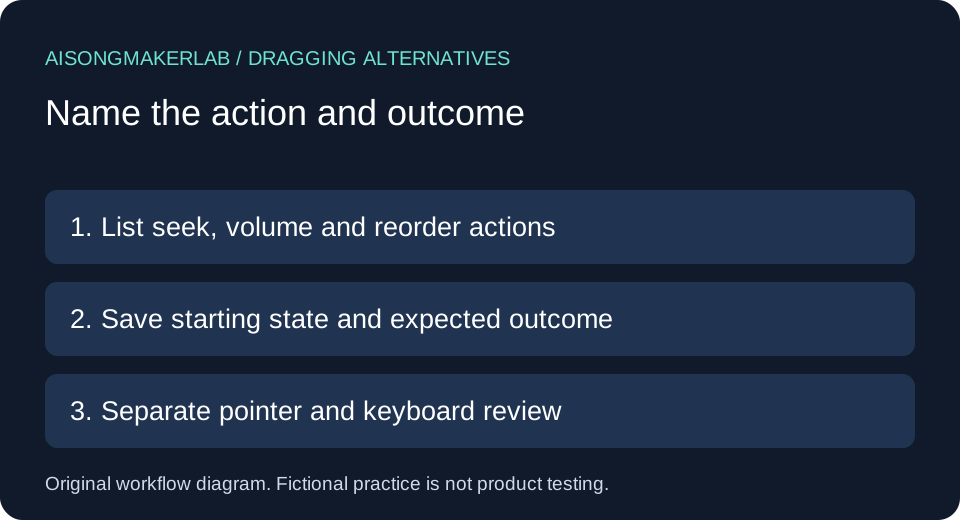
Give every dragging action a practical single-pointer route that does not require holding and moving the pointer. For a lyric-video handoff, list seeking, volume changes and playlist reordering separately. Name an alternative for each, then record what actually happens on the delivered player. A keyboard shortcut alone does not establish a pointer alternative.
When choosing the best AI music generator for a lyric-video workflow, generation is only part of the handoff. Viewers must also be able to operate the delivered player. This guide supplies an original review sequence, five fictional design cases and a blank record. It does not rank generators or claim that any vendor passed a test.
Start with a small handoff record
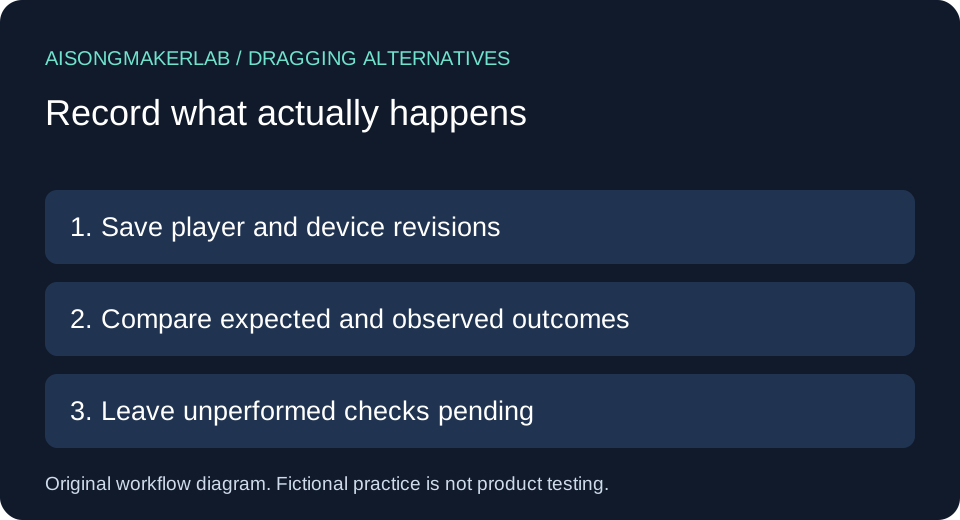
Save the page address, player revision, device, action, starting state, proposed alternative, expected end state and observed result. Keep “not checked” distinct from “failed.” A design proposal is not an observed implementation.
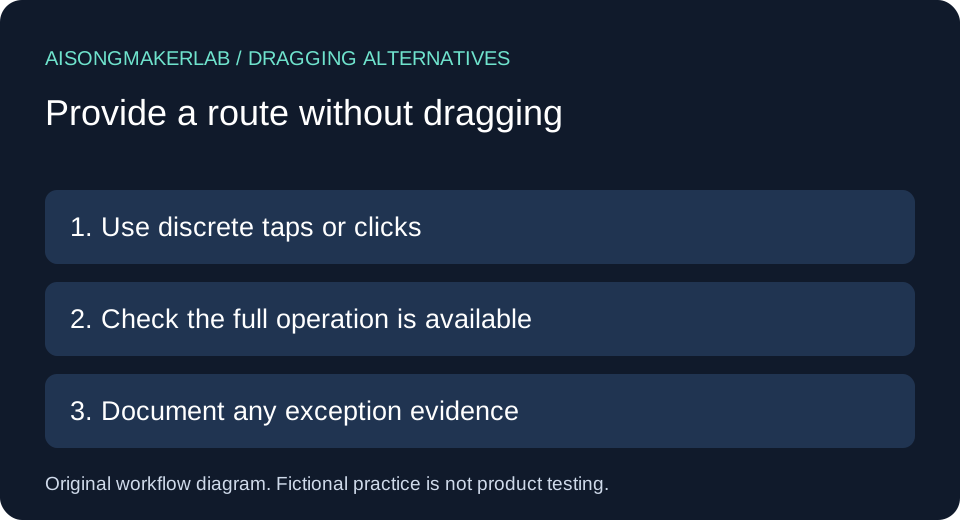
The W3C dragging-movements guidance describes a single-pointer alternative to dragging, subject to essential-dragging and unmodified user-agent exceptions. Keyboard accessibility is a separate requirement. Preserve the conditions when documenting an exception; a familiar-looking slider does not establish who implements it. Source read November 16, 2026.
A practical comparison sequence
- Inventory each action that currently involves holding and moving a pointer. Identify the outcome, not merely the visible handle.
- Propose a sequence of discrete taps or clicks that reaches that outcome. Include confirmation and cancellation where the design needs them.
- Compare starting and ending states. A shortcut that reaches only one preset may not replace the full operation.
- Run the route on the actual delivered player and record the environment. Repeat after a player or layout change.
- Keep pointer operation, keyboard operation, target geometry and caption accuracy as separate review entries.
Five self-authored fictional cases
The following five cases are self-authored fictional exercises. Names, player behavior, timings and settings are invented design inputs, not generated vendor results, customer quotations or measured product tests. Proposed changes remain unverified until someone operates the actual implementation.
1. Seek to the second verse without holding a handle
Fictional setup: Mira reviews an invented two-minute lyric video. The current sketch shows a timeline handle that must be dragged. Her task is to revisit the verse at 00:48 after pausing at 00:12. These times describe the exercise, not an observed recording.
Proposed route: allow a click or tap on the timeline to move playback, and provide a separate precise position field if the timeline cannot conveniently select the required point. Mira records whether seeking keeps the player paused or resumes it. That playback-state choice belongs in the handoff because an unexpected restart can interrupt lyric review.
Expected record: starting position 00:12, paused; requested position 00:48; final position and playback state pending observation. The route is not complete merely because a marker moves visually. The reviewer must check that the actual media position changes too. If the click only selects the handle and still requires dragging, retain the unresolved item. No vendor interface was opened for this fictional exercise.
2. Adjust volume with separate step controls
Fictional setup: Arun's proposed player has a volume slider whose only documented pointer action is dragging. He wants a quiet rehearsal setting without muting the song completely. A mute button reaches a different outcome and therefore is not the entire proposed replacement.
Proposed route: add labeled decrease and increase buttons, with a visible current setting. In this invented design, each activation changes the setting by five percentage points. The chosen step is an authored example, not a W3C-prescribed increment or a measured sound level. Displayed percentages are not acoustic loudness measurements.
Expected record: start at the fictional setting of 50, activate decrease twice, and expect a displayed setting of 40. Save the actual result only after implementation. Check both directions and the range boundaries; do not infer the maximum or minimum from one successful middle value. Also record whether changing volume affects only this player. Keyboard controls and the pointer route need their own checks, even when they share the same underlying value.
3. Reorder a review playlist using move buttons
Fictional setup: Bea's review page contains three invented versions: Draft A, Approved B and Instrumental C. The sketch asks her to drag Approved B above Draft A. She needs a route that does not require maintaining contact while moving an item.
Proposed route: give each item a clearly associated Move earlier and Move later action. From the starting order A, B, C, activating Move earlier on B should produce B, A, C. At the first position, the unavailable earlier action should not silently wrap B to the end unless that behavior is deliberately specified and explained.
Expected record: capture the complete order before and after the operation, not only the selected item's label. Check that playback selection, approved-version labeling and the underlying lyric revision stay attached to the correct item. A cosmetic row movement with the wrong audio still attached would not satisfy Bea's task. The example proposes an ordering model; it does not claim any music service implements it. Test persistence separately if the page promises to save the order.
4. Enter a precise position through a pointer-operated field
Fictional setup: Leon wants to compare the opening of a chorus at 01:07. His small player makes that point difficult to select on a narrow timeline. A developer proposes a time field with an Apply button as a second route.
Proposed route: tap the labeled field, enter the position using the available on-screen keyboard, then activate Apply. Record the accepted format and what happens for an invalid or out-of-range entry. A field that can only be edited through a physical keyboard would not demonstrate the intended pointer-only route in this scenario.
Expected record: the authored input 01:07 means sixty-seven seconds in this exercise. The player should show the resulting position or an understandable validation message; silently substituting an unrelated value would hide an unresolved mismatch. Keep invalid input from being mistaken for a completed seek. None of these actions has been executed on a real player here. The review sheet therefore contains the proposed sequence and expected outcome, with the observed result left blank for the implementation reviewer.
5. Establish who controls a native-looking slider
Fictional setup: Nia receives an embedded player that appears to use ordinary browser media controls. A teammate suggests closing the dragging review because the controls look familiar. Nia has no implementation evidence yet.
Proposed route: identify whether the relevant behavior is determined by the browser and unmodified by the page author. Record the embedding code or implementation documentation, browser version and control being considered. If the page draws its own slider or changes its pointer behavior, revisit the exception reasoning rather than carrying forward an assumption from appearance.
Expected record: ownership and modification status remain unresolved until supported. Nia can still document useful pointer alternatives for viewers even while the exception decision is pending. A finding about one native control does not decide whether a custom playlist elsewhere on the same page needs an alternative. This case teaches the boundary of a review, not a certification result. No browser behavior, assistive technology compatibility or vendor compliance is asserted from the invented scenario.
Keep the comparison reviewable
Use one row per action and environment. Store the expected outcome beside the actual outcome so another reviewer can distinguish a proposal from evidence. Recheck any shared player component after changing its implementation. Keep the previous record to explain what changed.
The cases and blank worksheet are original editorial contributions. They help organize an evaluation but are not an automated accessibility checker or certification. No official Google keyword figures, authentic user quotations or vendor-generated samples were available for this article.
Frequently asked questions
Does adding arrow-key support settle dragging alternatives? No. Record keyboard operation separately from the single-pointer route.
Must dragging be removed? The review asks whether the action has an appropriate alternative. Keeping a dragging route can remain useful.
Does a mute button replace a volume slider? It does not provide intermediate volume choices. Compare the outcomes your interface offers.
Can a time-entry field help? It can be part of the proposed route when it is usable through pointer interaction, including an on-screen keyboard. Verify the complete sequence.
Are these five cases product test results? No. They are explicitly fictional design exercises. The downloadable record leaves actual observations for a real review.
Download the five fictional cases · Download a blank review CSV