Keep Focused Lyric Video Controls Clear of Page Overlays
Keep the control receiving keyboard focus clear of sticky headers, banners and side panels. Review the page around your lyric video as well as the player itself. A visible focus style cannot help if another page layer covers the entire control. Record which layer overlaps which control, then repeat the same keyboard path after any change. This is a practical publishing check when comparing a best AI music generator workflow, not a generator ranking or a claim of accessibility certification.
Start with a small handoff record
Save the page address, player revision, lyric revision, viewport, zoom level, active overlay and keyboard entry path. Separate a proposed layout repair from an observed result. The downloadable CSV starts blank because no customer player or vendor output was tested for this guide.
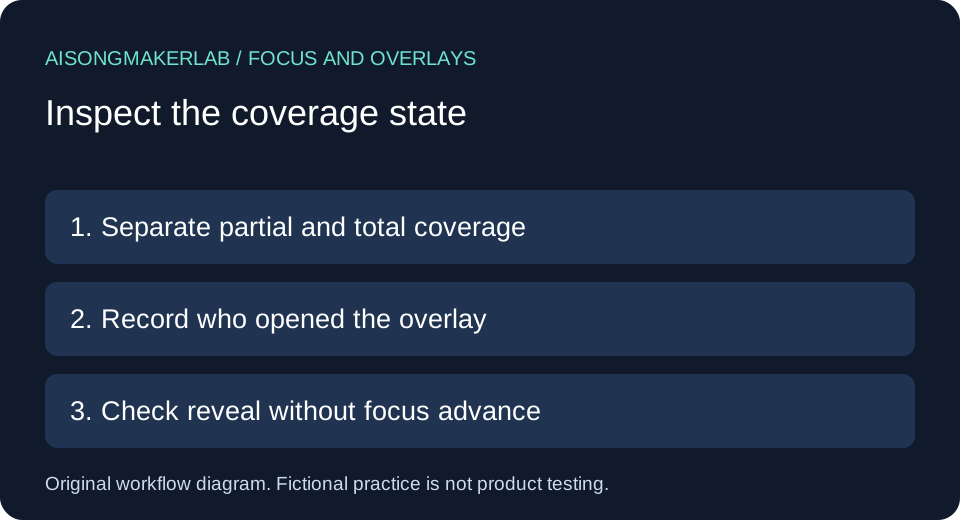
W3C explains Focus Not Obscured (Minimum): a component receiving keyboard focus must not be entirely hidden by author-created content. Partial obstruction is permitted by this minimum criterion; keeping the whole component clear is a stronger design goal. For user-movable content, its initial position is considered. For user-opened content, a way to reveal the component without advancing keyboard focus matters. These qualifications are important when recording a panel case.
A practical comparison sequence
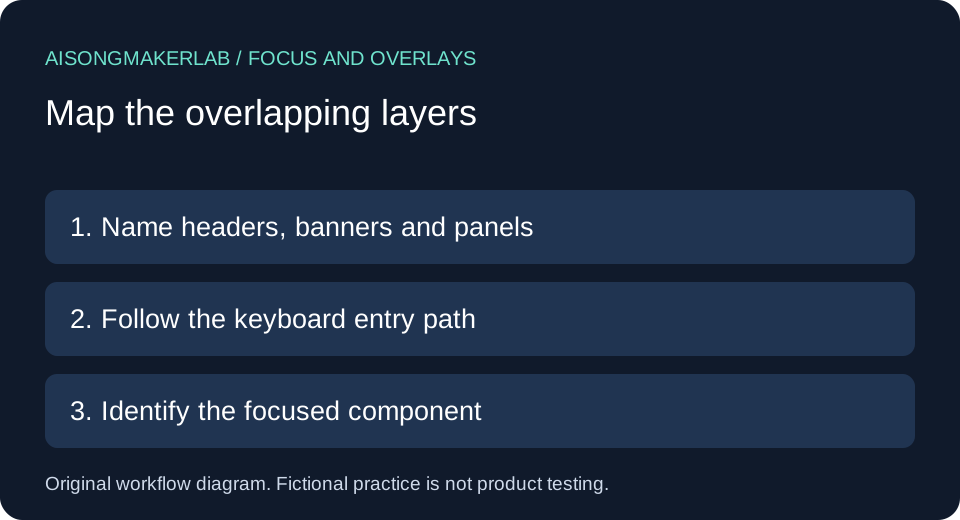
- Load the actual publishing page with its ordinary banners and navigation present. Name each persistent page layer before entering the player.
- Follow the keyboard path to play, captions, language options and nearby downloads. Record the focused component separately from the selected caption language.
- Check the relevant narrow and zoomed layouts. Identify whether the entire component, only part of it, or none of it is covered.
- For a user-opened panel, record the reveal action and whether keyboard focus advances. Do not assume every overlay is an automatic failure.
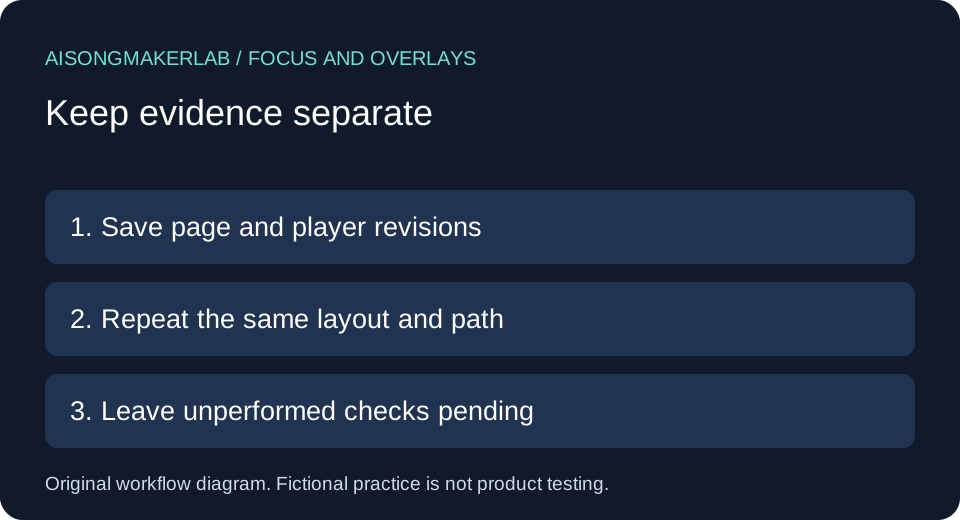
- Change one layout behavior, repeat the saved path and retain the result. Leave any unperformed state pending.
Five self-authored fictional cases
The following five cases are self-authored fictional design exercises. Names, layouts and problems are invented to explain a review method. They are not generated vendor results, observed customer incidents or measured product tests.
1. A sticky header covers the play control
Mira is preparing a fictional lyric lesson page with a fixed navigation header. The player sits immediately below the introduction. Her hypothetical keyboard path starts at the site navigation and continues into the player. A layout sketch puts the play control behind the header when the browser scrolls it into view. That sketch is a reason to inspect the real layout, not evidence that any released player fails.
Her review row names the header as the overlapping layer and the play button as the focused component. It includes the scroll position and whether any part of the button remains visible. She proposes reserving space for the header when scrolling to controls. She does not mark the proposed spacing as a verified repair, because a wrapped header may have a different height on a narrow page. The follow-up repeats the same path with the final header contents. A separate check confirms that the focus indicator remains recognizable after the overlap is removed.
2. A consent banner covers the caption toggle
Jon's fictional release page includes a bottom banner and a player with controls near the lower edge of the viewport. The example assumes the caption toggle can receive focus while the banner remains open. The review question is whether the banner entirely hides that focused toggle. Banner presence alone does not answer it, and the banner's close button is a separate interaction target.
Jon records the initial banner state, the route into captions and the particular layout in which overlap is suspected. He considers reserving page space for the banner or changing the flow so controls remain reachable and clear. He avoids treating a modal conversion as a cosmetic fix: a modal has its own keyboard and focus behavior to implement and review. The acceptance row asks for the same caption operation with the ordinary initial banner state. Dismissing the banner before every review would omit the state that caused concern. Until that initial state is inspected, the observation remains pending rather than passed.
3. A side panel covers a language option
Leah's imaginary lyric tutorial has a slide-out notes panel beside a caption language menu. In the planning mockup, the notes panel extends over the menu at a compact width. A checked language is not necessarily the option that currently has keyboard focus, so Leah records both values instead of using the check mark as her focus evidence.
Her row identifies who opened the panel and what action can reveal the focused language option. If the panel was opened by the user and can be dismissed without advancing keyboard focus, the W3C qualification needs to be considered. She therefore avoids labeling every covered option a failure from a static sketch. Her proposed revision gives the panel its own layout space. The follow-up must inspect opening, navigation and closing, because a clear final state does not establish a clear intermediate state. This example produces a state sequence for review, not a score for a music-generation vendor or an assertion that all side panels are unsuitable.
4. A zoomed layout exposes a footer overlap
Arun's fictional release checklist has a persistent download strip below the lyric video. At an enlarged page view, the strip's labels wrap and the strip becomes taller. His design concern is that keyboard navigation to a player option may place that option underneath the enlarged strip. A desktop-sized layout sketch cannot settle what happens in this different state.
Arun records the viewport and zoom settings together with the strip's expanded content. He separates total coverage from partial coverage rather than reporting a vague visibility issue. He proposes letting the strip participate in normal document flow in the constrained layout. The proposed behavior needs inspection after actual text and translations are loaded; a fixed height chosen for a shorter label is not reliable evidence. His repeat check follows the same path through the player and adjacent download links. The record also retains the original layout state so the reviewer can understand what changed. No dimensions in this fictional case are presented as measurements from an actual website.
5. A user-opened panel can reveal the control
Nora's imaginary teaching page lets the viewer open a floating reference card. The card can cover a player control. Her reviewer initially writes that the overlap must always fail the minimum criterion, then revises that conclusion after distinguishing user-opened content from an automatically displayed layer.
Nora's worksheet asks whether a supported action reveals the focused component without advancing keyboard focus. The action, focused element before it and focused element after it are all separate fields. She does not assume that a visually disappearing card necessarily preserves focus. If the interface also lets users reposition the card, she records its initial position separately from a deliberately moved position. These details preserve the conditions in the source guidance. For usability she still prefers a layout that avoids covering important controls. That preference is recorded as a design goal, not silently substituted for the minimum criterion. The case ends with a pending interaction check, because this article contains a fictional scenario rather than a working player demonstration.
Keep the comparison reviewable
Use one row per overlay and focus state. Retain the overlapping layer, its origin, the focused component, coverage extent and any reveal action. A blank observation means not checked; it does not mean no overlap. Keep the page revision with the player revision so a later banner change does not inherit an earlier result. Our original contribution is this review sequence, the blank record, three diagrams and five fictional decision cases. The contribution audit counts only the case sections against all article text; it is not an internet uniqueness score.
Frequently asked questions
Is a bright focus ring enough?
No. Indicator styling and page-layer coverage are different questions. Check the focused component with the actual surrounding page layers present.
Does partial coverage fail the minimum criterion?
The cited minimum criterion addresses complete hiding by author-created content. Our preferred design goal is to keep the entire control clear; do not confuse that preference with the minimum rule.
Must I remove every floating panel?
No. Record its behavior and apply the source conditions, including the distinction for user-opened content. Panel presence is not a result by itself.
Can I reuse a review from another embed page?
Use it as a starting checklist. A different header, banner or footer can change the overlap even when the player is identical.
Are these examples vendor tests?
No. All five are explicitly fictional authored examples. The downloads contain case text and an empty worksheet, not generated songs or product test results.
Download the five fictional cases · Download a blank review CSV