Check a Lyric Video Player Without a Mouse

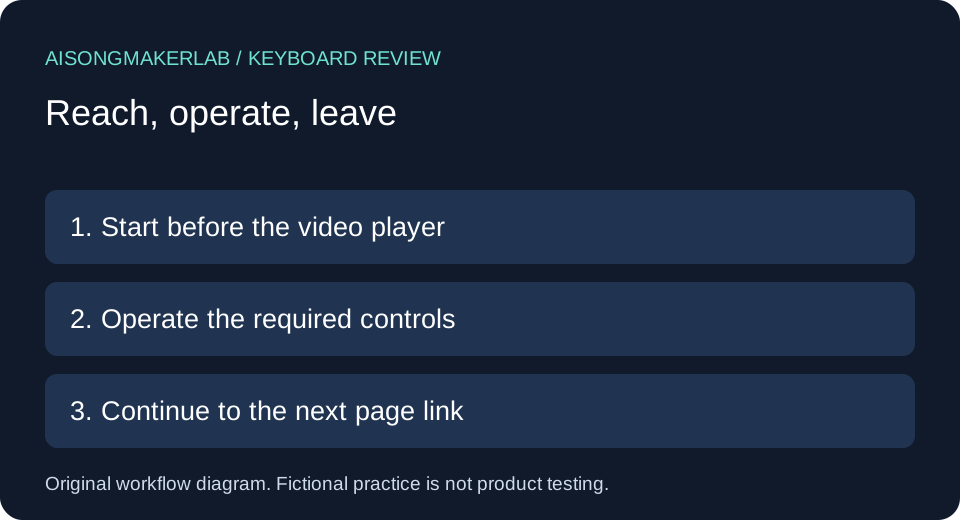
Check the actual delivery page with a keyboard before approving its player. Start outside the player, reach and operate playback and caption controls, then leave the player and continue through the page. Record the action, visible focus, resulting state and anything you could not verify. A caption file alone does not establish that someone can turn it on without a mouse.
For a creator comparing the best ai music generator for a lyric-video workflow, this is a delivery check after generation. It does not rank generators or test their music output. The five cases below are self-authored fictional examples, not generated vendor results, real user quotations or completed product tests.
Start with a small handoff record
Name the page URL, video revision, caption revision, browser, operating system and date. Begin with the keyboard focus on a known page element before the player. Keep the pointer unused during the walkthrough. If you must use it to recover, record that intervention instead of counting the sequence as completed.
W3C keyboard guidance explains keyboard access to functionality without precise keystroke timing. WAI media-player guidance includes keyboard support and visible keyboard focus among player considerations. These sources motivate the review; this worksheet is not a complete accessibility audit or certification.
A practical comparison sequence
- Move forward from the preceding page link and identify where focus enters the player. Tab and Shift+Tab commonly move between controls, but inspect the actual interface and its instructions.
- Operate play and pause using the control's supported keyboard interaction. Record whether playback changed, not merely whether the button received focus.
- Open the caption menu, choose a track and return to playback. Record the selected label and what appears on screen.
- Check seeking and any other controls needed for the intended viewing task. Record actual increments or key instructions only when observed.
- Leave the player, continue to the following page content, and repeat the return path. Treat an unknown exit route as unresolved.
Do not assume one universal shortcut list. Space may scroll the page when focus is elsewhere. Arrow keys may navigate a menu or adjust a focused slider. A useful record states where focus was before a key was pressed and what happened afterward.
Five self-authored fictional cases
1. Play receives focus but playback remains unverified
Fictional setup: Mira has a finished lyric video on a draft portfolio page. Her review note says that Tab reaches a triangular control. She is tempted to mark playback as working because the control has a visible outline. This example deliberately supplies no real player result.
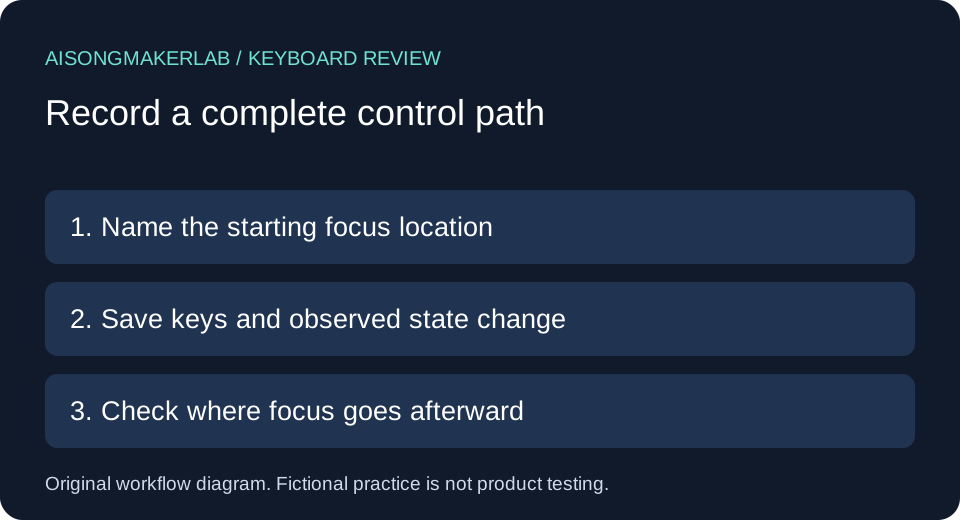
Her proposed walkthrough separates finding the control from using it. She records the focused control label, tries its supported activation key, and checks whether the video actually begins. She then returns to that control and pauses. If activation scrolls the page instead, she records the scroll and the starting focus location rather than concluding that the video played.
The original decision rule is to keep two fields: reachable and operable. A positive entry in the first cannot fill the second. Her fictional handoff remains pending until both play and pause have an observed outcome on the delivery page. This catches a different problem from missing caption text: the viewer may never reach the intended viewing state at all.
2. Captions exist but the menu path is incomplete
Fictional setup: Noah supplies an English caption file with a lyric video. A collaborator sees a captions icon in the player, so the delivery record initially lists captions as available. Nobody has yet completed a keyboard-only route through the menu.
Noah's proposed check begins with captions off. He reaches the menu control, opens it, identifies the current option, selects the English track and closes the menu using the interface's supported interaction. He then checks that the expected caption content appears during a known passage. Merely opening the menu would leave selection and return-to-playback unverified.
His worksheet has separate entries for menu access, track selection and return focus. If the menu closes but focus cannot be located, he preserves that uncertainty. The fictional decision is to withhold approval of this path until the whole sequence is repeatable. Having a valid caption file is useful evidence about an asset; it is not evidence about operating the destination's controls.
3. A language choice needs a confirmed selected state
Fictional setup: Lena prepares two language tracks for a music teaching page. The intended task is to switch from one language to the other while keeping the same video revision. The example does not claim any real player supports multiple tracks.
Her proposed record names the starting track, the desired track, the keyboard path and the selected-state feedback. She checks both the menu label and a known caption passage after switching. If two options have indistinguishable labels, she records the ambiguity instead of guessing from their order. If the second track is absent, the result is unavailable for that destination, not a failed translation test.
The original handoff rule pairs a track label with a caption revision. That prevents a later reviewer from approving a familiar label while a different file sits behind it. Lena keeps the selection task distinct from whether the translated words are accurate. Keyboard operation can be reviewed without pretending that a language-quality review has happened.
4. Seeking must change the intended playback position
Fictional setup: Omar wants a learner to return to a chorus without dragging a progress bar. His delivery requirements include seeking backward and forward. No actual timing measurements or browser outcomes are supplied in this case.
He proposes reaching the seek control, reading any available instructions and using its supported keyboard operation. His record includes the starting position, requested direction, resulting position and whether focus stayed identifiable. He does not prescribe an invented five-second increment. If an arrow key scrolls the page, he notes that behavior and verifies the focus location before trying an instructed interaction.
Omar's fictional decision rule approves only the observed direction and control path. A successful forward move does not silently approve backward movement, nor does seeking prove that captions remain synchronized afterward. He adds a separate follow-up observation at the destination passage. This gives the next reviewer a concrete action to repeat while leaving untested playback behavior explicitly pending.
5. The viewer must continue beyond the player
Fictional setup: Priya places a transcript link immediately after a lyric-video embed. Her page review needs a complete journey from the introductory link, through the player, to that transcript. A player-only control checklist would miss the surrounding page journey.
Her proposed sequence starts before the embed, operates a necessary control, exits any open menu and continues forward. She records the next focused element after the player, then checks the reverse route. If focus repeatedly cycles within the player, she records the exact sequence and any documented exit instructions. She does not press random keys indefinitely or describe a mouse-assisted escape as keyboard completion.
The fictional handoff keeps the transcript reachable as its own task and leaves any suspected trap unresolved for investigation. It does not label the entire site compliant or noncompliant from this single exercise. The useful contribution is a boundary record: where focus entered, what was operated, and where focus went next. That boundary makes later checks reproducible after the embed or page layout changes.
Keep the comparison reviewable
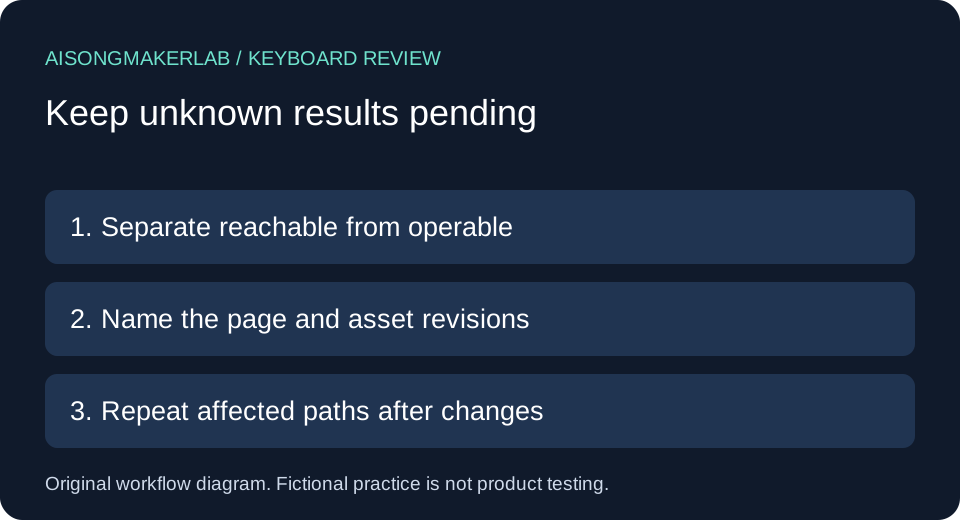
Use one row per action. Record starting focus, intended task, key sequence, expected state, observed state, next focus location and unresolved work. Keep fictional practice rows separate from observations collected on a real page. The blank download intentionally contains no passed results.
Repeat affected paths when the player, embed configuration or page changes. Preserve the prior record with its revisions; do not overwrite it with a later success. A result from a preview page does not automatically describe the final destination.
Frequently asked questions
Does a caption file prove keyboard access?
No. The file and the player controls are different parts of delivery. Check the selection path on the actual page.
Should every player use the same keys?
Do not assume that. Inspect supported interactions and record the control's focus state before each action.
Is seeing a focus outline enough?
It helps locate the control, but operation needs a separate observed result such as playback pausing or the selected track changing.
What if I need a mouse to escape?
Record the intervention and the preceding key sequence. Keep the keyboard-only journey unresolved rather than marking it complete.
Is this an accessibility certification?
No. It is a limited manual workflow record with fictional examples. It does not replace a broader accessibility evaluation or testing with assistive technologies.
Download the five fictional cases · Download a blank review CSV