AI Music Maker Free: Record the Export Start and Leading Silence

Keep the intended start and the measured lead-in separate. Record the exact file, reference and observation before trimming a copy. The first nonzero sample is not automatically the first musical beat.
Start reference · Three files · Measurement limits · Blank card
Choose a start question before making another take
An AI music maker free workflow can leave you with a file that plays, while the first intended event lands later than you expected. Keep the exact file, write the intended export start and compare that reference with an observed event. A slow introduction, an export offset and unwanted empty space require different decisions.
A generator-selection question in our materials archive supplies the topic lead. We authored the record card, three marker signals and measurement code below. These are constructed PCM files, not songs downloaded from a service. No free-plan entitlement, export behavior or current search-results gap was tested.
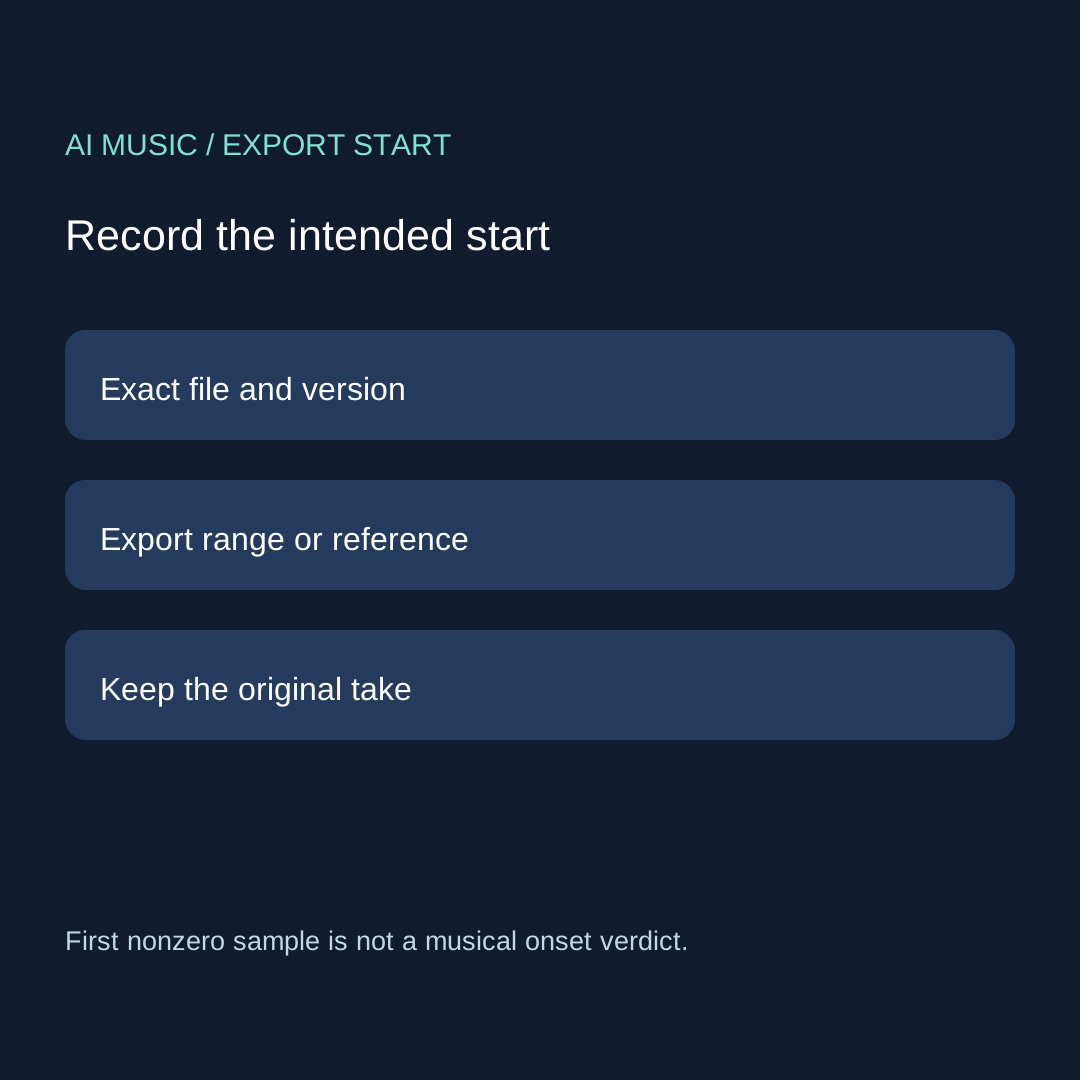
Write the reference you actually have
Record the filename or take identifier and the intended range start. If the workflow provides no visible range control, write that limitation. Do not invent a zero-time selection that you never inspected. Note which player or editor displays your observations, and whether its time reading is approximate.
For a real take, identify the event that matters to the task: a vocal pickup, the first beat you plan to align, or a deliberate fade-in. Those are musical choices. An initial low-level sound may precede the beat you want, and an audible pickup may be intentional. The record should say which event you mean rather than treating every nonzero value as the beginning of the song.
Three original files with known construction
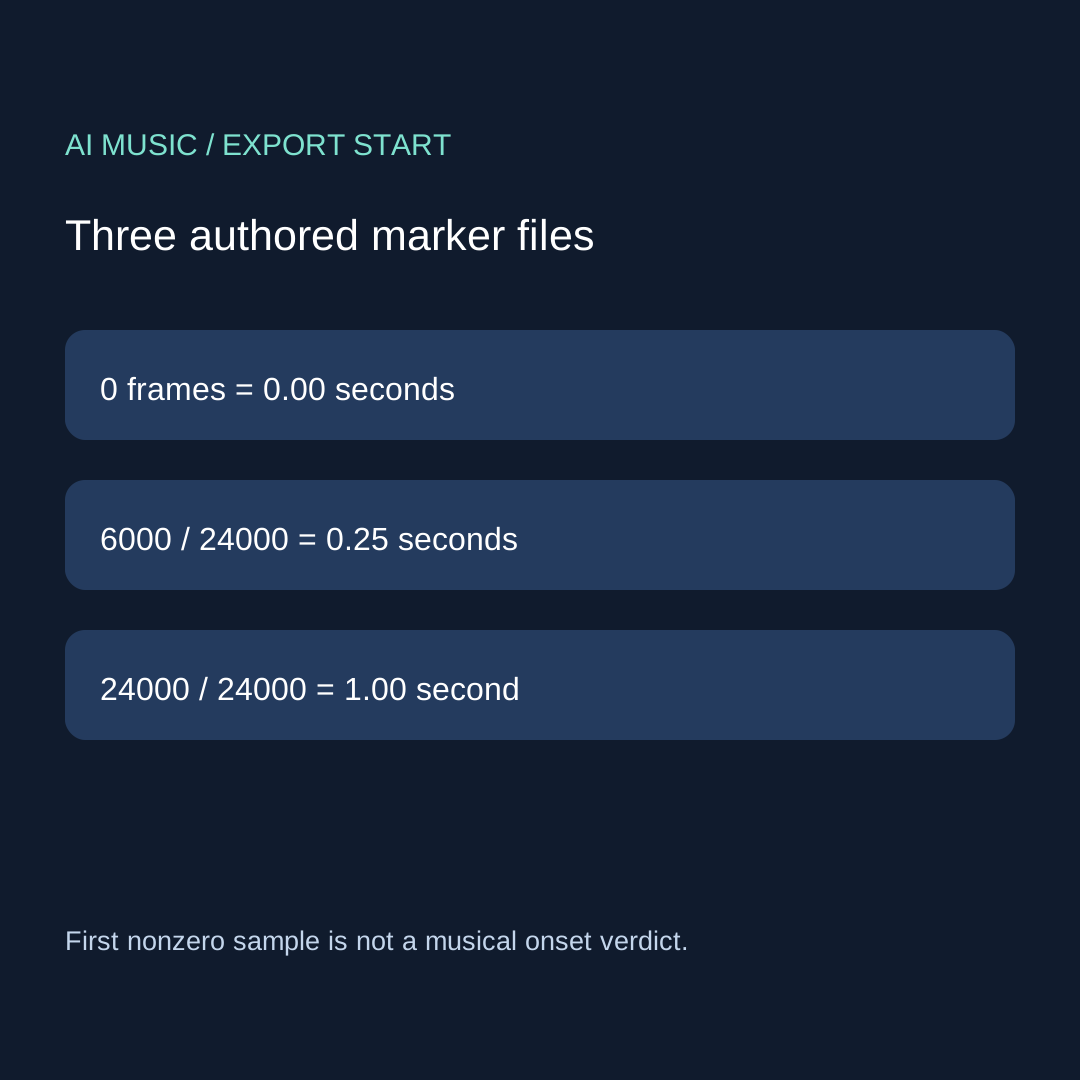
Our exercise uses mono signed 16-bit PCM at 24,000 frames per second. Each file begins with a chosen number of exact zero samples, then 240 alternating samples of +8000 and −8000, then 2,400 zeros. The marker is an artificial signal for inspection, not music or a listening preference test. Use a comfortable low playback level if you choose to listen.
| Constructed file | Leading zero frames | Rate | Leading zero duration |
|---|---|---|---|
| At zero | 0 | 24,000 frames/s | 0 / 24,000 = 0 s |
| Quarter second | 6,000 | 24,000 frames/s | 6,000 / 24,000 = 0.25 s |
| One second | 24,000 | 24,000 frames/s | 24,000 / 24,000 = 1 s |
We wrote each WAV, reopened it as PCM and scanned from zero-based frame index zero for the first value unequal to zero. The measured indices were 0, 6,000 and 24,000, matching the declared construction. Duration here means the initial run of exact zeros, not the complete file length or a measured playback-device delay.
The retained results include rate, channel count, sample width, first nonzero frame and the construction comparison. The readable Python source recreates the files and results with standard-library modules. Run it only in a new exercise directory: it writes files with the published exercise names and can replace same-named files there. It opens no editor, signs into no account and performs no vendor export.
Keep the measurement rule visible
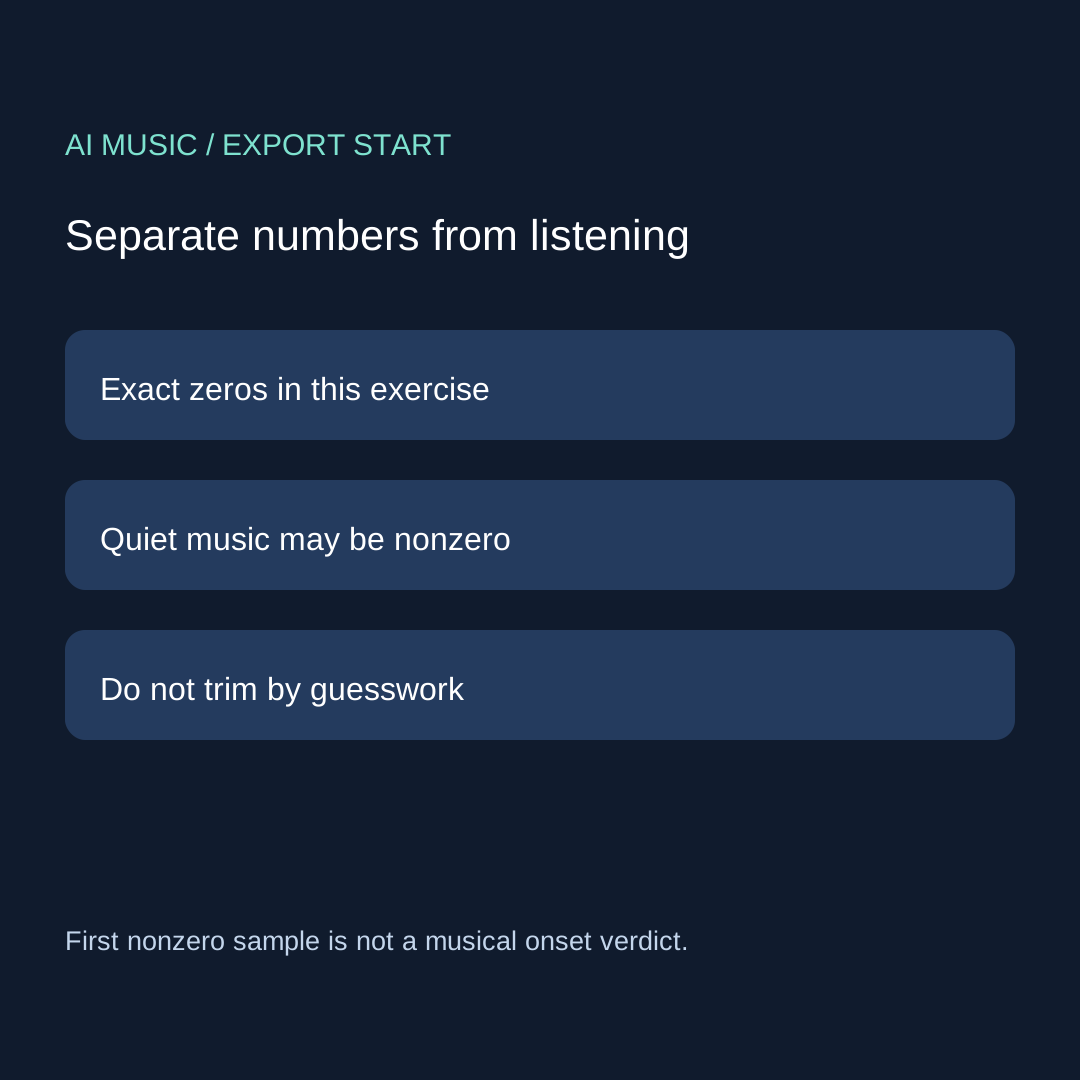
The exact-zero rule is useful because these files have a known artificial construction. It is not a universal silence detector. A quiet recording may contain nonzero samples before the event you care about. A threshold-based check would be another method and would need its amplitude rule, channel treatment and minimum duration written down. We did not run that method here.
Likewise, a player progress bar cannot establish sample precision. Write an approximate timestamp as approximate. Do not turn that display into a claim about an exact number of empty frames. If you inspect multiple channels, define whether activity in either channel counts and retain the actual rule; our mono exercise does not supply a stereo-channel decision.
Use the export-start record
EXACT FILE / VERSION:
PLAYER / EDITOR / TIMING DISPLAY:
INTENDED EXPORT START / REFERENCE:
FIRST AUDIBLE EVENT / OBSERVED TIME / APPROXIMATION:
MEASUREMENT METHOD / CHANNEL RULE / THRESHOLD IF ANY:
MEASURED DELAY / SAMPLE RATE IF KNOWN:
PRESERVED ORIGINAL / REVISED COPY:
NEXT CHECK: preserve / shift a copy / inspect unresolved
Download the blank export-start card. Record the reference, observation and method in separate fields. If the intended start is unknown, keep it unknown. A measured lead-in does not become an error until it conflicts with the task's reference or an explicitly chosen alignment.
Change a copy, then check the intended result
Keep the original before using a supported range adjustment or moving a copy in an editor. Record the new version and recheck both the start and any event whose alignment matters. Do not cut a pickup or fade-in merely because it is quiet. When the reference is unclear, the useful next action is to resolve that reference rather than repeatedly trimming.
This page handles the start. For end acceptance use the clean-ending record; for repeat boundaries use the loop-return card. For arrangement order use the section-order checklist. None of these records substitutes for checking the saved file and its permitted use.
Four questions from the creation workflow
Does the first nonzero sample locate the first beat?
No. Our code locates a value in an artificial mono signal. A musical beat, pickup or fade-in needs a task-specific observation.
Is a quarter-second lead-in always wrong?
No. Compare it with the intended range or alignment. The constructed quarter-second file proves a calculation, not a universal acceptable delay.
Can I use the player's displayed time as an exact frame count?
Only report the precision you actually observed. An approximate display does not establish sample accuracy.
Should I trim the only saved take?
Preserve the original and work on a named copy where supported. Recheck the intended start and needed musical events after the change.