Best AI Song Generator for a Clean Ending: A Finish-Line Checklist
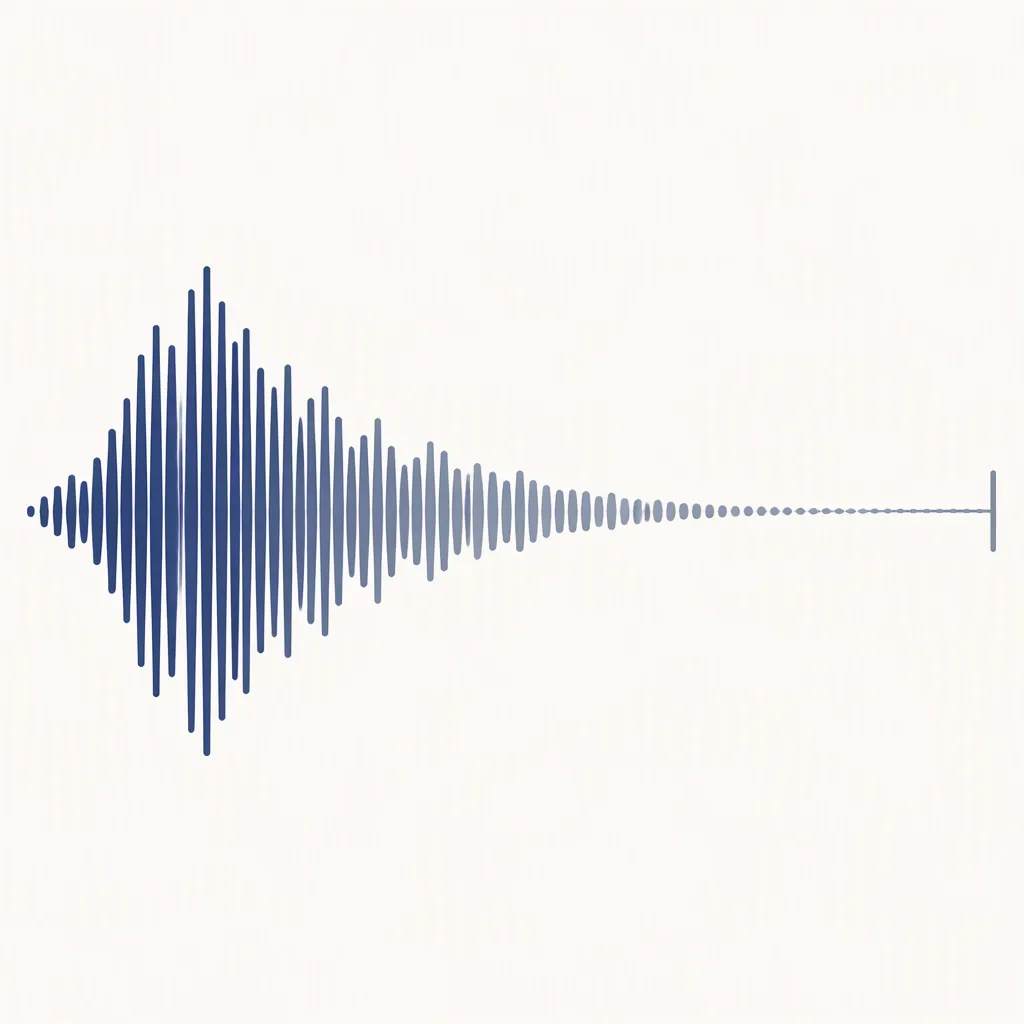
Choose by ending evidence. Check the final phrase, the tail and the saved file separately. Keep timestamps, repair one named mismatch, and stop when the file meets your written finish line.
Choose a repair · Ending card · Practice audio · Stop rule
Write the finish line before choosing a tool
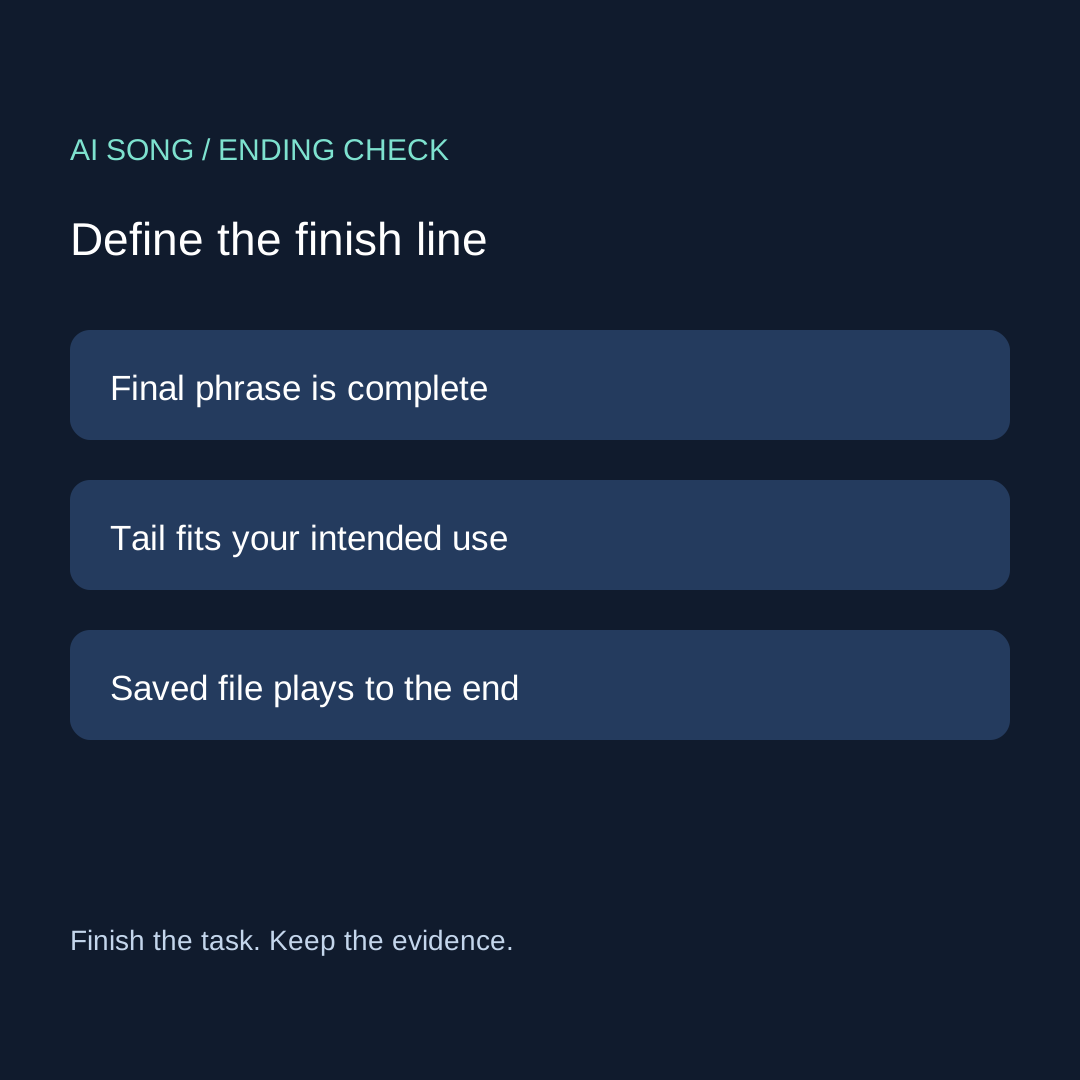
The best AI song generator for your task needs to deliver a usable ending, not just an impressive opening. Our original finish-line exercise separates three questions: did the final musical or lyrical event finish, does the remaining tail suit your destination, and does the saved file play all the way through? A good answer to one question does not settle the other two.
A generator-selection question in our material archive prompted this method. We are not reporting a new vendor comparison or quoting a verified user interview. The contribution here is a timestamp card, a decision rule, and two deliberately constructed audio exercises. Use them with your own authorized output; do not treat the exercises as samples from a commercial generator.
Choose the repair by the mismatch
| Observed mismatch | First question | Evidence to keep |
|---|---|---|
| A word or phrase stops early | Can the workflow continue or revise that passage? | Last complete phrase and interruption time |
| The phrase ends but the tail is unsuitable | Can you adjust the ending without changing the completed phrase? | Before/after ending window |
| Preview ends well; saved file does not | Are you listening to the same version? | Exact filename, version and replay note |
This is a task routing table, not a list of guaranteed features. Read the actual tool's help before spending another attempt. A control called extend is a possible route to investigate, not proof that it will preserve your last phrase. A fade changes the tail you apply it to; it cannot supply words that are absent from a recording. Keep the mismatch precise enough to choose one action.
The original ending evidence card
- Name the destination. A complete song and a short background segment may have different finish lines. Describe yours before judging the take.
- Mark the last complete event. Use the playback clock, write a timestamp, and describe the word, note or section you mean. Do not guess from total duration alone.
- Mark the problem. Record where the interruption, unwanted continuation or file mismatch starts. Keep unknown timestamps as unknown until replayed.
- Save the current version. Keep the filename beside the observation. Compare the same ending window in both versions.
- Try one justified action. Choose a supported revision, continuation or tail edit. Preserve the original and record the actual result, including failure.
DATE / TOOL / VERSION:
DESTINATION AND FINISH LINE:
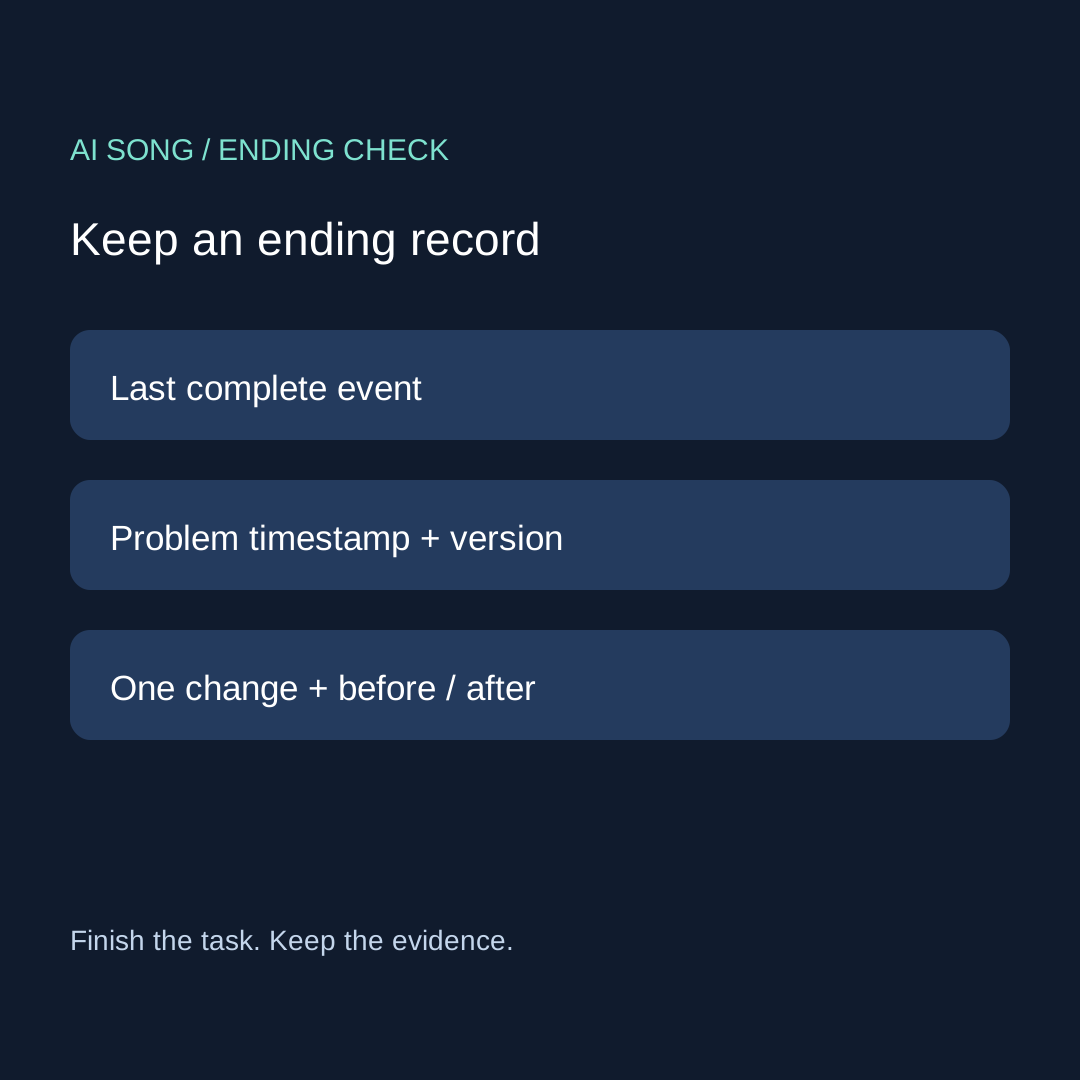
LAST COMPLETE EVENT + TIMESTAMP:
PROBLEM + TIMESTAMP:
ORIGINAL FILE:
ONE ACTION / COST SHOWN OR UNKNOWN:
REVISED FILE:
REPLAY WINDOW:
PHRASE COMPLETE: yes / no / not checked
TAIL SUITABLE: yes / no / not checked
SAVED FILE REPLAYED: yes / no
DECISION: keep / one repair / stop unresolved
Download the blank ending card. The card does not rate services or assume a free allowance. A not-checked field is useful: it tells you which observation is still missing before another generation.
Two original audio exercises you can inspect
We constructed these two-second mono WAV signals with a Python script: 48,000 frames at 24,000 samples per second, using a 443 Hz sine and a 50 ms opening ramp. The second signal adds a linear amplitude fade over its final 400 ms. Duration is calculated as frames divided by sample rate: 48,000 / 24,000 = 2 seconds. These are synthetic practice signals, not generated songs, listening-test results or evidence that any service can produce a clean ending.
Exercise A: no final fade · Exercise B: final fade. Open both in your audio editor. Inspect the final portion and replay it. Write your own listening observation; we do not prescribe what you must hear on your equipment.
The key lesson is that both files have the same duration and construction except for the final envelope. Total length alone cannot tell you how an ending was shaped. In your song record, describe the completed phrase separately from the final tail. These practice files contain no lyric, so they cannot establish lyric completion.
Two authored decisions, not product tests
Case A: the last lyric is incomplete
In this hypothetical case, your final word is missing. The card routes you toward investigating a supported continuation or revision of that phrase. A tail fade would not restore the missing word. Save the original, keep the intended lyric beside the timestamp, and compare whether the revision actually contains it. No success is assumed.
Case B: the words finish but the tail runs beyond the brief
This hypothetical recording already contains the complete final phrase. Your task is now the tail. Work on a copy, preserve that phrase and compare the selected ending window after one edit. If the edit damages the phrase, return to the saved version. This is a different task from generating a new song or checking export formats.
Our stopping rule
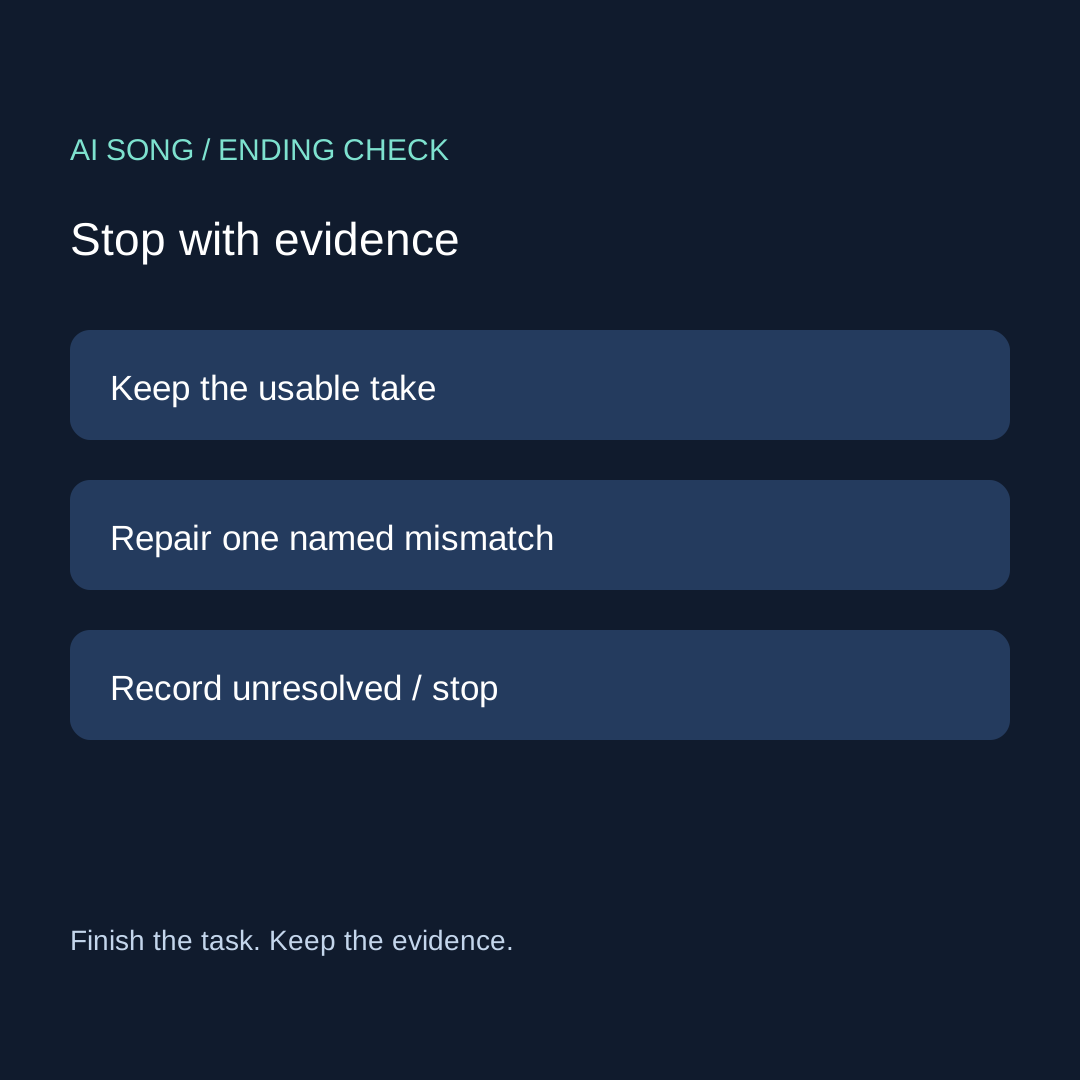
Keep a take only when the three checks meet the finish line you wrote. Otherwise, name the single remaining mismatch. Continue only when you can identify a supported action and accept its displayed cost or condition. If you cannot, record stop unresolved and keep the last usable version. The worksheet does not promise that one repair will work or that unlimited attempts are worthwhile.
Four questions from the generator-selection task
Does a longer result prove that the ending is complete?
No conclusion follows in this exercise from length alone. Replay the last intended event and record what actually finished. Extra time may be useful, unwanted or unrelated to the missing phrase.
Should I fade every ending?
This method does not prescribe that. First decide whether the phrase is complete and what your destination requires. Use a tail edit only when it addresses the recorded mismatch, and preserve a copy before changing it.
What if the preview and downloaded file differ?
Record both version identities and replay the saved file. The download evidence checklist handles the export investigation; this page handles the ending once you have the correct file.
How is this different from choosing several versions?
The multiple-version workflow helps organize candidates. This card supplies one specific acceptance check for each candidate's ending. For unfamiliar edit labels, use the control-to-task glossary before acting.