Best AI Music Generator Free: Check Sample Rate Before Comparing Duration
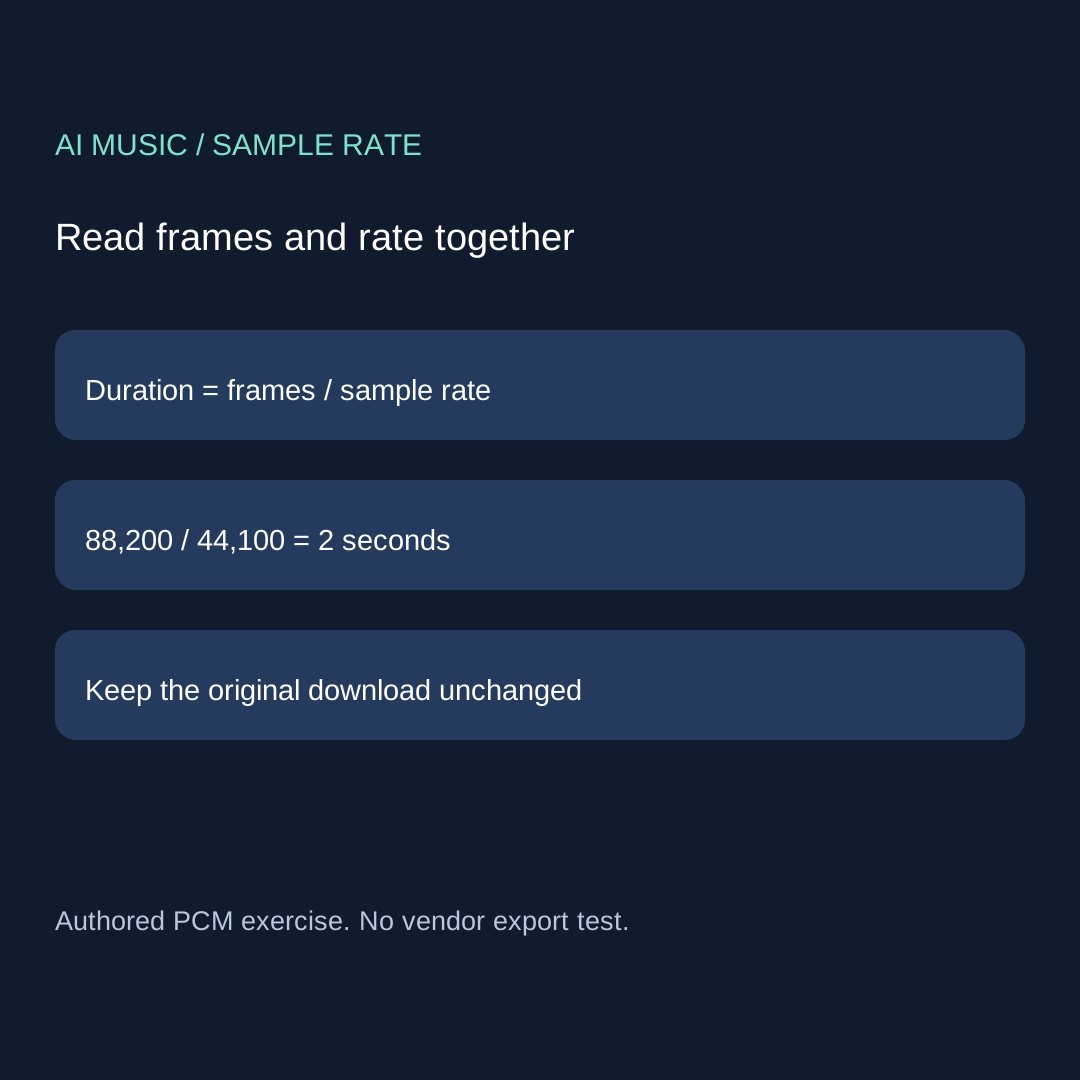
Read the actual PCM frame count and sample rate together: duration = frames / rate. Changing a label is not resampling. Keep the original file and distinguish metadata, playback duration and sound quality.
Check what the file says before comparing its duration
When choosing the best AI music generator free for a short cue, inspect the actual downloaded file before blaming a length mismatch on the generation tool. For uncompressed PCM, duration is the number of frames divided by the sample rate recorded in the header. A rate label is an instruction for interpreting samples. It is not independent evidence of how those samples were created, and a higher number is not a quality score. Keep the original unchanged while you make the comparison.
Our material archive contains a generator-selection question as a topic lead. Its missing direct source prevents us from quoting it as a verified user report. We turn that selection problem into a narrower, reproducible file check: can you distinguish a changed sample-rate label from a separately constructed file with another frame count? This exercise does not establish the current free plan, export settings or musical quality of any service. The word free describes the selection workflow, not a promise that a particular generator supplies these files.
Five files, with the construction disclosed
We wrote a mono, 16-bit PCM reference with 88,200 frames at 44,100 Hz. It contains a simple 220 Hz sine signal with a peak target of 4,095 integer units. Its declared duration is exactly two seconds. These are authored practice signals, not generated songs or vendor downloads. The source script constructs every sample and reopens every written WAV. The retained JSON records the header values, frame count, PCM byte length, exact fractional duration and SHA256 hashes.
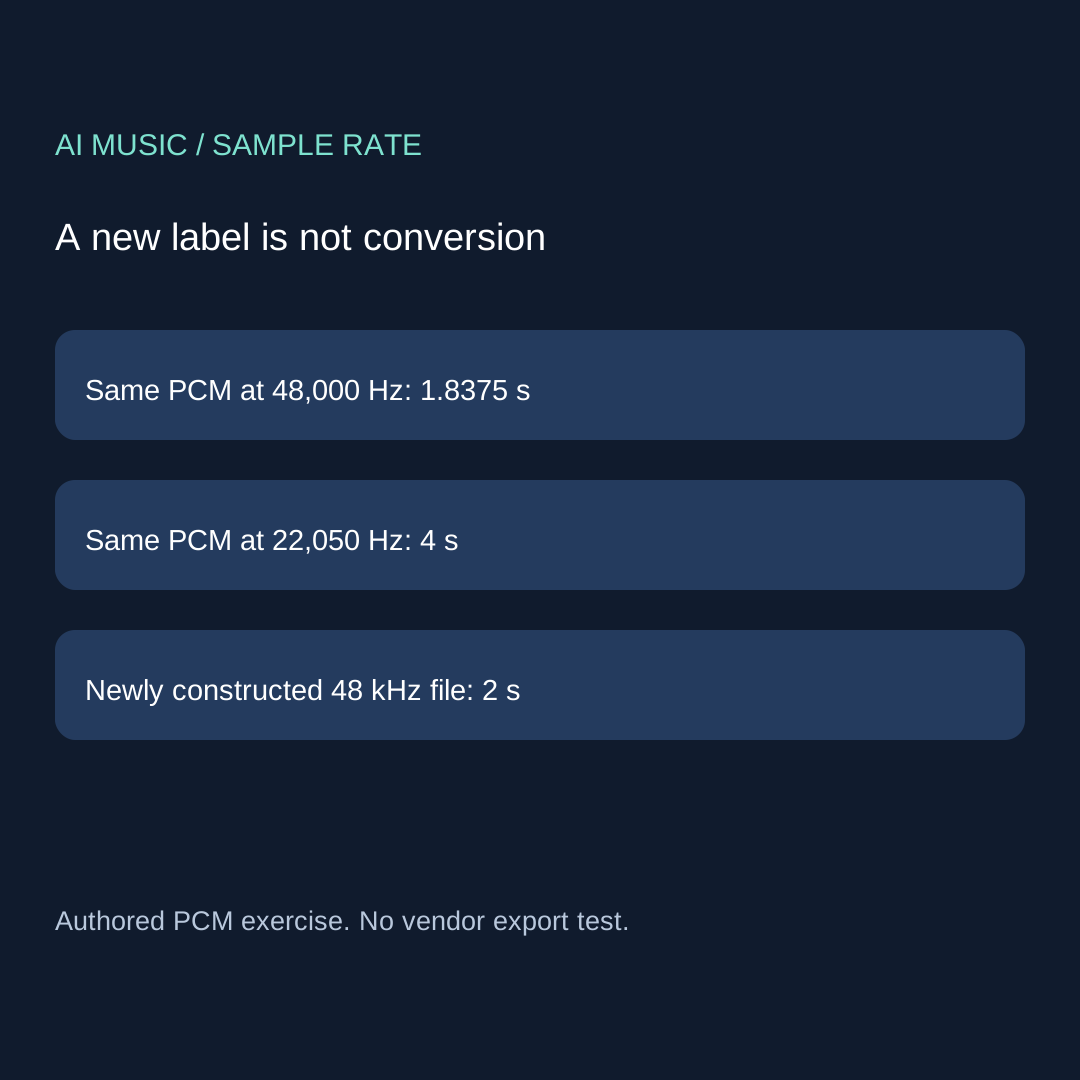
The second file keeps precisely the same PCM bytes but writes 48,000 Hz in its header. Its declared duration becomes 88,200 divided by 48,000, or 147/80 seconds: 1.8375 seconds. The third again preserves those bytes but declares 22,050 Hz, giving four seconds. We did not resample either file. The unchanged PCM hashes support that narrow statement. Interpreting the same samples at a different rate changes their timing; it does not recover detail that was never recorded.
The fourth file is independently constructed at 48,000 Hz with 96,000 frames, so it also lasts two seconds. It uses the same signal formula evaluated on a different sampling grid. That is a new construction, not a conversion of the reference, and we do not label it a resampling test. The fifth duplicates each reference sample into two channels. It has twice the PCM byte length but the same 88,200 frames, the same 44,100 Hz rate and the same two-second duration. More channel samples do not mean more time.
| Authored case | Hz | Frames | Channels | Seconds |
|---|---|---|---|---|
| reference | 44100 | 88200 | 1 | 2.0 |
| label-48000 | 48000 | 88200 | 1 | 1.8375 |
| label-22050 | 22050 | 88200 | 1 | 4.0 |
| constructed-48000 | 48000 | 96000 | 1 | 2.0 |
| stereo-duplicate | 44100 | 88200 | 2 | 2.0 |
reference: download the authored WAV
label-48000: download the authored WAV
label-22050: download the authored WAV
constructed-48000: download the authored WAV
stereo-duplicate: download the authored WAV
Read the result without turning metadata into a quality claim
The two label-only cases have the same PCM payload as the reference. The newly constructed rate case does not. The stereo case also has a different payload because each frame now stores two samples. These differences are deliberate and visible in the readable source. A whole-file hash will differ when a header changes, even if the PCM payload remains identical. Keep both hashes when the question is whether the audio samples changed; do not use a file hash alone to identify the kind of change.
Header inspection gives a declared playback duration. We have not timed every browser, media player or physical audio device. Compressed formats may involve codec delay, padding, variable bitrate or metadata that this simple PCM formula does not cover. Do not apply the WAV byte-count shortcut to an MP3. Likewise, a service preview and a download can be different versions. Compare the identified files and record the player observation separately instead of assuming every length display describes the same object.
Use the record before replacing a download
Write the source name and hash first. Record the decoded frame count, channels, sample width and header sample rate. Compute duration from frames and rate, then retain the exact fraction before rounding for display. If two tools disagree, note which tool reads which file and whether one is showing a rounded value. A difference between 1.84 and 1.8375 seconds is not itself evidence that a generator cut off a song. A missing musical ending is a separate listening and boundary question.
Before changing anything, state whether the intended operation is a label correction or a real rate conversion. A label correction requires evidence that the existing rate label is wrong. If you do not have that evidence, preserve the source and stop. A real conversion produces a new sampling representation and needs its own tool settings and output checks. This exercise does not recommend editing headers to meet a delivery specification. It teaches why a number that looks right can still describe the wrong interpretation.
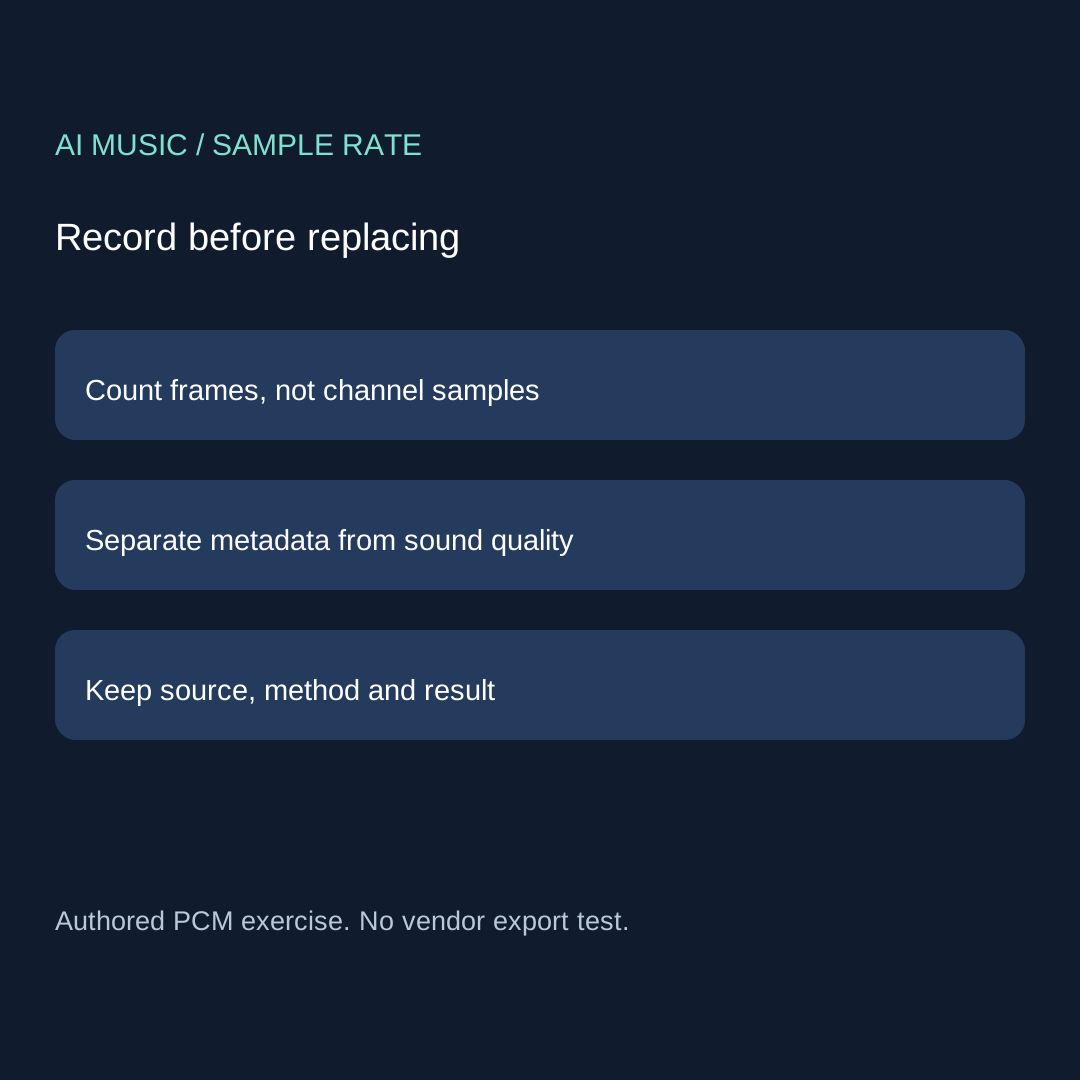
ORIGINAL FILE / HASH:
HEADER SAMPLE RATE (Hz):
CHANNELS / SAMPLE WIDTH:
DECODED FRAME COUNT:
DURATION = FRAMES / SAMPLE RATE:
PROPOSED CHANGE: LABEL ONLY OR ACTUAL CONVERSION?
NEW FILE / HASH / FRAMES / RATE:
OBSERVATION AND METHOD:
UNTESTED CLAIMS / STOP RULE:
Blank record · Readable construction source · Retained results and hashes
Reproduce the check without touching your music library
Download the readable Python script to a new empty exercise folder and run it with the standard library. It writes five named WAV files and a JSON results file beside itself, replacing files with those names in that folder. It does not scan your downloads, contact a generator or upload audio. The assertions check the exact five duration fractions, the unchanged payload in the two label-only cases, and the doubled byte length without a doubled frame count in the stereo case. Compare your retained results with the published JSON.
For a real export, keep the unmodified file and the actual conversion output. Record evidence of what changed rather than using these practice tones as a product verdict. This page is about interpreting a downloaded PCM file. The cue-budget calculator covers planning bars before generation; the channel-map record covers left and right preservation; the clean-ending worksheet covers a musical stop. None of those observations can substitute for another when you decide whether to replace a take.
Four questions to ask before changing the rate
Does changing 44,100 to 48,000 make the same samples higher quality?
No. In our label-only case the PCM bytes are unchanged and the declared duration changes. That operation is not sample-rate conversion or a quality measurement.
Do two channels make this reference twice as long?
No. The stereo duplicate has twice the PCM bytes but the same frame count and sample rate. Its duration remains two seconds.
Can I calculate an MP3 duration from these PCM byte counts?
No. These controlled files are uncompressed 16-bit WAV. A compressed file requires its own decoder and timing evidence.
What should I do when I cannot prove the original rate label is wrong?
Keep the source unchanged, record the uncertainty and investigate the file history or actual export settings. Do not use a guessed header edit as a repair.
Related checks: pre-generation cue budget · file channel mapping · musical ending.