Free AI Music Maker: Check Beat-Grid Drift Before Cutting a Loop
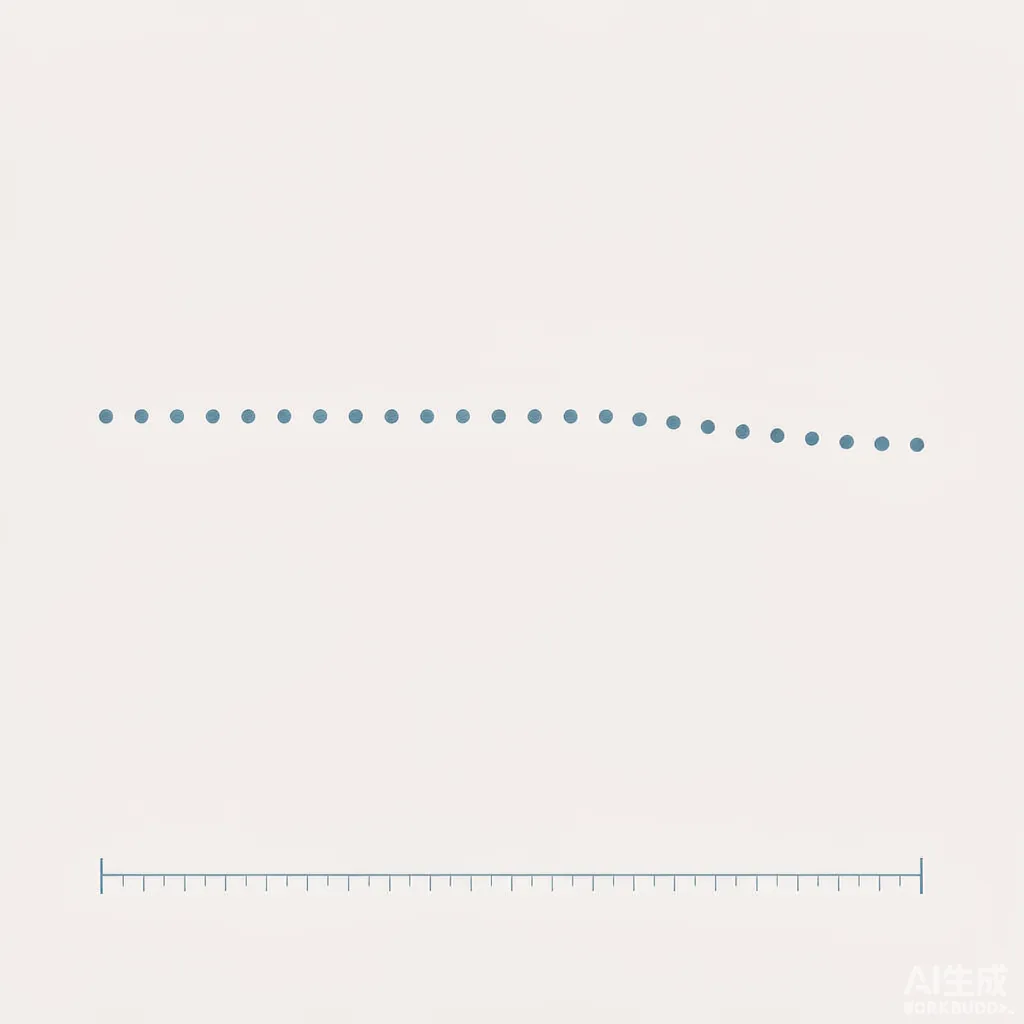
Check several beat positions against a named grid before cutting a loop. Keep the anchor, beat-counting convention and exact saved file. Record expected and observed times, calculate their signed difference and judge the result against your intended use.
Set the reference · Audio and timestamps · Blank card · Read the pattern
Choose a usable timing record, not just a tempo label
A free AI music maker may help you start a track, but a displayed tempo does not establish that your saved passage follows the grid you intend to cut against. This original worksheet asks you to compare several expected and observed beat positions before deciding where a loop begins and ends. It supplies no vendor ranking or free-plan entitlement claim.
A free-generator selection question in our material archive supplies the topic lead. We authored the method, timestamps and practice audio for this article. Neither click track is an AI-generated song or a test of a music service. No claim that a search-results top ten lacks this material has been verified.

Write the anchor and the beat unit first
Name the exact saved file and a recognizable event you will use as the anchor. Define which pulses count as beats and which time unit the editor displays. Our exercise uses quarter-note beat spacing at a reference 120 beats per minute. It does not infer the meter, downbeat or intended pulse of a real song.
For a constant reference tempo B, the expected time after n elapsed beats is t0 + n × 60 / B seconds. Here t0 = 0 and B = 120, so each expected step is 0.5 seconds. Index n = 0 means the first anchored click; n = 8 means eight elapsed beats and click number nine. Keep that counting convention beside the timestamps to avoid comparing different events.
Two constructed click tracks you can reproduce
Both WAV files are mono, signed 16-bit PCM at 24,000 frames per second, with 408,000 frames: 408,000 / 24,000 = 17 seconds. Each contains 33 authored clicks. A click is a 240-frame decaying cosine pulse; its first sample is nonzero, so the retained onset frame is explicit. The full pulse formula and file hashes are in the construction record.
The fixed track places click n at 0.5 × n seconds. The drifting track places it at 0.5 × n − 0.0005 × n × (n − 1) seconds, for n from zero to 32. Its successive intervals deliberately shorten: the interval leading to click index n is 0.5 − 0.001 × (n − 1) seconds. These values are authored inputs, not estimates from a generated track.
Fixed click exercise · Drifting click exercise · All 66 timestamp rows as CSV · Reproduction script. Open a copy in your authorized editor, set the reference grid to the stated beat spacing and compare the listed clicks. No account or music generator is needed for these practice files.
For rendering, onset_frame = round(t × 24000), and observed_time = onset_frame / 24000. The CSV records the nominal construction time, the rendered frame and that frame's time separately. It then calculates signed error as observed_time − expected_time. Negative values mean the selected event occurs earlier than the reference grid; positive values mean later. This is a defined timing difference, not a quality score.
| Elapsed beat index | Expected seconds | Fixed observed / error | Drifting observed / error |
|---|---|---|---|
| 0 (click 1) | 0 | 0 / 0 ms | 0 / 0 ms |
| 8 (click 9) | 4 | 4 / 0 ms | 3.972 / −28 ms |
| 16 (click 17) | 8 | 8 / 0 ms | 7.880 / −120 ms |
| 32 (click 33) | 16 | 16 / 0 ms | 15.504 / −496 ms |
For the final drifting row, 15.504 − 16 = −0.496 seconds, and −0.496 × 1000 = −496 milliseconds. Both tracks start at the same anchored point, yet their later positions differ. Aligning only that first click therefore misses the deliberate timing change. The example demonstrates the calculation; it establishes no universal listening tolerance.
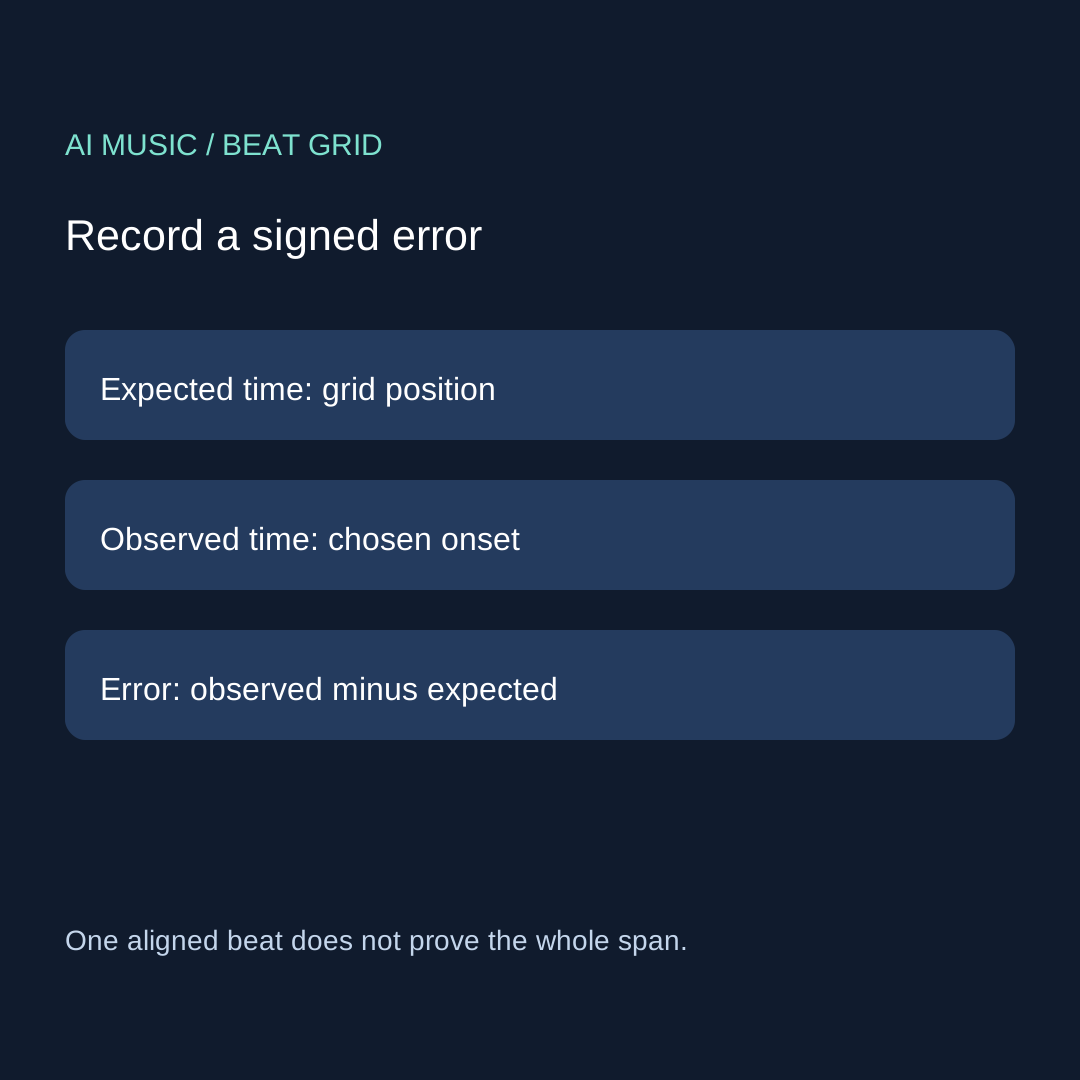
The original beat-grid evidence card
DATE / WORKFLOW / EXACT SAVED FILE:
PASSAGE / VERSION:
ANCHOR EVENT / ANCHOR TIME:
BEAT UNIT / COUNTING CONVENTION:
REFERENCE TEMPO / GRID RULE:
EVENT INDEX / EXPECTED TIME:
CHOSEN OBSERVED ONSET / TIME UNIT:
ERROR = OBSERVED - EXPECTED:
EVENT IDENTIFICATION CERTAIN / UNCERTAIN:
OTHER OBSERVED POINTS ACROSS THE SPAN:
INTENDED USE / ACCEPTANCE REQUIREMENT:
DECISION: keep / investigate one change / stop unresolved
Download the blank card. For your own file, record an observed event using the editor's actual display and describe how you identified it. Our known construction onsets are not a substitute for finding events in a musical mix. If an onset is unclear, mark uncertainty instead of adding decimal places that your observation does not support.
Distinguish an offset from a changing error
A similar nonzero error across several reliably identified events can suggest an anchor offset to investigate. An error that changes across the passage can suggest a grid mismatch, changing timing or event-identification error to investigate. Those are diagnostic possibilities, not conclusions established by one timestamp. Check that the chosen events represent the same beat unit before assigning a cause.
Do not assume every musical performance must sit exactly on a fixed grid. Your intended use determines whether a timing difference matters. Keep expressive timing when it meets your brief. If a later edit should preserve other passages, use the partial-edit preservation card to record what must stay unchanged.
Only then make the loop decision
Timing across a span and the audible return at its join are separate acceptance questions. Once you understand the grid comparison, use the loop seam card for the return from end to start. A neat-looking cut on a grid does not prove a satisfying musical return, and a pleasant return does not establish constant beat spacing.
Keep the original file. Name one remaining uncertainty before investigating a supported adjustment. If the file itself or export identity is unclear, use the saved-file evidence guide. Do not spend another generation attempt to compensate for a missing anchor or an unexplained grid setting.
Four questions from the free-maker selection task
Does a displayed BPM prove the exported track follows my grid?
This worksheet treats the display as a reference to check, not a complete timing measurement. Record multiple events in the saved file against an explicit grid. No service's tempo behavior has been tested here.
Can I diagnose drift from one late beat?
One point cannot show how error changes across a span. Recheck event identity and compare earlier and later positions. An uncertain beat choice should remain uncertain rather than becoming a numerical diagnosis.
Should I time-stretch every mismatch away?
No universal edit is prescribed. Decide whether the observed timing conflicts with your intended use, read the actual tool's supported options and preserve the original. Record any processing used before comparing the revised version.
Is the drifting example evidence that free AI music makers drift?
No. It is deliberately scheduled practice audio with published inputs and code. It helps you learn the record and calculation. A claim about a particular service would need its own authorized saved output and traceable observations.