Best Music AI Generator for a Partial Edit: Keep the Untouched Sections
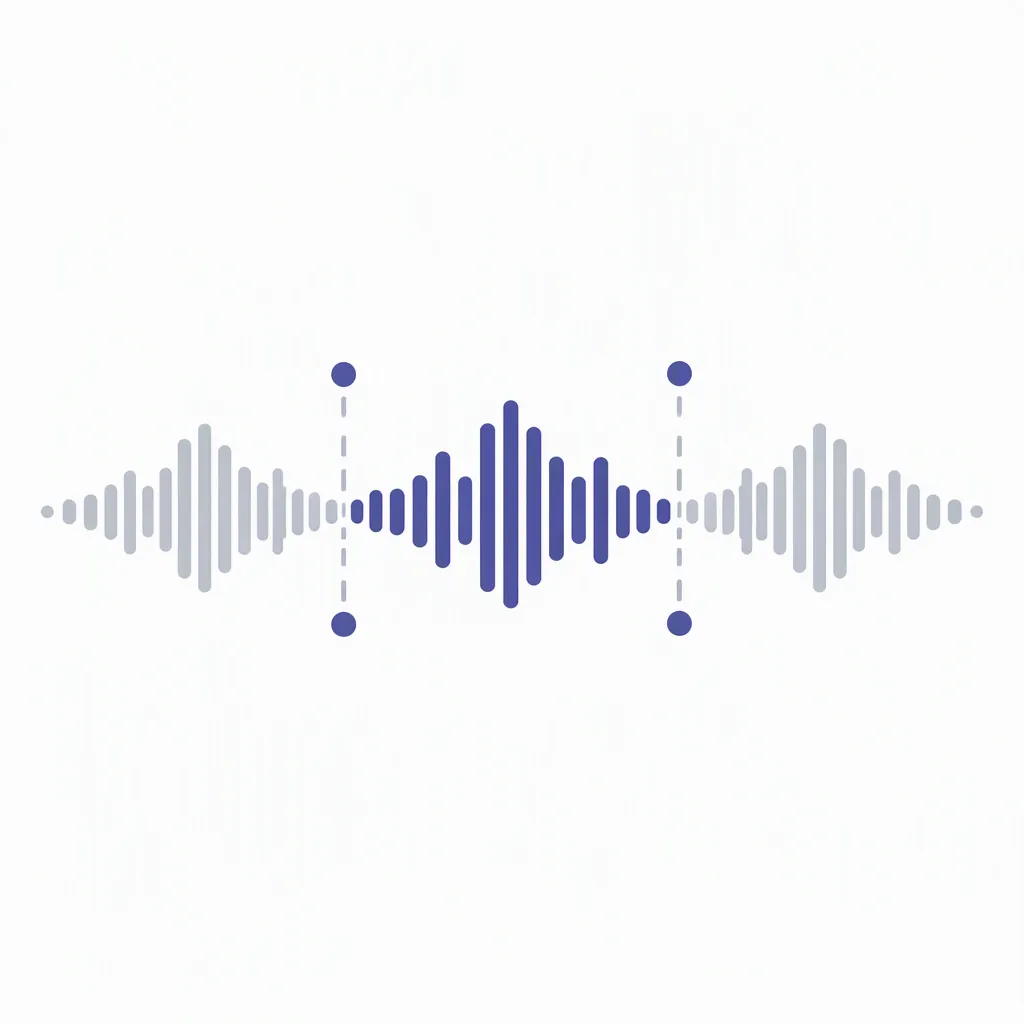
Check what stayed unchanged, not just what improved. Mark the selected passage and both protected regions, save the original, then compare aligned before-and-after versions. Keep a partial edit only when the target change and the protected sections both meet your brief.
Watch the partial-edit check
Three regions · Preservation card · Practice files · Decision rule
Choose for the edit you actually need
For a partial edit, the best music AI generator is a workflow you can evaluate on two requirements: the selected passage improves, and the sections you intended to protect remain acceptable. A promising new chorus is not enough if the introduction or ending changes unexpectedly. Our preservation card turns that concern into a comparison you can repeat.
A generator-selection question in our material archive supplies the topic lead. The contribution here is an original region worksheet, a controlled audio exercise and explicit decision rules. We did not run a vendor benchmark, verify a current subscription feature or generate a song in a commercial service. Read the actual workflow's instructions before attempting a paid or destructive action.
Write three regions before editing
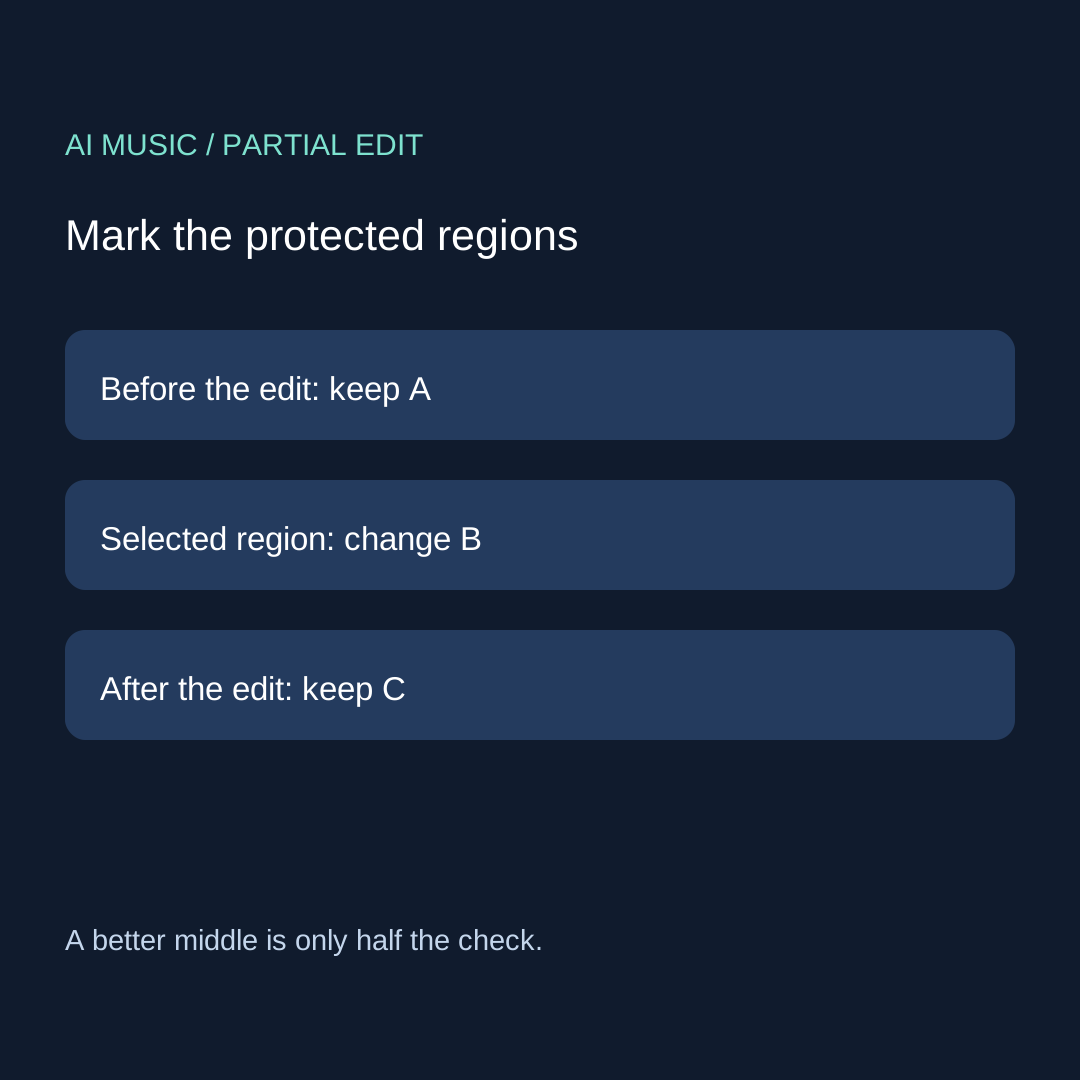
| Region | Your instruction | Evidence to keep |
|---|---|---|
| A: before the selection | Protect the parts you name | Start reference, timing and listening note |
| B: selected passage | One concrete intended improvement | Selection bounds and the original mismatch |
| C: after the selection | Protect the parts you name | Alignment reference and the same listening window |
Use the displayed timeline units and record them. State whether a boundary belongs to the selection; do not silently compare different spans. If the revised passage changes duration, region C may move on the timeline. Align it by a known event before deciding that a different time position means different content. When you cannot establish alignment, mark the comparison unresolved.
The original preservation card
WORKFLOW / DATE / ORIGINAL VERSION:
SELECTED START / END / UNITS:
BOUNDARY CONVENTION:
ONE REQUESTED CHANGE INSIDE B:
PROTECTED FEATURES IN A:
PROTECTED FEATURES IN C:
REVISED VERSION / SAVED FILE:
ALIGNMENT REFERENCE / TIMING CHANGE:
A COMPARISON / NOT CHECKED:
B IMPROVEMENT / NOT CHECKED:
C COMPARISON / NOT CHECKED:
METHOD: listening / decoded samples / other named check
DECISION: keep / revise once / stop unresolved
Download the blank preservation card. Preserve both files. A control named replace, remix or extend does not itself establish which regions are protected. Use the control-to-task glossary to clarify unfamiliar labels, then verify the behavior of your actual output. This card records evidence rather than awarding a product score.
Separate a listening result from exact sample equality
Listen to A and C using the same playback setup and aligned musical events. Write specific observations: a changed vocal entrance, a shorter pause, a different tail or no difference noticed. No difference noticed is a listening result. It is not proof that every decoded sample is identical.
A sample comparison requires matching sample rates, channel arrangement and alignment. Compare decoded samples in the intended protected spans, and name the comparison procedure. Different encodings or an export-wide processing step can change samples without proving that a protected musical phrase was regenerated. Conversely, a few matching boundary samples do not establish that the whole region stayed intact.
A controlled exercise with exposed construction
These three files are six-second, mono, signed 16-bit PCM exercises at 24,000 samples per second. They contain authored sine waves, not AI music or tests of a vendor. The original uses 220 Hz. The inside-only version replaces frames 48,000 through 95,999 with a 330 Hz signal. The outside-also version uses that same replacement and additionally multiplies the final two seconds by 0.8, rounding toward zero.
The selected interval is half-open: [48,000, 96,000). Divide frame positions by sample rate to obtain [2, 4) seconds: 48,000 / 24,000 = 2 and 96,000 / 24,000 = 4. A is [0, 48,000); C is [96,000, 144,000). Each protected region contains 48,000 frames. These positions are inputs to our exercise, not timing values measured from a generated song.
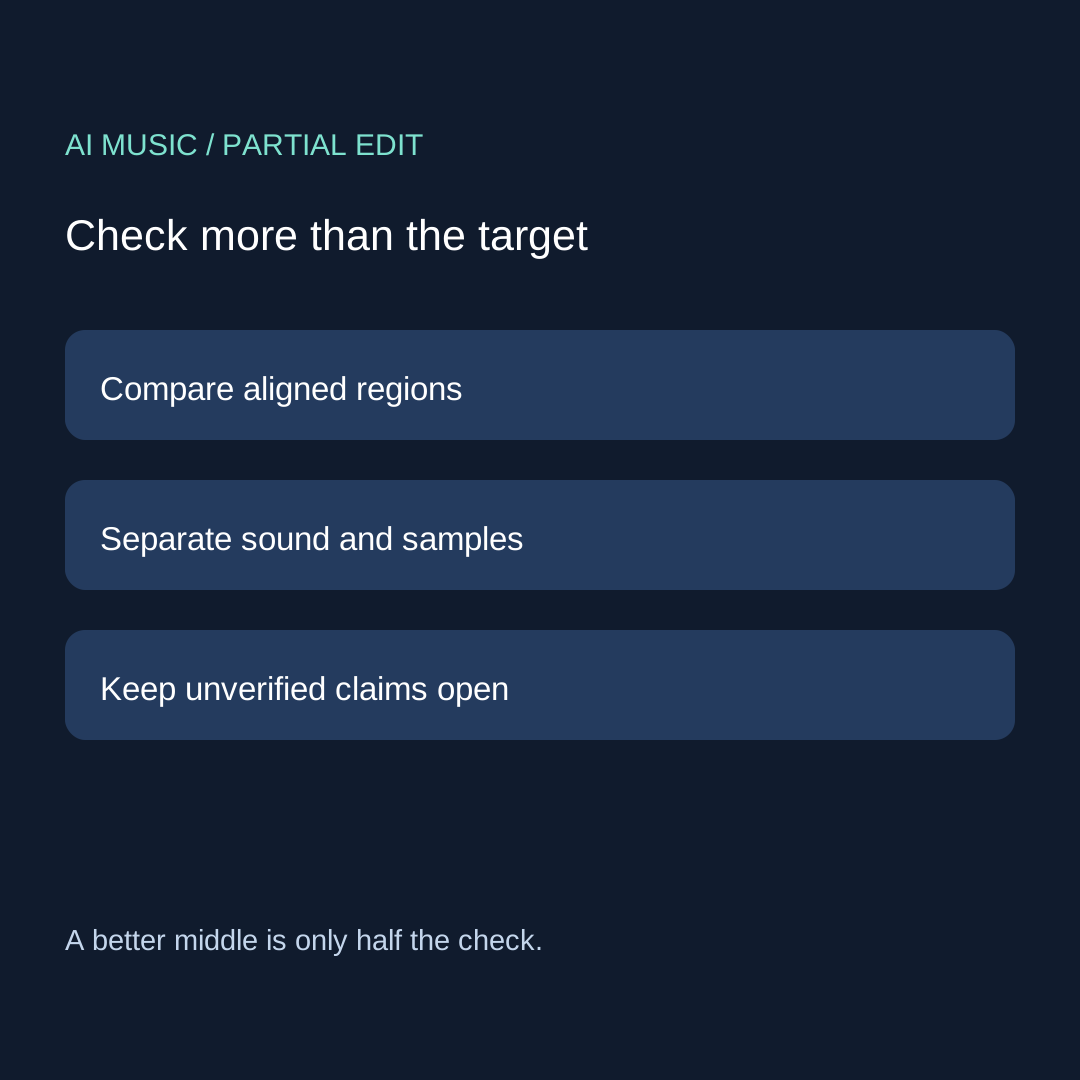
Original exercise · Inside-only revision · Outside-also revision. In an editor, align the starts and compare the same spans. Our construction script counts unequal integer samples in A and C. In the inside-only file both counts are zero by construction. In the outside-also file A remains identical while C changes. The exact counts and formula are available in the construction record.
The exercise shows why inspecting only the selected middle misses an outside change. It does not establish an audibility threshold, predict a service's behavior or prove that an edit sounds better. A real song needs your musical acceptance notes as well as any technical comparison you can perform. Do not copy these constructed results into a vendor evaluation.
Accept the target and the protected regions separately
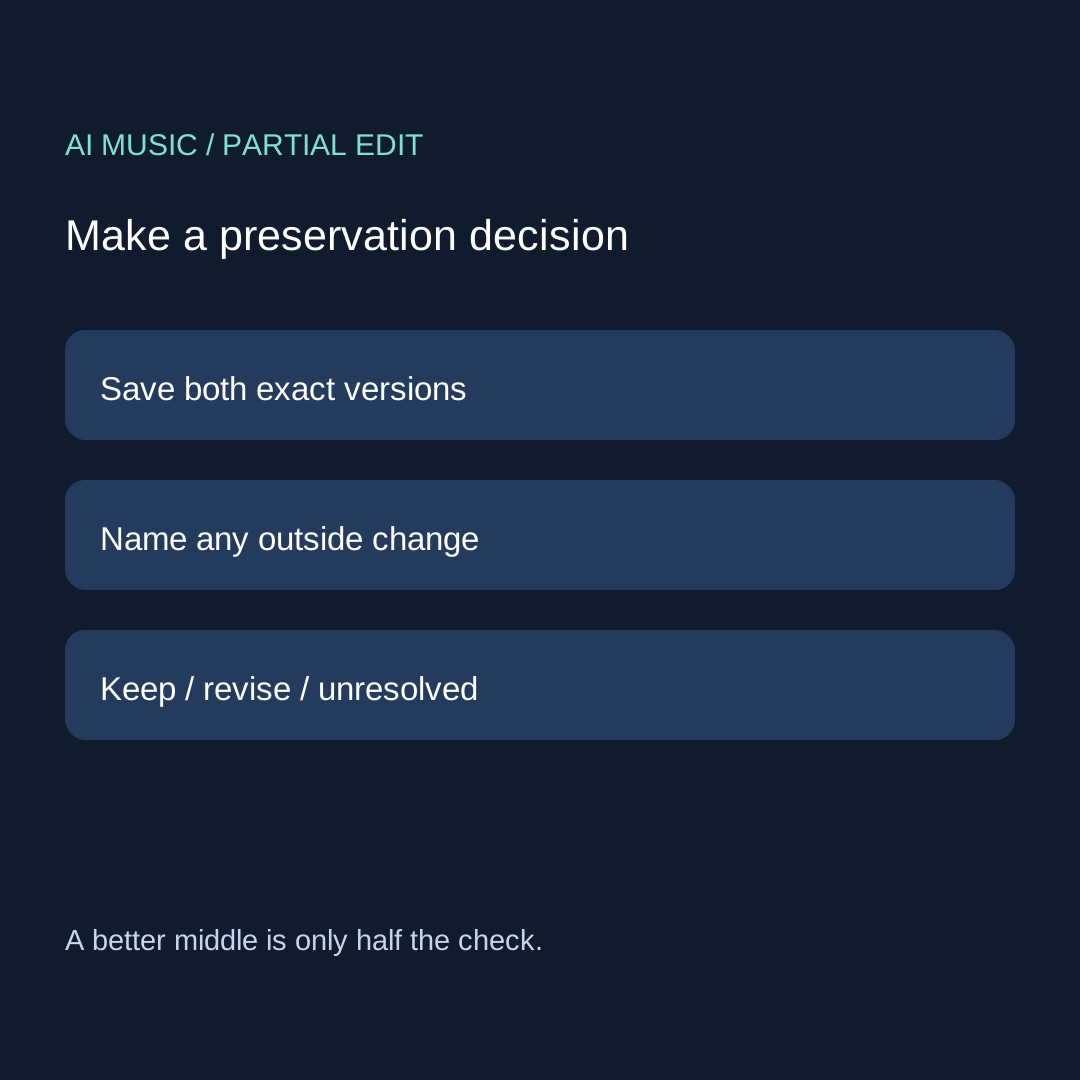
Write three decisions: A preserved as required, B improved as requested, C preserved as required. Keep the revision only when all three meet your written brief. If B improves but C changes unexpectedly, retain both versions and name the outside change. Investigate one supported repair only when its conditions are clear; otherwise stop unresolved.
For a hypothetical example, suppose you request a clearer middle vocal while asking the opening and final pause to stay. A revised middle may satisfy you, but a shorter final pause fails your stated protection rule. That is a preservation failure under this brief, not a universal claim about the tool. If timing changes were allowed instead, write that permission before comparing rather than moving the goal after hearing a result.
Four questions when choosing an editing workflow
Does a partial-edit label guarantee that the rest is unchanged?
No guarantee follows from the label in this method. Check the workflow's current instructions, record your protected regions and compare the saved result. An operation name is a starting point for an observation.
What if the replacement makes the song longer?
Record the duration change and align the later region by a known event. Distinguish a time shift from a content change. If you cannot locate a reliable reference, keep the result unresolved rather than claiming preservation.
Can I check only the edit boundaries?
Boundary checks help locate a join problem but do not cover every protected sample or musical event. Compare the protected spans you promised to preserve. For a repeating cue, use the separate loop seam card; it answers a different question.
Should I regenerate the whole track if the middle improves but the ending changes?
Save the original and name the remaining mismatch first. Investigate a supported localized option before spending another attempt. Use the ending checklist to describe a finish problem, and keep download steps in the file evidence guide.