Offer Useful Correction Suggestions for Caption Timing Errors
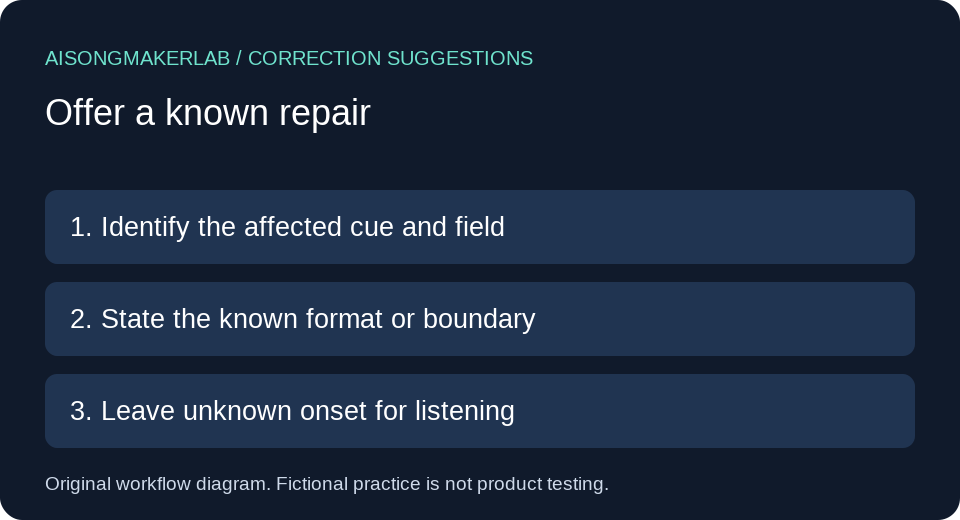
Give the editor a known way to repair an invalid caption time, while leaving the intended musical timing under human control. State the accepted format or permitted range, identify the affected cue, and let the editor review any proposed replacement before applying it. If the intended onset is unknown, ask for listening review instead of presenting a guessed timestamp as correct.
When choosing the best ai music generator for a lyric-video workflow, inspect the caption handoff as well as the song creation interface. A useful correction message helps you continue editing without losing the lyric revision or confusing a valid timestamp with an accurately synchronized one.
Start with a small handoff record
Record the project revision, cue identifier, rejected input, relevant rule, suggested repair and whether the editor accepted it. Keep the exported cue as a separate observation. The blank worksheet below is an authored review aid, not a validator or a record of vendor tests.
The W3C explanation of Error Suggestion distinguishes detecting an input error from offering a known correction. It describes providing known suggestions unless doing so would undermine security or the content's purpose. The caption examples here apply that principle to fictional editing tasks; W3C does not prescribe these particular messages or certify this workflow.
A practical comparison sequence
- Use a duplicate project and record its stated timestamp format and duration.
- Enter a deliberately invalid value in one cue, keeping its original valid value in your notes.
- Read the error and suggestion separately: one explains what failed; the other explains an available repair.
- Check whether the proposed repair is based on a known rule or an unsupported guess about the recording.
- Accept or edit the suggestion deliberately, then inspect the exported cue and listen to its placement.
Do not treat a message that looks helpful as evidence of a successful export. Leave unperformed listening, keyboard and assistive-technology checks pending. The following cases supply practice inputs and proposed responses, not measured outcomes.
Five self-authored fictional cases
All five cases below are self-authored fictional design exercises. The projects, values, messages and decisions are invented examples. They are not generated vendor results, observed customer incidents, real user quotations or product rankings.
1. Show the accepted timestamp format
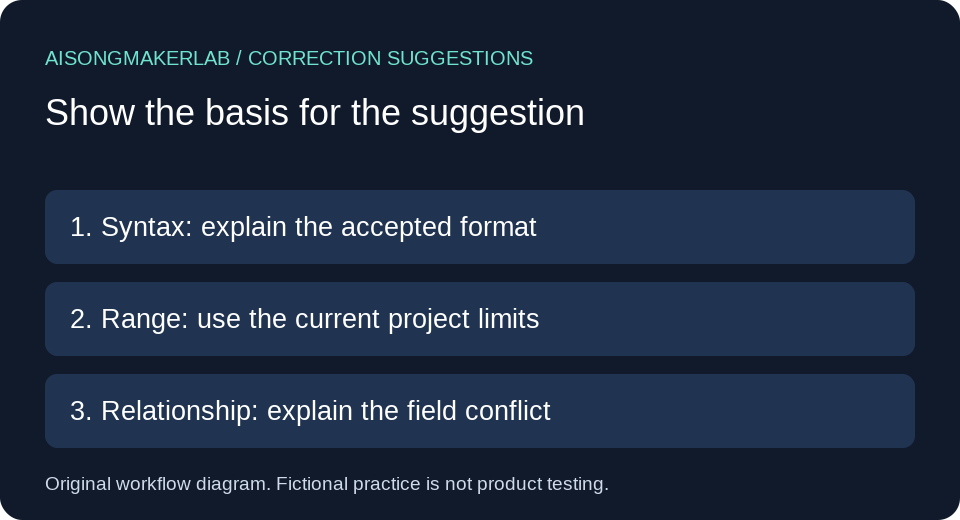
Fictional project Lantern Bridge accepts hours, minutes, seconds and three decimal places in its start-time field. An editor enters 1:07 for cue L04. The project rejects the input because its form expects HH:MM:SS.mmm. Merely saying “Invalid time” identifies a problem without making the next step clear.
Our proposed message is “Cue L04 start time needs HH:MM:SS.mmm. For one minute and seven seconds, enter 00:01:07.000.” The conditional wording matters: it explains a representation without asserting that one minute and seven seconds is the intended lyric onset. The editor may have meant something else. Keep the original input visible until the editor chooses a replacement.
The fictional worksheet records entered value 1:07, rule HH:MM:SS.mmm, proposed representation 00:01:07.000, and acceptance pending. A reviewer would check that accepting the suggestion does not alter the end time silently. Export and listening remain pending until actually performed. This case tests the clarity of a format repair, not whether every caption editor must use this particular input syntax.
2. Offer a known permitted range
Fictional project Paper Window has an explicitly recorded duration of 00:00:48.000. Cue P12 receives a start time of 00:00:52.000. The project has a stated rule that starts must fall before the end of its media. A useful suggestion can explain that known boundary without deciding where the lyric belongs.
Our proposed message is “Cue P12 starts beyond this project's 48-second media. Choose a start before 00:00:48.000, or check that you opened the intended media revision.” This gives two plausible next actions. Automatically changing the value to the final instant would hide a possible wrong-file problem and still leave no useful duration for a caption.
The record keeps the file revision, duration source, rejected start and suggested range. No replacement timestamp is filled in. If the editor chooses a new source recording, the reviewer must re-establish its duration before reusing the range. The outcome stays unresolved in this fictional exercise. A bounded input can be valid for one recording and invalid for another; the suggestion must belong to the current project rather than an old remembered limit.
3. Avoid guessing the intended onset
Fictional project Quiet Map contains the line “We leave the porch light on.” Its start field is blank, and the editor knows only that the line occurs somewhere after an instrumental passage. The application can identify the missing field, but it has no reviewed alignment information from which to propose an accurate start.
Our proposed message is “Enter a start time for cue Q08. Listen to the current recording and locate this line; the editor has no confirmed onset to suggest.” A format example can appear alongside this instruction, clearly labeled as an example. It should not populate the field as if the sample value were a calculated answer.
In the worksheet, known repair is “supply a reviewed start in the accepted format”; proposed timestamp is “unknown.” The editor can record a candidate after listening, then compare the cue in context before accepting it. This preserves a useful distinction between knowing how to correct an omission and knowing the missing content. The case makes no claim about any vendor's alignment capability. It shows why a confident-looking number can make a repair less trustworthy when its basis is absent.
4. Explain a cross-field correction choice
Fictional project Copper Rain has cue C03 start 00:00:18.500 and end 00:00:17.900. Its project rule requires the end to follow the start. Both strings are valid timestamps. The rule reveals a conflict, but it does not reveal which field the editor intended to change.
Our proposed message is “Cue C03 ends before it starts. Set the end after 00:00:18.500, or revise the start after checking the recording.” Do not automatically swap the two values: that would create a different interval without confirming the lyric placement. Likewise, adding a fixed duration would introduce an editorial choice disguised as validation.
The fictional review record preserves both values and offers the two correction paths in plain text. The editor chooses a path and records the resulting interval, then checks adjacent cues for consequences. This example does not assume overlapping captions are always forbidden; any overlap rule must come from the actual project. The unperformed export check remains pending. A good suggestion narrows the known relationship while leaving the unknown musical decision visible to the person who can listen and judge it.
5. Keep a suggestion separate from applying it
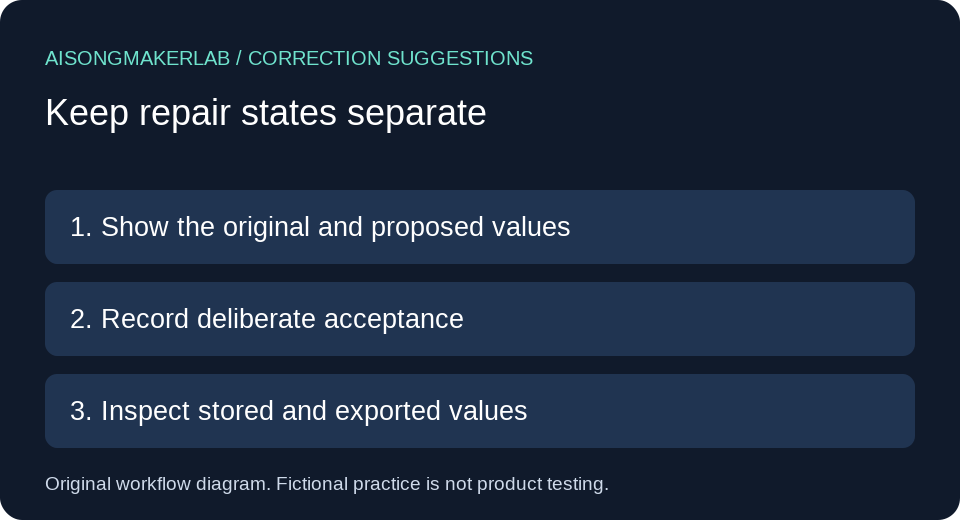
Fictional project Harbor Glass accepts milliseconds, while an imported cue H06 contains a longer fractional value, 00:00:09.1237. For this exercise, the project's documented import rule offers rounding to three decimal places. The proposed conversion is 00:00:09.124, but proposing it and storing it are separate actions.
Our proposed review row displays the original value, the rounding rule, the proposed value and an explicit accept action. The arithmetic example illustrates that stated rule only; it is not a universal caption-format requirement. An editor may instead return to the source file or choose a different import policy. A suggestion should not erase that choice before it is reviewed.
The worksheet initially marks acceptance and exported value as pending. After acceptance in a real review, the operator would compare the stored and exported values and confirm that the cue text and neighboring times survived. An undo path is a useful product-design consideration, but its availability must be observed rather than assumed. This fictional case demonstrates traceability: a helpful repair is easier to trust when the person can see what changed, why it changed, and which later checks still have no evidence.
Keep the comparison reviewable
Use one row per attempted repair. Record the basis for the suggestion: a documented syntax, an observed project boundary, a field relationship, or a human listening decision. Distinguish “suggested,” “accepted,” “stored” and “exported.” Those states answer different questions and should not collapse into a single pass mark.
The downloadable cases preserve the authored examples. The CSV is intentionally blank so that no fictional outcome can be mistaken for your test result. For the earlier step of naming the affected field and explaining the failure, see caption input error identification. For listening review, see caption timing.
Frequently asked questions
Is an error description enough?
It tells the editor what failed. When a repair is known, a useful suggestion also explains how to proceed. A range, format example or cross-field relationship can provide that next step without selecting an unknown lyric onset.
Should a suggestion change the value immediately?
Our review workflow separates proposing a value from accepting it. If an application changes values automatically, record that behavior explicitly and inspect what was stored and exported.
Can a valid time still be wrong?
Yes. A value can satisfy syntax and project rules while placing the words at the wrong moment. Listening and final-export review are separate tasks.
Are these cases vendor comparisons?
No. They are fictional practice cases and proposed design responses. Use them to prepare a review, then record actual observations separately for any product you inspect.
Does this establish accessibility conformance?
No. One input-assistance workflow cannot establish conformance for an editor or player. The article provides a focused review aid with explicit evidence boundaries.
Download the five fictional cases · Download a blank review CSV