Lyric Video Caption Timing: Check Every Cue Against the Vocal
Time each lyric caption against the finished vocal: mark where the sung words actually begin and end, then compare those moments with the cue's in and out points. Check early entries, clipped endings, held notes, rubato, and repeated sections separately. A fixed beat grid can help you navigate a song, but it cannot tell you when a particular take starts or releases a word.
The examples below use invented timestamps for practice. They are not measurements from a real song or a captioning product. Use the final audio export as the timing reference and keep the approved lyric text unchanged while you adjust cue times.
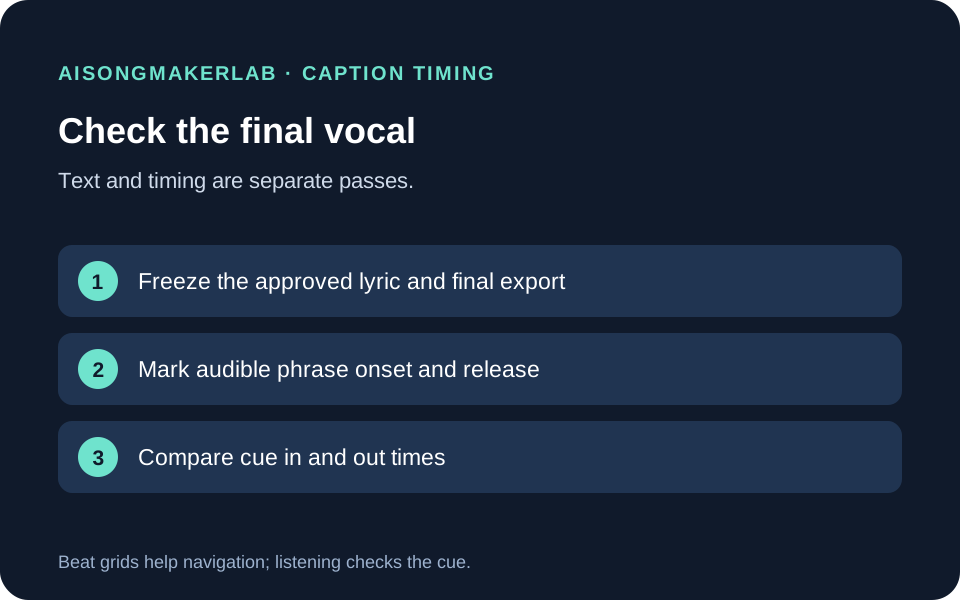
What a lyric caption timing pass checks
Lyrics on a page have order; captions in a video also have time. A caption can contain every approved word and still appear too early, disappear before a sustained syllable ends, or drift after a repeated section. Proofreading the text alone will not catch those timing problems.
W3C's WAI guidance describes captions as text displayed for a particular time and recommends timing phrase segments. W3C's media accessibility requirements also describe rendering caption text in sync with the media, with the media as the time reference. For a lyric video, that means reviewing against the finished audio rather than assuming the beat, a draft vocal, or a reused section gives the final cue times. These references explain the timing task; they do not certify a particular lyric-video export.
Keep two checks separate. First, confirm that the cue's text exactly matches the approved lyric, including repeated words. Then inspect its start and end against the sung performance. If you change wording to solve a timing problem, record that as a separate lyric revision and get the right approval; do not hide it inside a caption timing pass.
A four-pass timing workflow
- Freeze the reference. Save the final audio/video export name, version, and approved lyric revision. If the mix or edit changes later, treat cue timing as needing another review.
- Mark audible anchors. Replay the relevant passage and note the actual beginning and release of each phrase in the final take. Use a waveform to navigate if helpful, but listen to confirm what the sound represents.
- Compare each cue. Record its in and out times beside the observed phrase anchors. Note whether it enters before the voice, misses an initial consonant, or disappears while a sung word continues. Keep any tolerance you choose visible; this worksheet does not prescribe a universal millisecond threshold.
- Replay the edited result. Review the cue in context, then verify text and timing again after any later edit or replacement export. A correct timestamp against an old audio file is not evidence of synchronization with a new one.
Five fictional timing exercises
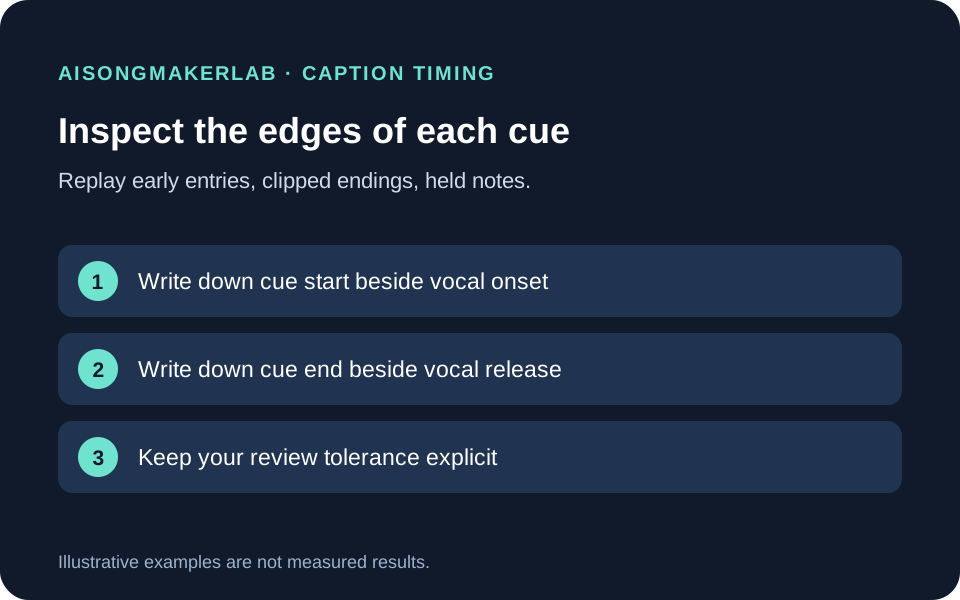
The following cases, lyrics, and timestamp values were authored for this guide. Each is a calculation and review exercise, not measured audio, a real user's result, or a vendor test. Times are illustrative seconds from an invented final mix.
1. A cue appears before the first sung word
Suppose the audio file begins at 0.00 seconds, but the first phrase “Keep the porch light on” begins at 12.42. The cue is set to appear at 12.00. Write down both times before changing anything: cue in 12.00; audible phrase onset 12.42. The example shows a 0.42-second early gap. Replay the section and decide where the text should enter for this particular edit; do not assume the file's start or a section marker is the vocal onset.
If the first consonant is already audible at 12.42, use that sound as the anchor. If a breath or pickup belongs with the phrase, record that editorial choice too. The example's numbers do not establish a universal tolerance.
2. A cue cuts off the end of a word
In a second invented passage, “stay” begins at 18.10 and its sustained vowel releases at 18.76, while the cue ends at 18.50. The cue therefore ends 0.26 seconds before the example's observed release. Extend the cue only after replaying the final mix and checking what follows; an adjacent cue or transition may affect the useful out point.
Do not trim the lyric to “sta” or split a sung word just to preserve a guessed beat boundary. Keep the wording intact and adjust the time interval to match the actual take. Listen again after the edit.
3. A held note lasts beyond the expected beat
An invented phrase starts at 24.30. Its final word “home” is held until 26.05, although a one-beat timing grid would have ended the cue at 25.30. The grid is a navigation aid, not evidence that the singer stopped. Mark the release you hear and keep the cue visible through the word, subject to the next cue and final video review.
This is especially useful when a lyric line ends on a sustained vowel, but it does not mean every caption should remain on screen for a fixed long duration. The recorded performance and nearby edit determine the timing to inspect.
4. Rubato shifts a repeated phrase away from the grid
Suppose a fictional refrain is expected at 31 and 32 seconds on a regular grid. In the invented take, replay shows the first phrase beginning at 31.18 and the next at 32.63. Record both observations rather than applying the same one-second spacing to every cue. The second phrase may stretch or pause; repeated language does not guarantee repeated timing.
Compare the caption sequence with the audio phrase by phrase. If timing changes were introduced by an edit, note which export you checked. Do not call the example a tempo analysis; it only demonstrates why a fixed spacing assumption can be wrong.
5. A later refrain has different timing
In a final fictional example, the same refrain returns after an arrangement change. Its earlier cue starts at 42.10, and a copied cue for the return is placed at 58.10 by adding a presumed 16 seconds. Listening to the invented final mix places the returned phrase at 58.44 instead. That 0.34-second difference is a prompt to inspect the second passage independently, not a claim about what a viewer will notice.
Duplicate the words if useful, then recheck each duplicated cue against its own occurrence. A repeated lyric can have a different pickup, pause, or sustained ending. Preserve the text while replacing unsupported timing assumptions with observations from the actual export.
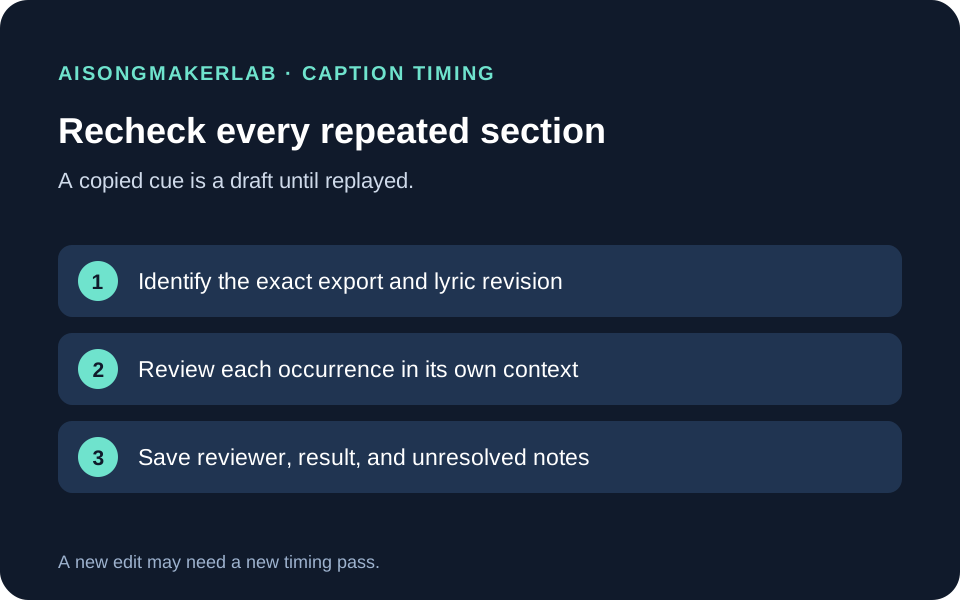
Keep a compact cue review record
For each passage, record the export ID, approved lyric revision, cue text, cue in/out, audible phrase onset/release, reviewer, and result. Add a short note when a breath, sustained word, overlap, cut, or repeat changes the boundary you used. Keep “not reviewed” distinct from “passed”: a copied value is not verified evidence until it has been checked against the intended export.
The downloadable practice data below contains the five fictional examples in structured form. The blank CSV is a reusable observation sheet; it does not contain measured timing data. Fill it only while reviewing your own final audio.
Frequently asked questions
Should captions start exactly on the beat?
Use the beat to locate a passage if it helps, then listen for the sung phrase itself. A beat grid cannot establish the onset or release of every vocal in a finished mix.
Is there one correct number of milliseconds for every cue?
This guide does not set one. Record the criterion you use for your own project and check the result in context. The fictional numbers above illustrate comparison, not an accessibility threshold.
Can I copy cue times from the previous chorus?
Copying can save setup time, but recheck the return against its own audio. A repeat may have a pickup, pause, edit, or sustained ending that changes the timing.
Should I correct the words while fixing timing?
Keep timing and lyric edits separate. Compare the cue text with the approved lyric first; obtain the appropriate approval for any word change, then make a separate timing pass.
Do waveform peaks prove when a word begins?
No. A waveform can help you navigate to a sound, but the shape alone does not identify which lyric was sung. Replay and use the final audio as the reference.
Sources and scope
W3C WAI's Transcribing Audio to Text says caption segments include display times and recommends breaking text at logical phrases when a sentence needs multiple segments. The W3C Media Accessibility User Requirements describe time-synchronized caption rendering with the media resource as the timing reference. The workflow and five examples here are original editorial exercises. No real song, audio file, caption export, or vendor product was tested.
Download the five fictional timing exercises · Download the blank cue review CSV