Place Lyric Captions Without Covering Important Visual Information

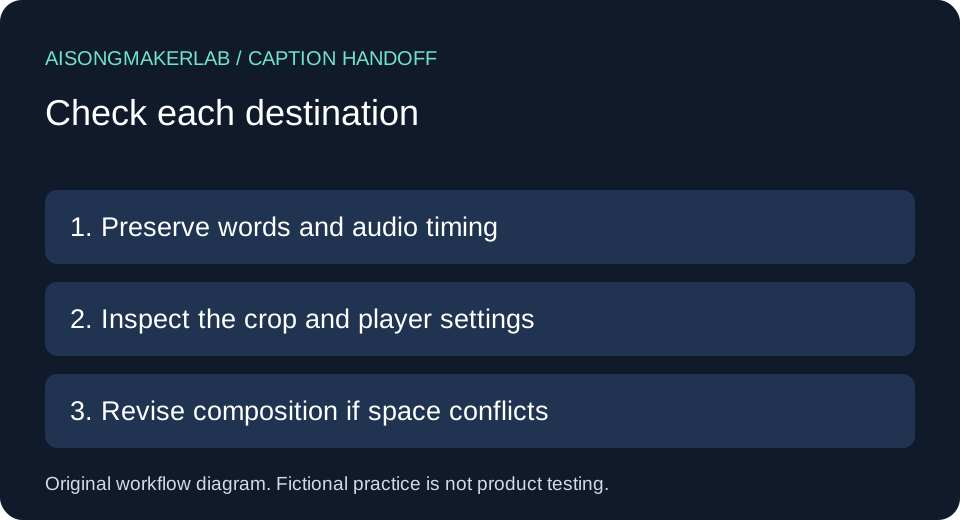
Export captions where viewers can read them and still see the information that makes the scene understandable. Check the whole cue interval in the destination crop, not just an attractive still frame. If no position preserves both, revise the scene layout and review the export again. Keep the words and their audio timing intact while solving the placement problem.
When choosing the best AI music generator for a lyric-video workflow, the final viewing task matters alongside the song draft. This guide supplies an original manual placement record. It does not rank generators, report generated samples, or certify accessibility. All five cases below are self-authored fictional exercises; no vendor output or real recording was tested.
Start with a small handoff record
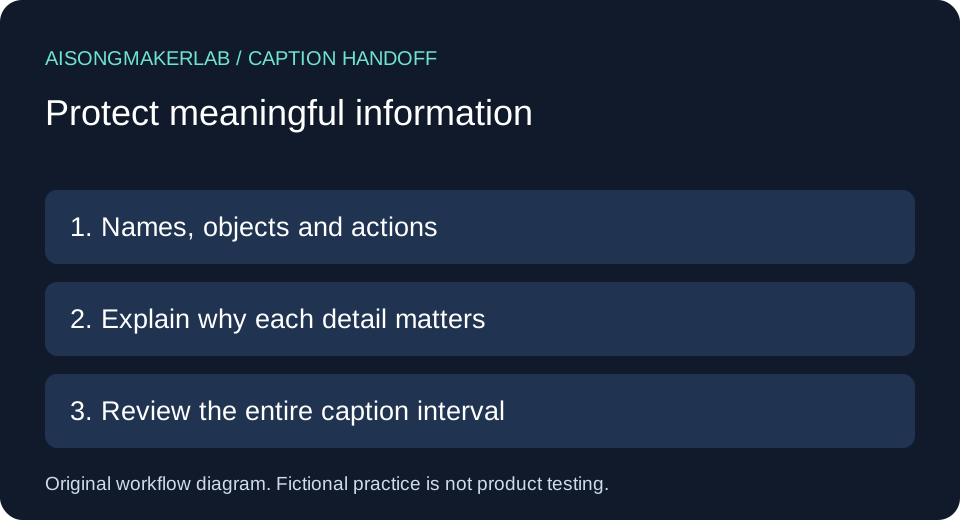
Identify the video revision, caption revision, destination aspect ratio, player and viewing settings. Write down what must remain visible: a character name, a hand gesture, a meaningful object or an on-screen instruction. Decorative scenery does not necessarily need the same protection. Describe why the detail matters instead of treating every pixel as equally important.
W3C explains that captions should not obscure relevant video information. Its caption-production guidance also notes that positioning support varies between formats and players. These are reasons to inspect the actual destination presentation, not reasons to assume one universal safe region. See the caption criterion explanation and caption-production guidance, read November 8, 2026.
A practical comparison sequence
- Freeze the video and caption revisions being reviewed; record whether captions are burned in or selectable.
- For each affected cue, identify the visual detail that must remain visible and its role in the story.
- Inspect the cue from appearance to disappearance, including movement, cuts and transitions.
- Try a stable alternate position or change the composition without deleting required caption information.
- Review the exported destination crop with available viewer settings; record observations and unresolved combinations separately.
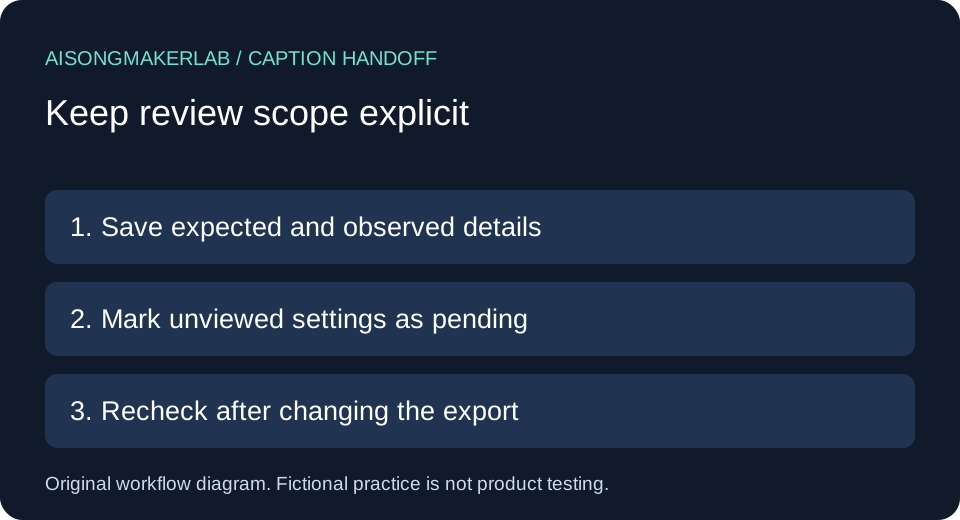
Avoid solving overlap by shortening a character's name, removing a negation or shrinking the text until it becomes hard to read. Those changes exchange one problem for another. A useful decision record distinguishes the proposed edit from the observation after that edit. Until you have reviewed the export, label the proposed position unverified.
Five self-authored fictional cases
1. A character name underneath the caption
Fictional setup: A title card introduces Mira Vale near the bottom of a scene. The sung line is “Mira keeps the lantern burning.” A lower caption panel covers the name card during the introduction. Both strings are invented for this exercise; they are not transcribed from a video.
Original decision: Record the name card as protected visual information because it introduces the character. First propose a stable upper caption region for this cue, while keeping the lyric unchanged. Before accepting that proposal, inspect the upper region for another label or meaningful action. Moving the panel upward is a candidate edit, not an automatic pass.
Record to keep: Expected: the complete introduction and lyric can both be read during their intended intervals. Observed: pending export review. Save the cue identifier, name-card interval and proposed position. If the upper region also conflicts, redesign the title-card composition rather than abbreviating the name. A later check must cover the beginning and end of the title card as well as its middle.
2. A small object carries the story
Fictional setup: A blue envelope rests on the lower edge of a table. A character reaches for it while the lyric says “The answer waited here.” The imagined scene depends on seeing the envelope; it is not just background decoration. A full-width caption band would conceal the reach.
Original decision: Describe the protected event as “hand reaches envelope,” not merely “blue rectangle.” That description makes the review follow the action. Propose shifting the caption away from the reach while keeping readable text size and adequate contrast. Do not remove the panel solely to reveal the object if the text then becomes illegible over the table.
Record to keep: List the action interval, caption interval and reason for protection. Mark whether the proposed layout exposes both the hand and the object throughout the action. If the space is insufficient, recompose the shot or reserve a separate text area. No observation is recorded in this fictional exercise; the row remains a worked planning example, not evidence that a player rendered it correctly.
3. A moving subject enters an initially empty region
Fictional setup: A dancer begins on the left and crosses into a lower-right caption area before the cue ends. The first frame looks clear. Later, the panel hides the hand gesture that answers another character. The timing and motion here are invented, not measured.
Original decision: Review the entire cue interval and the neighboring cut. A clear first frame cannot establish that a region stays available. Propose one position that remains suitable through the movement. Avoid making captions chase the dancer on every frame; the proposed edit should remain easy to follow as well as avoid overlap.
Record to keep: Note the first conflict within the cue, which gesture becomes hidden, and the candidate remedy. If no stable region works, change the shot composition or text area. Do not silently delay the sung caption until after the gesture merely to obtain empty space. Any timing change requires its own review against the vocal, separate from the visual-placement decision.
4. A destination crop changes the problem
Fictional setup: A landscape composition places a sign on the left and the captions beneath the central subject. A proposed portrait crop cuts away the sign and leaves the caption near the subject's face. The sign says “North Pier,” an invented location used to explain the story transition.
Original decision: Treat the portrait composition as a separate review target. Moving the caption alone cannot restore a sign that the crop removed. First decide how that meaningful visual information will survive the new composition; then place the captions around the revised scene. Keep a separate record for each destination crop instead of sharing one approved checkbox.
Record to keep: Identify the source revision and the destination export, describe the missing location cue, and record the revised framing proposal. Leave the portrait result pending until that export has been inspected. Approval of a landscape version says nothing about whether the portrait version retains the sign, face and lyric. This example concerns composition, not a claim about any platform's automatic cropping behavior.
5. Viewer text settings expand the caption area
Fictional setup: A selectable caption occupies two lines under one viewing configuration. A larger text setting in the imagined review makes it occupy more vertical space and cover a character label. This is a scenario to check, not a measured statement about a particular player.
Original decision: Record which text-size options the destination actually exposes. Review supported options rather than assuming the editor's preview represents every viewing configuration. If the panel grows into meaningful information, consider reserving more space in the composition. Do not disable a viewer preference merely to protect the original layout.
Record to keep: Save the player, viewport, chosen setting, affected cue and observed overlap. A configuration you cannot access remains unreviewed. Burned-in text and selectable captions have different controls, so record the delivery type explicitly. The proposed remedy must be checked in the destination again. A successful check of one configuration is a scoped observation, not a guarantee across all devices or caption settings.
Keep the comparison reviewable
Use one row per cue and destination combination: video revision, caption revision, delivery type, cue interval, protected information, reason, proposed position, player settings, actual observation and next action. The blank download deliberately contains no pass results. The case download preserves the fictional examples for discussion with an editor.
An unresolved row is useful. It tells the next reviewer which export or setting to inspect. Close a row only after the relevant version has been viewed, and retain the previous observation when a replacement export changes the layout. Placement review complements caption contrast, timing review, and export integrity.
Frequently asked questions
Should lyric captions always be at the bottom?
No single position works for every composition. Identify meaningful visual information and inspect the complete cue interval before choosing a region.
Does a clear screenshot prove placement is safe?
No. A subject can move behind the caption after that frame. Review the interval and destination presentation; a still image cannot establish either.
Can I remove words to make the caption fit?
Do not silently remove sung information. Solve layout and phrase grouping while preserving the approved text, then review any timing changes separately.
Does moving captions upward fix every conflict?
No. The upper frame may contain important information too. When neither region works, revise the composition or provide a dedicated text area.
Do these examples prove a generator supports caption positioning?
No. They are original fictional planning cases. Verify the actual editor, format and destination player before relying on a position setting.
Download the five fictional cases · Download a blank review CSV