Review Automatic Audio on a Lyric Video Delivery Page
Give visitors a clearly labeled way to start sound, and inventory every player that can become audible. For automatic audio, document a source-specific pause, stop or independent volume control. A muted thumbnail or a system mute key does not establish what a visitor will hear or control.
Choosing the best ai music generator also involves delivering its output thoughtfully. This guide addresses the page around a lyric video: which component starts sound, what triggers it, and what a control affects. It does not compare generated music quality or report vendor testing.
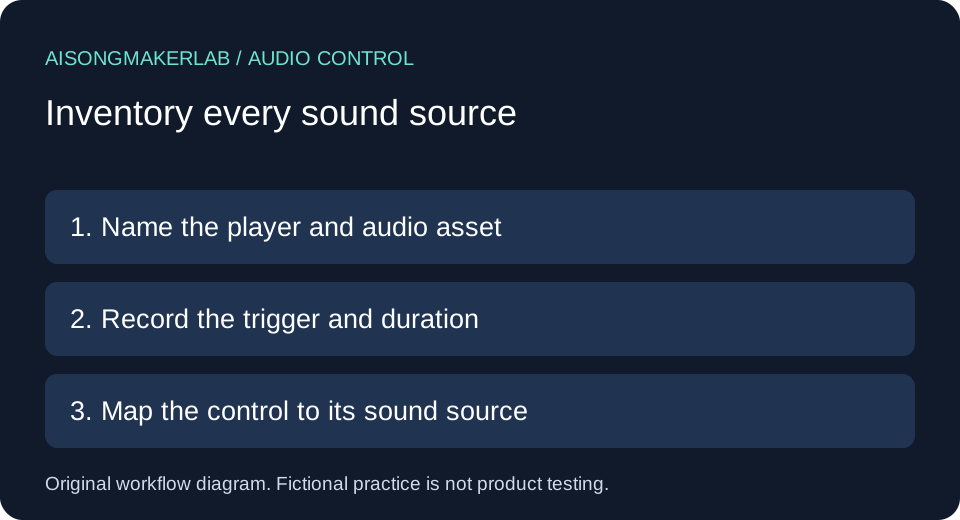
Start with a small handoff record
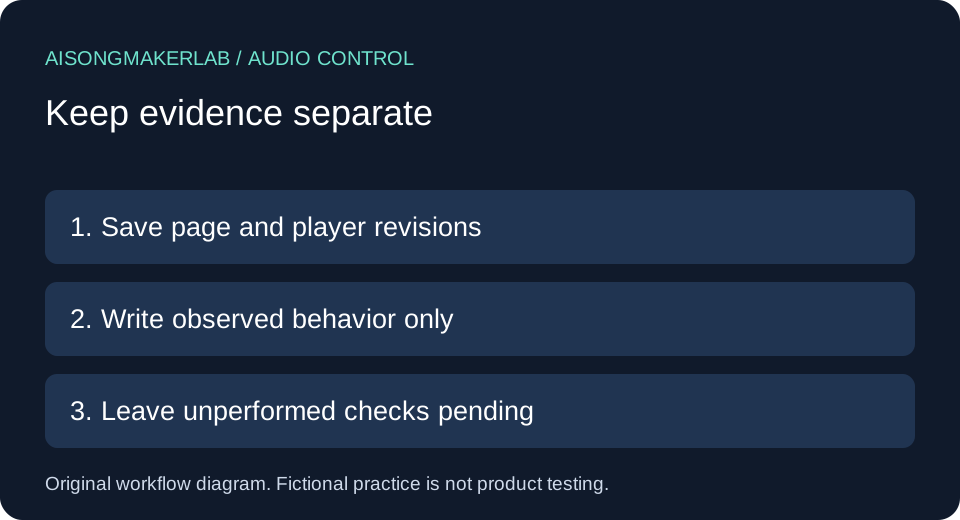
Create one row per audio source. Save the delivery URL, page revision, player identity, audio asset revision, starting state, trigger, duration, proposed control and observation. Keep expected behavior separate from observed behavior. An unperformed check stays pending.
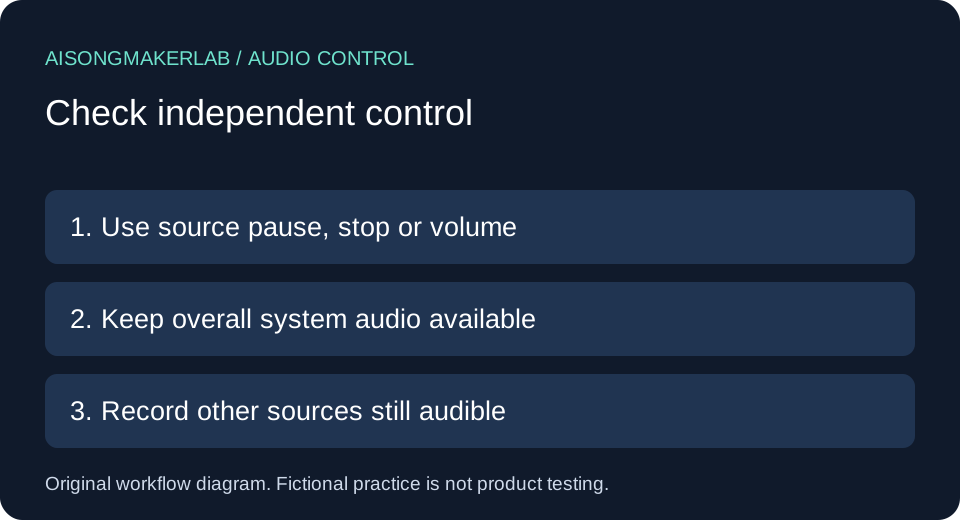
The W3C explanation of Audio Control addresses automatically playing audio lasting more than three seconds. It specifies pause or stop, or volume control independent of overall system volume. Its intent favors intentional user initiation. Apply that condition accurately; this worksheet is not a complete accessibility audit.
A practical comparison sequence
- List the main video, background track, previews and other embeds that can produce sound, including sources outside the first visible section.
- Describe each playback trigger. Separate page entry and automatic progression from a clearly signaled intentional play action.
- Record actual playback and duration. A configuration setting does not prove that sound played.
- Identify the relevant pause, stop or independent volume control. Document its scope and any sources that continue.
- Repeat relevant entry and return paths. Keep the browser, device and permission state with each observation.
Five self-authored fictional cases
These five cases are invented editorial exercises. Page names, revisions and behaviors are fictional assumptions, not generated vendor results, measurements, authentic user quotations or observations of the linked services.
1. A background track starts on page entry
Fictional setup: The imaginary Lantern page contains a lyric video with a play button and a separate ambient loop configured to start on page entry. Its proposed handoff says the video starts only on request. That describes one component while missing another. Assume for this exercise that the loop would continue beyond three seconds; no actual recording was timed.
Authored decision: Split the handoff into two rows. For the video, record the intended play action. For the loop, record page entry as the trigger and identify its proposed independent control. Prefer removing the automatic trigger and presenting a clearly labeled start action before the visitor hears anything.
Review record: Write expected state as loop silent until requested, with observed state pending. Add a follow-up to enter the public page and identify every audible source. A later reviewer should name the revision and actual result. The fictional proposal cannot justify a passed review. If the implementation has no separate loop, remove that assumption and document the real source inventory instead of treating the example as evidence.
2. A muted video sits beside an audible embed
Fictional setup: On the invented Harbor page, the hero video is muted but a lower preview panel has its own audio track. The designer adds a mute icon beside the hero and describes the whole page as muted. The players are separate sources in this exercise; their implementation and actual playback have not been tested.
Authored decision: Replace the page-wide assumption with a source map. Name the hero and preview independently, and associate controls with their sources. If a shared control is proposed, specify that both sources must respond. Visual grouping does not demonstrate shared behavior.
Review record: Prepare separate observations for page entry and control activation. The useful question is which source remains audible, not whether an icon changes appearance. A quiet hero does not settle the preview row. Leave observations pending until someone inspects the identified page. Retain an unresolved source as a separate task rather than merging it into an optimistic overall result. If the second player is offscreen, keep its location in the record so the reviewer can find it.
3. The only instruction is to lower system volume
Fictional setup: The imaginary Fern page offers no source control for its automatic soundtrack. A help note tells listeners to use computer volume keys. A reviewer proposes marking this sufficient because the music can become silent. That conclusion ignores the difference between controlling page audio and changing all computer sound.
Authored decision: Reject that proposal as evidence of independent control. System mute affects other audio the visitor may need. Specify a source pause or stop action, or an independent volume control that can silence the source while leaving overall system volume available. This is a requirement for a fictional revision, not a claim that the control exists.
Review record: Add the chosen control and intended scope. A later observation should describe the source response and whether system volume was unchanged. Do not invent a successful screen-reader test or infer compatibility from a slider. Keep such checks outside the evidence until performed. Record any implementation limitation plainly, including a control that only changes an icon or a slider whose actual target remains unclear.
4. A hidden player restarts on return
Fictional setup: The invented Orchard page lets a visitor stop its background player. Its navigation opens a lyrics section and then returns to the main panel. For this exercise, returning reinitializes the player and loses the stopped state even though the visitor did not intentionally request music again.
Authored decision: Treat the return path as another trigger. Identify which component owns playback state and specify the intended return state. A control that works once does not describe the entire journey. Prefer a return state that waits for a deliberate, clearly labeled start action.
Review record: Write a sequence: enter, stop the source, visit lyrics, return, observe. Record each step rather than only the first stop. If implementation differs from the fictional assumption, preserve the real observation. Reloading and navigation can deserve separate rows because they may create different player instances. Do not assert that every browser restores or resets playback in the same way. Save the environment and path actually used, and leave other paths pending until reviewed.
5. The visitor intentionally starts a labeled preview
Fictional setup: The imaginary Meadow page has a button labeled Play song preview with sound. No audio is intended before activation. A reviewer groups it with automatic-start examples because playback begins immediately after a click. That grouping loses the intention communicated by the label.
Authored decision: Record the intentional activation separately from page-entry audio. The label makes the consequence clear in this fictional design. Do not use that distinction to excuse an unrelated background source that starts simultaneously or to claim the whole player is accessible. Keyboard operation and understandable controls remain separate checks.
Review record: Save the proposed label, starting state and affected source. Ask the reviewer to observe whether any sound starts before activation and whether the action starts only the expected preview. Mark both observations pending. This case demonstrates classification, not behavior across browsers. Keep a vague button label as a revision task rather than assuming any click expresses a wish to hear music. Preserve the actual label in later evidence so another reviewer can assess the same interaction.
Keep the comparison reviewable
Use the blank CSV for one row per source and trigger. Attach observations to a named revision. An image of a speaker icon cannot demonstrate audible behavior or independent control. If inspection is unavailable, write the reason rather than filling the observation with the intended design.
The keyboard operation guide covers a different task: operating controls with keys. Completing this audio inventory does not certify the page, embedded service or generated song.
Frequently asked questions
Does a muted hero settle the whole page?
No. Inventory background sources and other players separately, then record actual behavior.
Can the system mute key demonstrate independent control?
No. It changes overall system volume. Keep that separate from source-specific control of page audio.
Is every click that starts sound intentional playback?
Record the label and context. A clearly signaled play action differs from entering an unrelated section that unexpectedly starts music.
Does an autoplay setting prove sound played?
No. Preserve configuration and observation separately. Browser and environment may affect actual playback.
Are the examples product tests?
No. They are five self-authored fictional cases. Actual checks remain pending unless accompanied by real observation records.
Download the five fictional cases · Download a blank review CSV