Turn Lyric Video Captions into a Useful Descriptive Transcript
Start with the approved caption text, join fragments into readable paragraphs, then add only the visual information a reader needs—and label those additions separately from the words and sounds. A caption file is a useful source, but it may omit a title card, a name shown only on screen, or a meaningful visual change. Keep the transcript faithful to the finished video and make every added description traceable to something you actually reviewed.
These five examples are fictional editing exercises, not transcripts of a real video or tests of a captioning product. The worksheet at the end records what came from captions, what came from visual review, and what still needs confirmation.
Use captions as a starting point
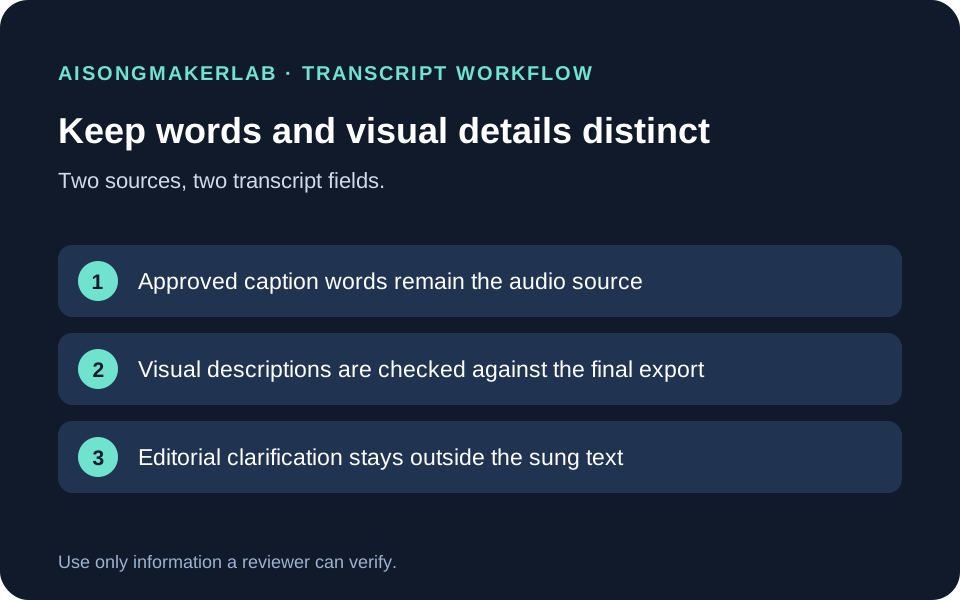
W3C explains that a basic transcript carries the speech and non-speech audio information needed to understand the content. A descriptive transcript adds visual information that matters too. When you begin with captions, you can usually combine short caption lines into logical paragraphs, then review the video for visible information the captions do not contain. Keep any clarification clearly distinct from the actual audio.
That boundary matters for lyric videos. The approved lyric remains the source for sung words. A transcript may add a visible title, identify text shown on screen, or describe an important scene transition. It should not silently rewrite a lyric, turn an ambiguous image into a factual claim, or imply that an editorial note was spoken.
A four-pass workflow
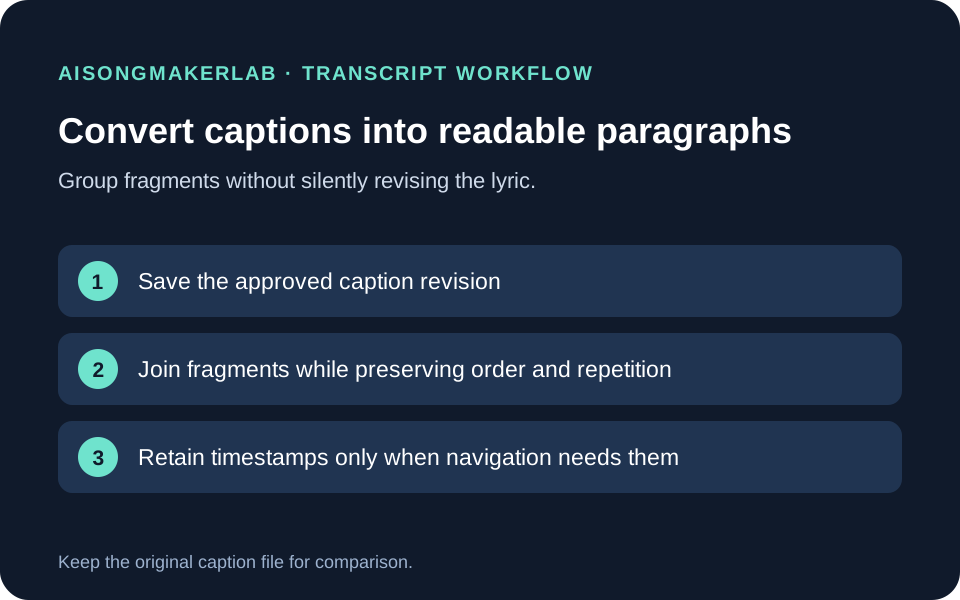
- Freeze the source. Save the approved caption file and note its version. Do not correct the lyric from memory while converting it.
- Group the words. Remove or retain timestamps according to the reader's task. Join caption fragments into ordinary sentences and paragraphs while preserving wording, order, and meaningful non-speech audio cues.
- Review the finished video. Add visual details only when they help someone understand information carried by the image, such as a title or a name that is not spoken. Record the frame or time you checked.
- Separate and reconcile. Use a distinct Visual column or a clearly named bracketed note. Compare the finished transcript with the final caption track, and leave unresolved observations marked for review instead of guessing.
Five fictional transcript cases
1. The title appears only on screen
The approved captions begin with “Hold the last note.” Before the first lyric, the video displays the title “A Room Full of Rain.” The title is not spoken or sung. Add it in a separate visual entry such as [On-screen title: “A Room Full of Rain.”] and record the opening frame you reviewed. Do not insert it into the lyric paragraph as though the singer said it.
This note is useful when the title identifies which song the viewer is watching. If the words are decorative and carry no information needed to follow the video, the transcript may not need to repeat them. The exercise asks the editor to make that decision explicitly, not to transcribe every pixel.
2. A character's name is printed but never sung
In this fictional lyric video, the captions identify a sung line as “You left the light on.” The image shows a letter addressed to “Mara,” but no voice says the name. If the intended story depends on knowing whom the letter names, add a distinct note: [The letter on screen is addressed to Mara.] Record the frame and verify the spelling from the final export.
Do not change the caption to “Mara left the light on.” That would change the speaker's words and assign an action to a person. A visual description should report what the image establishes, not fill in a story the image does not prove.
3. A silent transition changes the scene
Between two captioned lines, a silent cut moves from a lit kitchen to an empty street at dawn. If that change helps the reader follow the sequence, add it as a visual entry between the relevant transcript paragraphs: [The scene changes from a lit kitchen to an empty street at dawn.] Check the final video around the cut and note its time.
Avoid words such as “lonely,” “regretful,” or “finally free” unless those states are communicated by other supported content. They interpret the scene rather than describe the visible change. If the cut is decorative and does not add information needed for this transcript, leave it out.
4. Several caption fragments form one sentence
The caption file displays “We keep / the small light / by the door” across three cues. In a readable transcript, those fragments can become “We keep the small light by the door.” Preserve the words and order. Keep a timestamp only if it helps the reader return to a point in the video; the caption-by-caption timing is usually unnecessary for a plain reading copy.
Before merging, compare the grouped sentence against the approved caption revision. A pause, repeated word, or non-speech sound may matter to the lyric or arrangement. Grouping is a formatting change, not permission to smooth out a deliberate repetition or remove a cue.
5. An editorial explanation is not part of the song
Suppose a visual shows a map marker beside the lyric “Take the northern road,” while the editor wants to explain that the marker is illustrative. Put the note in a separate Editorial note or Visual field: [The map marker is illustrative and does not identify a real location.] Keep it out of the transcript text that represents the audio.
Only include that clarification if the editor has evidence for it and it helps prevent a likely misunderstanding. Keep the source and reviewer in the record. If nobody can verify what the image means, mark the question unresolved; do not turn a guess into accessible text.
Keep the transcript record auditable
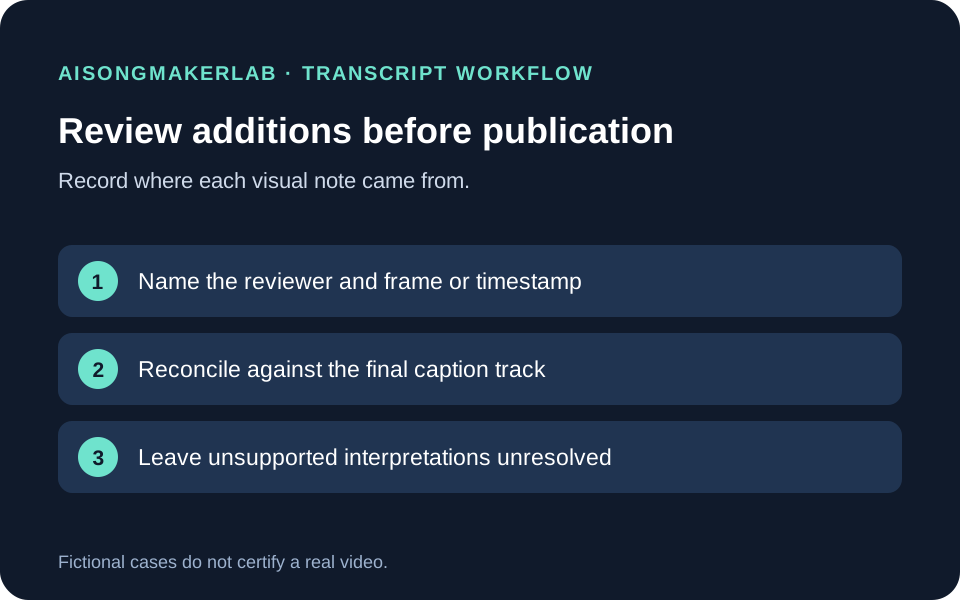
For each addition, record the caption revision, the audio text as approved, the visual description, the frame or timestamp reviewed, who checked it, and whether it is final or unresolved. The downloadable JSON contains the five fictional cases; the blank text worksheet is for a real review. Neither file is a substitute for watching and comparing the actual export.
If you are publishing the transcript with a video on your site, put the transcript or a direct link where readers can find it from the video. W3C notes that a transcript can live on the same page or on a separate page, and recommends making it easy to locate. Keep the transcript version aligned with the video and captions that are actually published.
Questions before publishing
Should every caption timestamp stay in the transcript?
No. Keep timestamps when they help a reader navigate or verify a moment. For a straightforward reading copy, caption-level timing can add clutter; preserve the exact caption file separately.
Can I correct a lyric while grouping captions?
Only when the correction is approved against the audio and saved as a new caption revision. Paragraph grouping alone must not change the words.
Do I describe every frame?
No. Include visual information that helps a reader understand content the audio and captions do not provide. A transcript is not a catalogue of decorative details.
Can a bracketed note clarify the story?
It can clearly mark an editorial clarification, but the clarification still needs evidence. Brackets distinguish the note from spoken text; they do not make a guess accurate.
Does this worksheet prove the video is accessible?
No. It records a review process for five fictional cases. The finished video, its captions, transcript, timing, and presentation still need their own checks.
Download five fictional transcript cases · Download the blank review record
Source read 4 November 2026: W3C WAI guidance on transcripts. The transcript definitions and workflow boundaries above follow that guidance; all five cases and the downloadable review record are self-authored. No real video or captioning service was tested.