Add Meaningful Sound Cues to a Lyric Video Caption Handoff

Keep the sung words, identify a singer when the distinction matters, and add concise descriptions of meaningful sounds. Leave uncertain events unresolved until someone listens to the actual recording. A lyric sheet alone cannot tell an editor what happened between the lines. Use a separate sound-cue record so an approval of the words does not accidentally approve an unheard effect.
If you are choosing the best ai music generator for a lyric-video project, include the caption handoff in your workflow. This guide supplies an editorial worksheet, not a ranking or a claim about any generator's output. All five examples below are self-authored fictional exercises. No vendor audio was generated, listened to or measured for them.
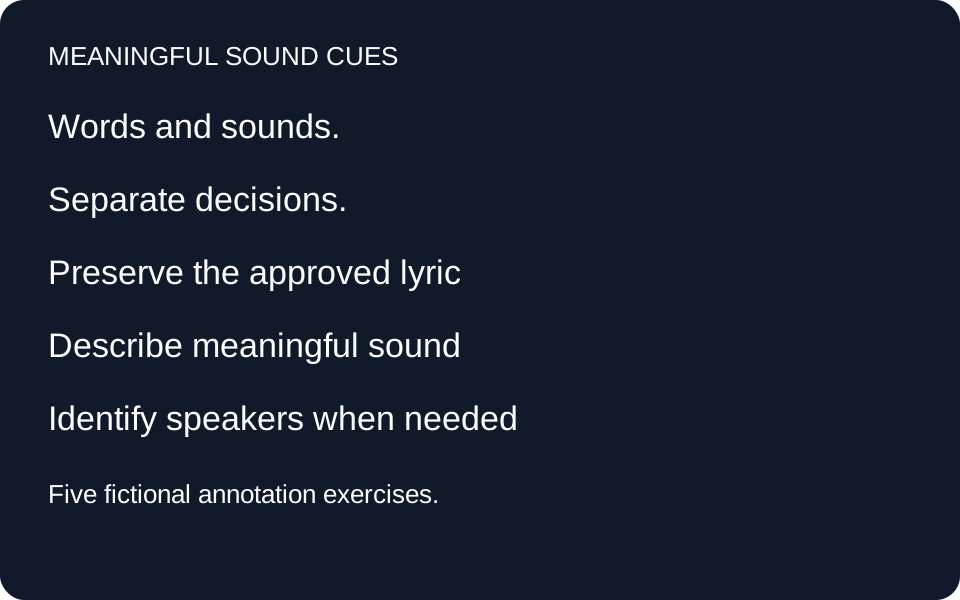
Start with the recording and one approved lyric revision
W3C explains that captions convey dialogue, speaker identity and meaningful non-speech audio. Our worksheet applies that principle to a fictional song project. It is an editorial aid, not accessibility certification. A real caption file still needs synchronization and review against the released recording.
Keep three fields separate: approved lyric text, proposed sound description, and listening status. Use the final audio filename or revision identifier to prevent a good annotation from being attached to a different mix. Do not invent timestamps from a lyric document. An editor can prepare candidate descriptions before audio exists, but those candidates remain planning notes.
Five original fictional sound-cue exercises
1. A knock interrupts the lyric
Fictional setup: Mara sings the invented line “I left a light beside the stair.” In the planned scene, a knock interrupts her before she finishes the next line. The production note names the interruption, but there is no recording attached. A lyric-only handoff would carry the words and omit the interruption that motivates the next response.
Authored decision: Put “knocking at the door” in the proposed-description field and mark its audio status “not yet heard.” Keep it out of the approved lyric field. Do not add a visitor's name, a count of knocks or an emotional interpretation. Those details are not established by this fictional brief. When a real recording arrives, the reviewer should decide whether the sound is audible and whether the description matches what it conveys.
Handoff check: The lyric revision can be approved while the cue remains pending. If the final edit removes the knock, delete the candidate cue rather than preserving it because it appeared in the script. If the knock overlaps the singing, review both pieces of information together in the caption editor. This exercise demonstrates separate approval states; it does not demonstrate a completed caption export.
2. An instrumental change carries the transition
Fictional setup: A song plan moves from a quiet instrumental passage into a driving percussion section before the singer returns. The scene changes at that transition. The draft worksheet currently says only “music,” which records the presence of a soundtrack but loses the change that the fictional editor considers meaningful.
Authored decision: Propose “quiet music builds into driving percussion” as a candidate description. This is a description of the authored scenario, not an observation about an audio file. Keep the wording short enough to leave room for the returning lyric. Do not guess an instrument, key, tempo or intensity measurement. The actual listening review may support a simpler description if the planned contrast does not survive the mix.
Handoff check: Add a reason: “The musical change marks the scene transition.” That reason lets another editor evaluate the cue's purpose without treating it as a universal rule that every accompaniment change needs its own caption. The eventual caption timing belongs to the final recording. A written arrangement plan cannot establish the onset, duration or overlap of the audible transition.
3. Two singers alternate without a visible speaker
Fictional setup: Two invented characters, Mara and Ellis, exchange lines over a static image. The authored text is “I kept the letter” followed by “I brought it home.” The response is meaningful only if the viewer understands that another character answers. The lyric document has the two lines but does not identify who sings each one.
Authored decision: Add separate speaker fields assigning the first line to Mara and the second to Ellis. Those names are available because this fictional script explicitly defines them. In a real project without established names, use a supported, consistent label instead of guessing an identity from vocal pitch or appearance. Do not silently rewrite the sung words to insert a name into the lyric itself.
Handoff check: Ask the listening reviewer to confirm the voice changes against the released mix, and ask the editor to keep the labels consistent throughout the caption file. A planned duet may become a solo in a later version. An approved script role does not prove the final performance follows it. Store the speaker decision with the audio revision so replacing the track triggers another check.
4. A decorative sound does not deserve an invented story
Fictional setup: The brief mentions a soft transition effect behind an already continuous instrumental bed. It assigns the effect no story meaning and identifies no real-world source. The proposed caption says “a train leaves the station,” although neither the fictional script nor any reviewed audio supports a train.
Authored decision: Reject that interpretation. In the planning worksheet, record “transition effect: relevance needs listening review.” Do not approve a train caption merely because it would make the scene more interesting. The reviewer may decide the effect needs a concise description, is already adequately represented by the surrounding music description, or does not carry additional information needed to understand this passage.
Handoff check: Keep the reason for the decision, including an omission decision, so another editor can revisit it if the scene changes. “Decorative” is not permission to skip all non-speech sound. It is a reminder to examine the sound's actual contribution. This invented case tests how an editor avoids adding unsupported meaning; it does not establish that a particular effect can be omitted from a real video.
5. An uncertain event remains an open review item
Fictional setup: A project note says “possible breath or background rustle before the final line.” There is no attached audio, and two collaborators disagree about what the note means. The caption handoff has an empty description field. Filling it with a confident sound label would hide the unresolved question.
Authored decision: Preserve the uncertainty in the internal record: “Identify event before final line; source recording required.” Assign a listening reviewer and leave the public-facing caption text unapproved. Do not put the internal question into the audience's caption track. Once the correct recording is available, the reviewer can identify the event, decide whether it matters and propose wording supported by listening.
Handoff check: Record the outcome, audio revision and review date. If the event remains unclear, return it for another review instead of manufacturing certainty. No deadline, generation status or approved lyric sheet turns missing evidence into a verified sound cue. This exercise ends with a deliberately unresolved item, showing that a useful handoff can be honest about what still needs to be checked.
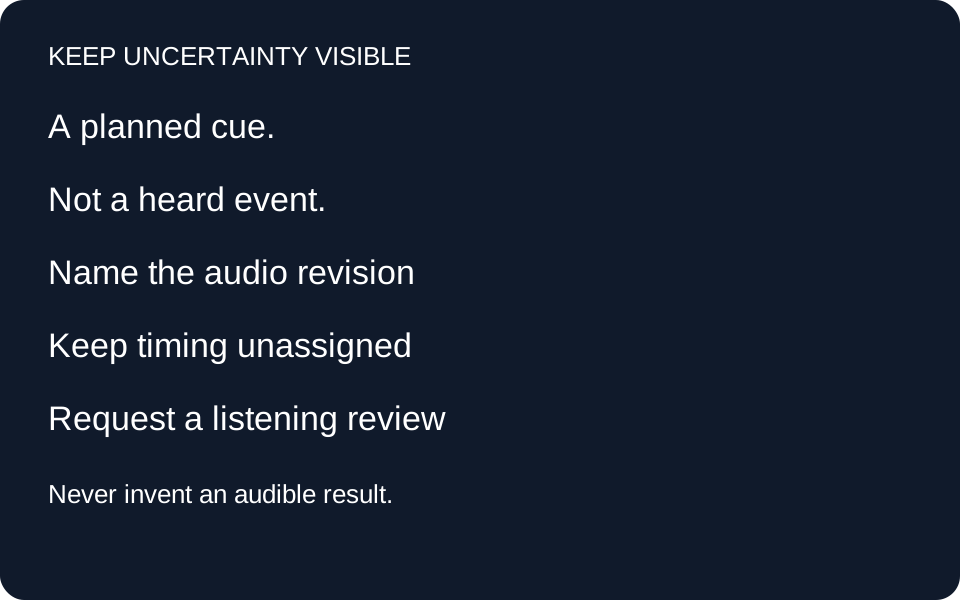
A reusable sound-cue record
For each candidate, record: cue ID; final audio revision; related lyric line; speaker if needed; proposed sound wording; why the information matters; timing after listening; reviewer; status; and unresolved question. The downloadable examples contain no invented listening results or timestamps. Use “planned,” “needs listening,” and “reviewed against named recording” as distinct states. These are our worksheet conventions, not a standard caption-file format.
Before export, compare the selected recording with the approved lyrics and every candidate sound cue. Revisit a cue if either the audio or scene changes. Then check the actual caption track in the intended player. The worksheet organizes decisions; it does not replace the caption file or prove that the exported video displays it correctly.
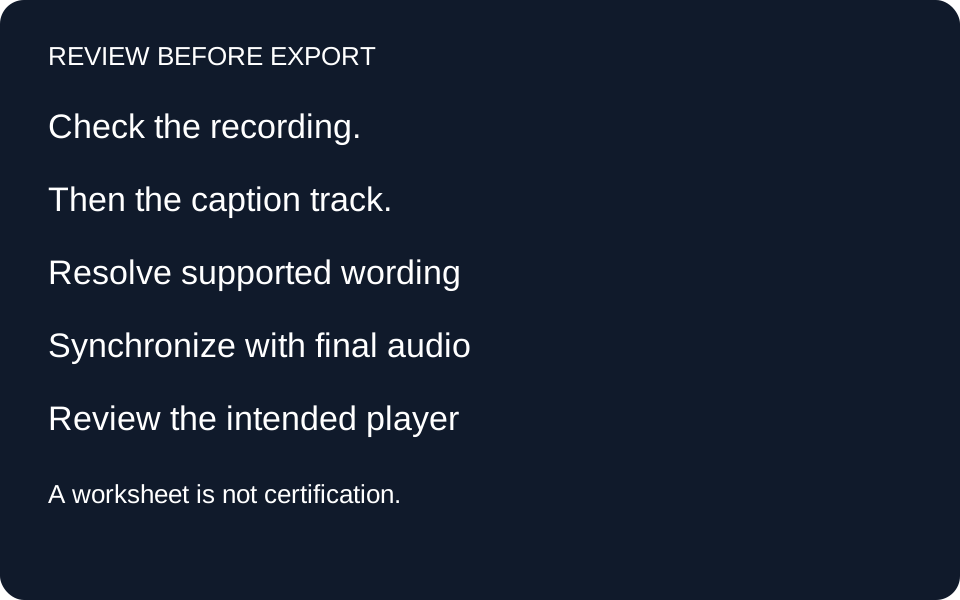
Questions before export
Are the lyrics enough for captions?
Not necessarily. Relevant sound and speaker information can carry meaning beyond the sung words. Review the recording rather than assuming the lyric sheet includes everything.
Should every musical detail get a label?
Our worksheet asks what the listener needs to understand the passage. It does not prescribe a label for each beat, instrument or production change. Review the context and avoid unsupported detail.
Can I prepare cues before the song exists?
Yes, as planning candidates. Keep their listening status unresolved and do not supply made-up times or claim that a sound was heard.
What if an automated caption tool misses a sound?
Review its output against the actual recording and correct the omission where needed. An automatically produced file is an input to review, not evidence that all meaningful audio is represented.
Does this worksheet certify accessibility?
No. These fictional exercises illustrate editorial decisions. A real release requires checks of the recording, synchronization, caption presentation and other applicable accessibility requirements.
Five fictional cue records · Blank sound-cue worksheet
Sources read 3 November 2026: W3C caption guidance supports including meaningful non-speech information and speaker identity; W3C caption creation guide supports reviewing automatic captions. The five scenarios and worksheet decisions are our own. OpenMusic video page supplied a workflow research lead only; its format navigation, showcase and FAQ structure informed task routing. No showcase wording or lyrics copied.